PII redaction
Mask personal data before it reaches a model provider, and hide it in logs and traces.
Respan detects personal information (PII), such as names, emails, and card numbers, and replaces each match with [REDACTED]. Turn it on for gateway requests, for logs and traces, or both.
Turn on redaction
Open PII redaction
Go to Settings › PII redaction. Anyone in the project can see these settings, but only admins can change them. Changes save as you make them.
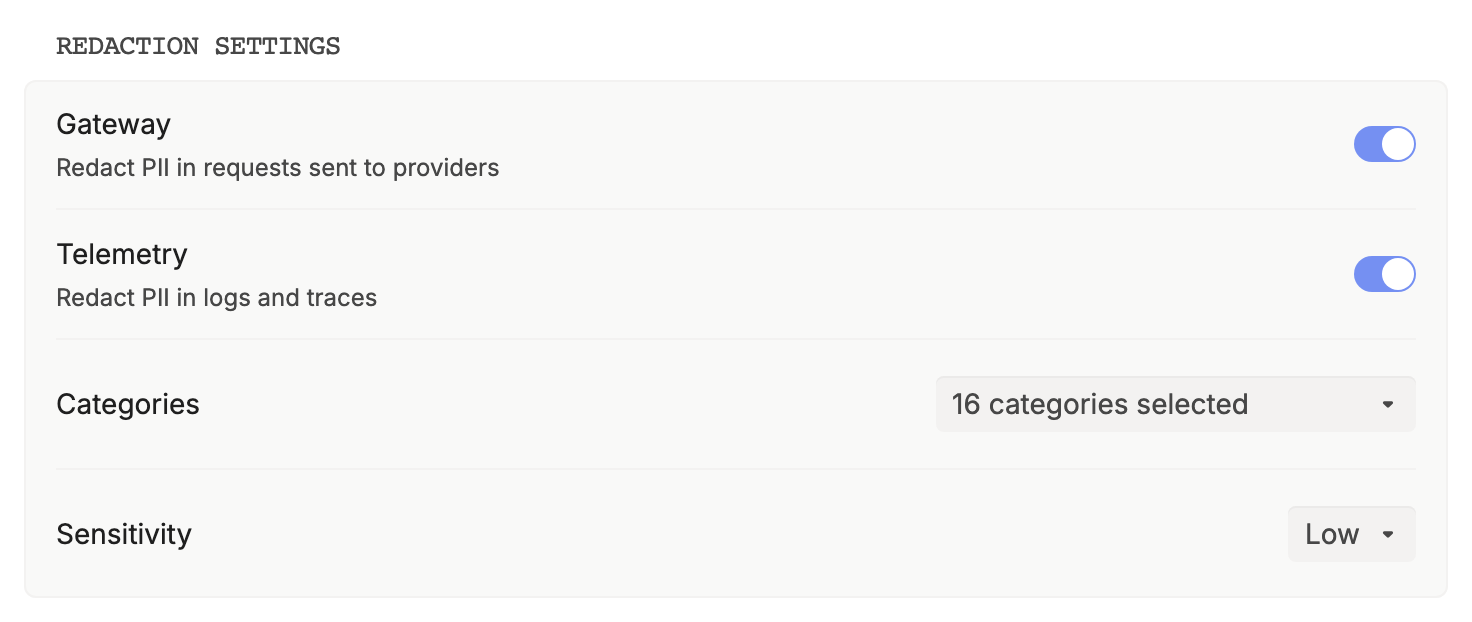
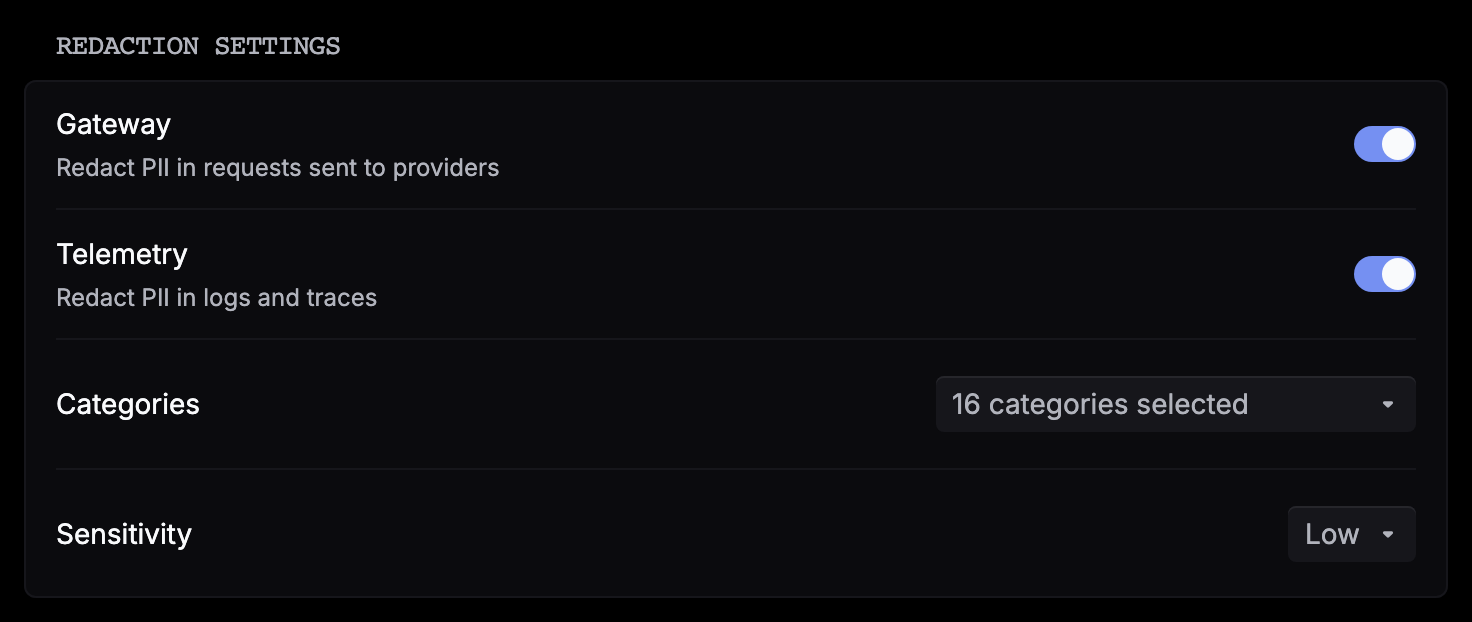
Choose what to detect
- Categories: Email, Phone, Name, Address, Organization, Demographic, Credential, Credit card, Bank account, IBAN, National ID, Social Security number, Passport, Driver’s license, Username, Date of birth, and IP address. All but Organization are on by default, since company names cause false positives. Keep at least one selected.
- Sensitivity: from Very low to Very high. The default is Low. Higher settings catch more borderline text but also mask more ordinary words.
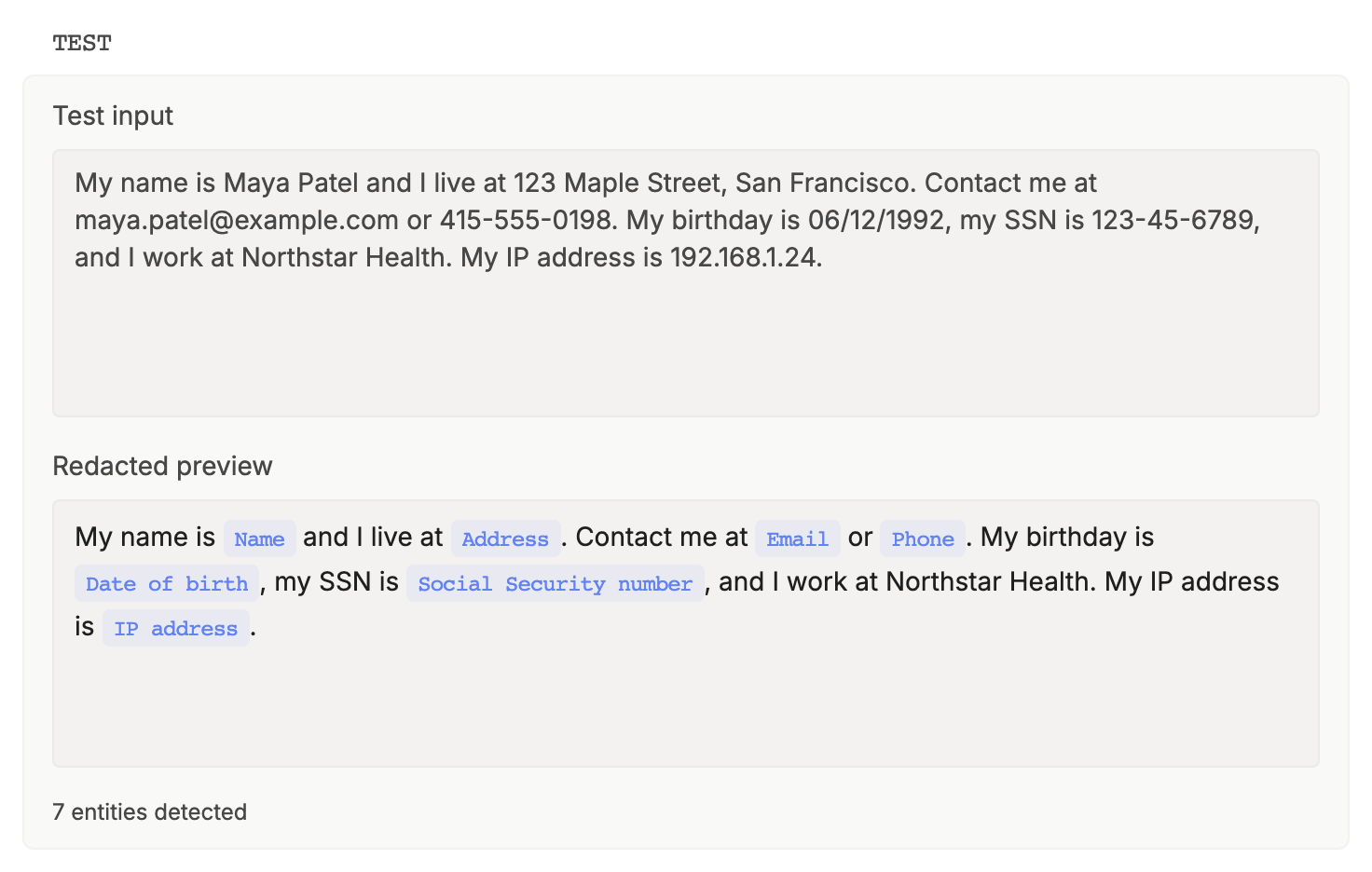
Check the result in Test
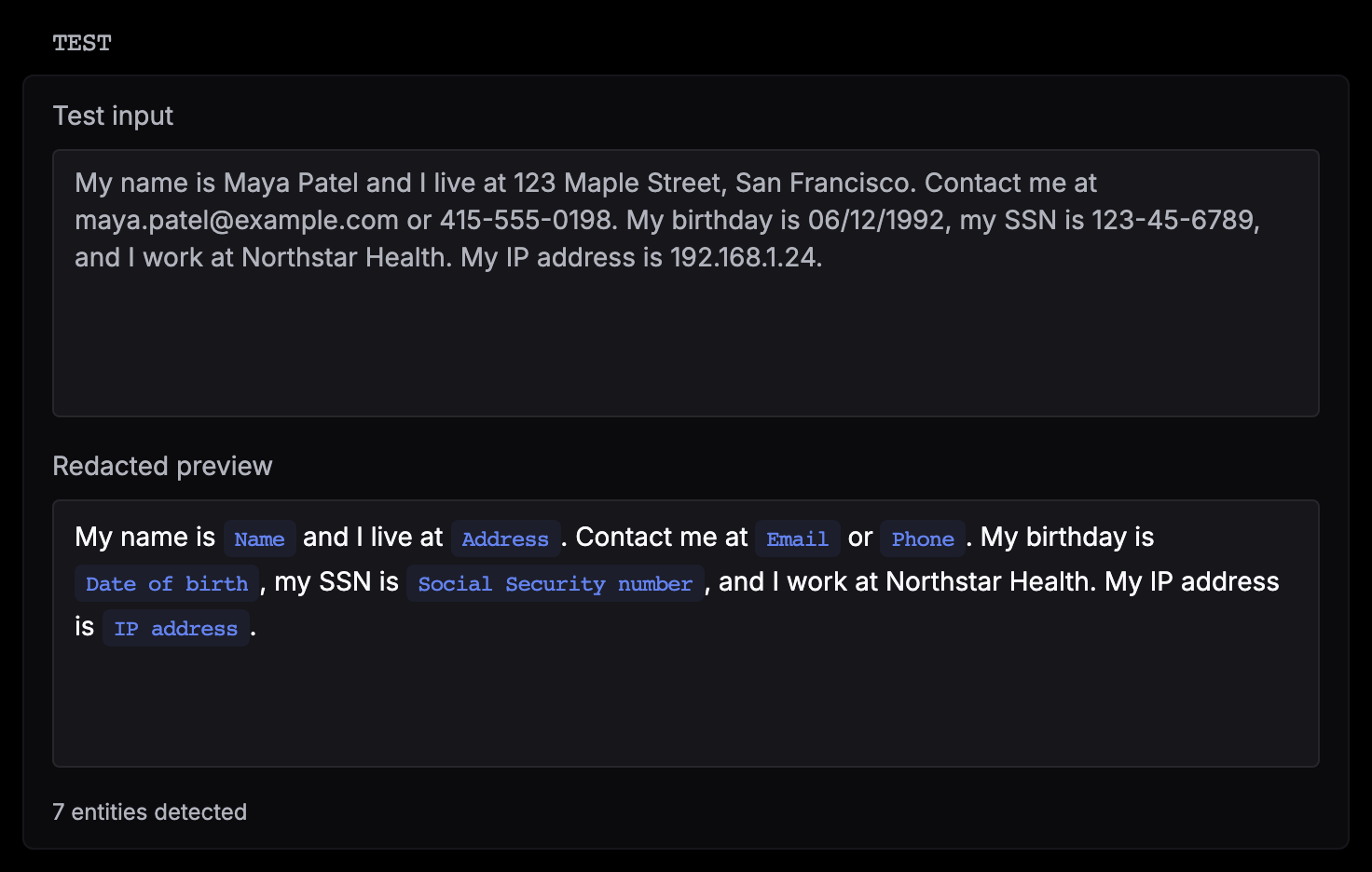
Paste sample text into Test input. Redacted preview labels each match with its category and counts the matches. The test uses your saved categories and sensitivity and doesn’t touch live traffic.
Turn on Gateway, Telemetry, or both
Switch on Gateway, Telemetry, or both. They work independently:
| Toggle | What it redacts | When |
|---|---|---|
| Gateway | Text in requests sent through the gateway: messages, system prompts, tool calls, and prompt variables. | Before the request reaches the provider. The request saved in Logs is redacted too. Model responses aren’t. |
| Telemetry | Inputs, outputs, metadata, errors, and names on traces and on spans from your tracing SDK or integration. | When Respan shows logs and traces, in the platform and through the API. The stored data doesn’t change. |
Gateway redaction changes what the model sees. If a reply depends on a masked value, such as an order number the user typed, the model can’t use it. Test on real examples before you turn it on for production traffic.
Good to know
- Detection is model-based and probabilistic, so no setting catches every case. Check your settings with Test, and don’t treat redaction as a guarantee.
- If the detector is unavailable, redaction fails closed. With Gateway on, requests return a
503error instead of sending unredacted text. With Telemetry on, logs and traces return a503error until the detector recovers. - The settings apply to all traffic in the project.