

Project settings
Navigate project settings, manage project identity, and review high-impact controls.
Project settings group the controls for the currently selected Respan project. Before making a change, confirm that you are working in the intended project.
Open project settings
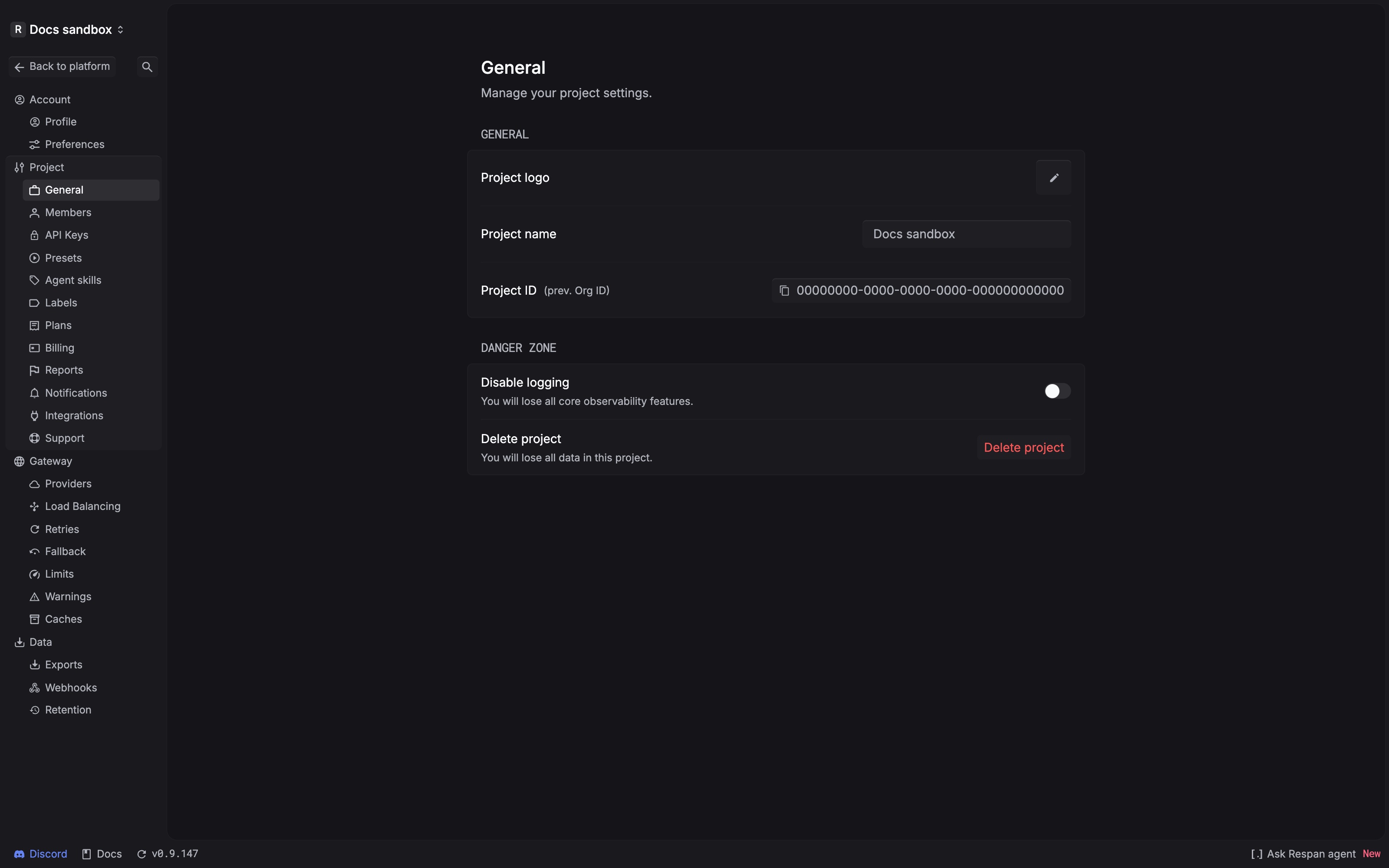
Find the setting you need
Project, Gateway, and Data settings are grouped by task in the settings navigation.
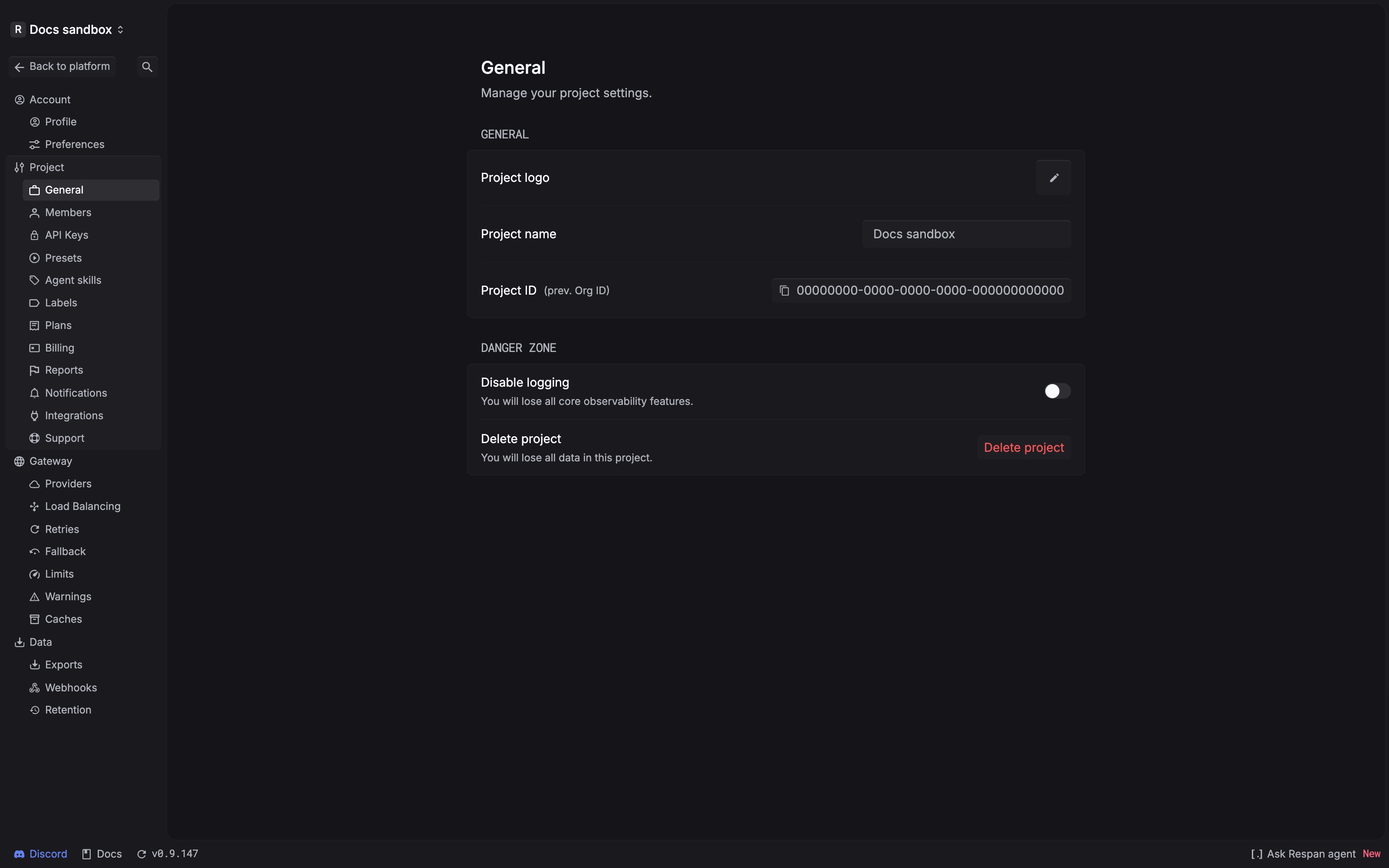
Manage project identity
The General page groups the project’s identity settings. Review the values shown there before using or changing project-specific configuration elsewhere in Respan.
Review high-impact controls
The Danger zone contains controls that affect observability or project data:
- Disable logging warns that you will lose core observability features.
- Delete project warns that all data in the selected project will be lost.
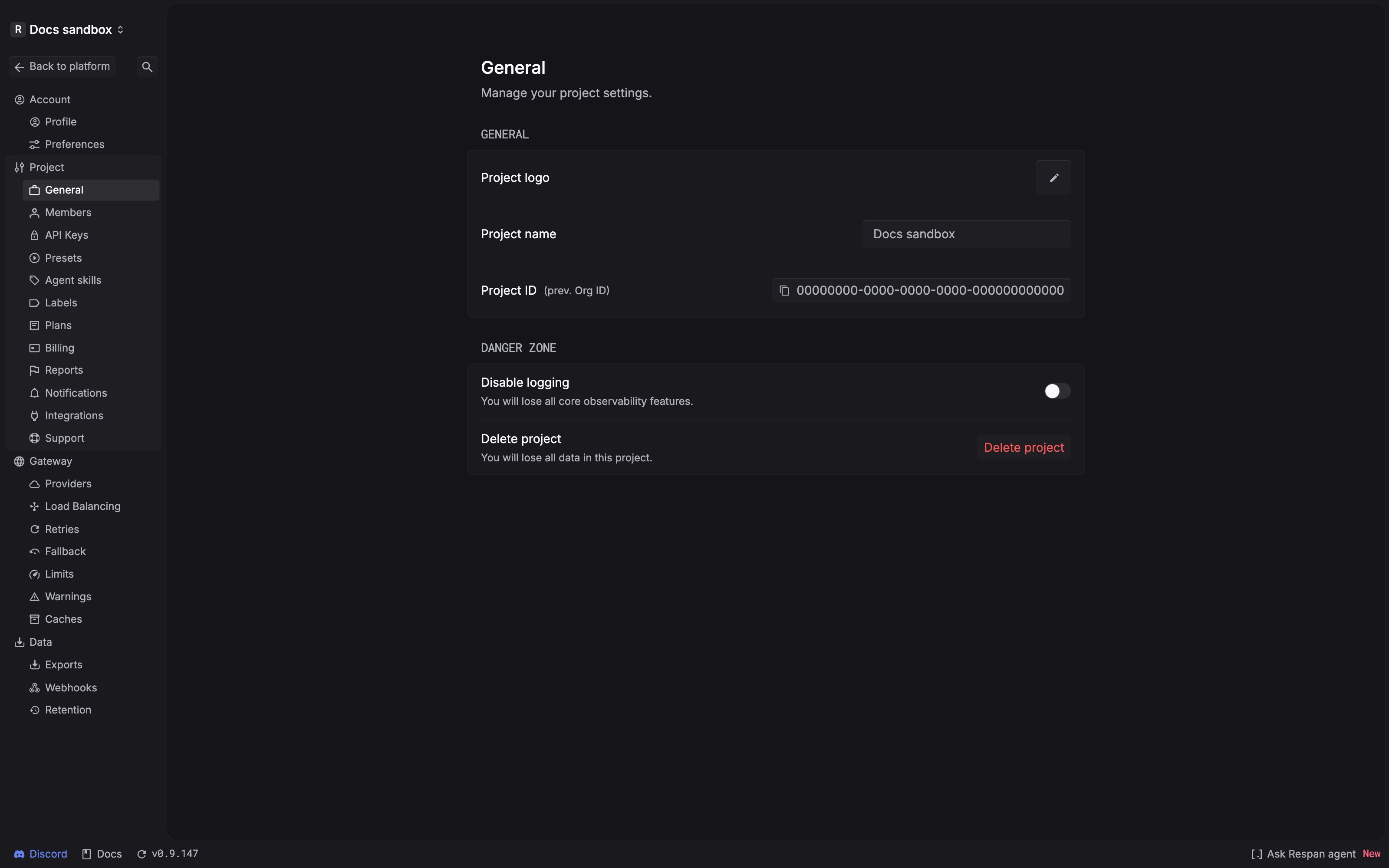
Confirm the selected project and review the warning shown by the platform before using either control. Before deleting a project, export any data you need to keep. Contact Respan support if you are unsure about the impact of disabling logging.