Playground
Build with the Respan MCP
We recommend installing the Respan MCP so your AI coding tool can work with your prompts, logs, and traces directly. Authenticate with your Respan API key from the API keys page:
See the MCP docs for OAuth setup and other clients.
Use the Prompt Playground to build a conversation, configure one or more models, run the same input against each configuration, and compare the resulting content, latency, tokens, and cost.
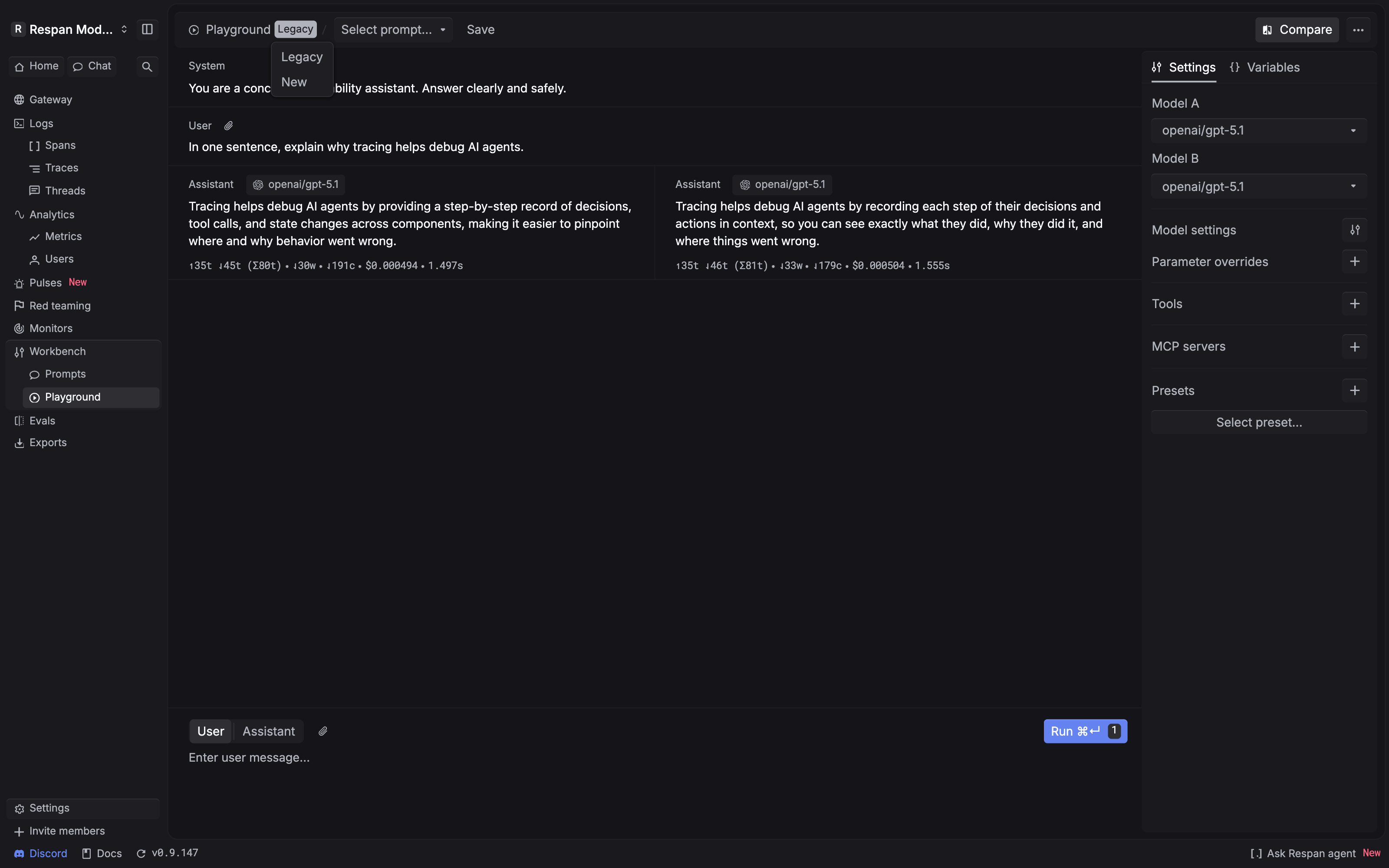
Choose New or Legacy
Open the mode selector beside Playground:
- New opens the current multi-column workspace described in this guide.
- Legacy opens the previous Playground interface for workflows that still depend on its variant-based layout.
Start with the context you need
You can open a blank Playground or carry an existing prompt or production record into it.
From the prompt editor
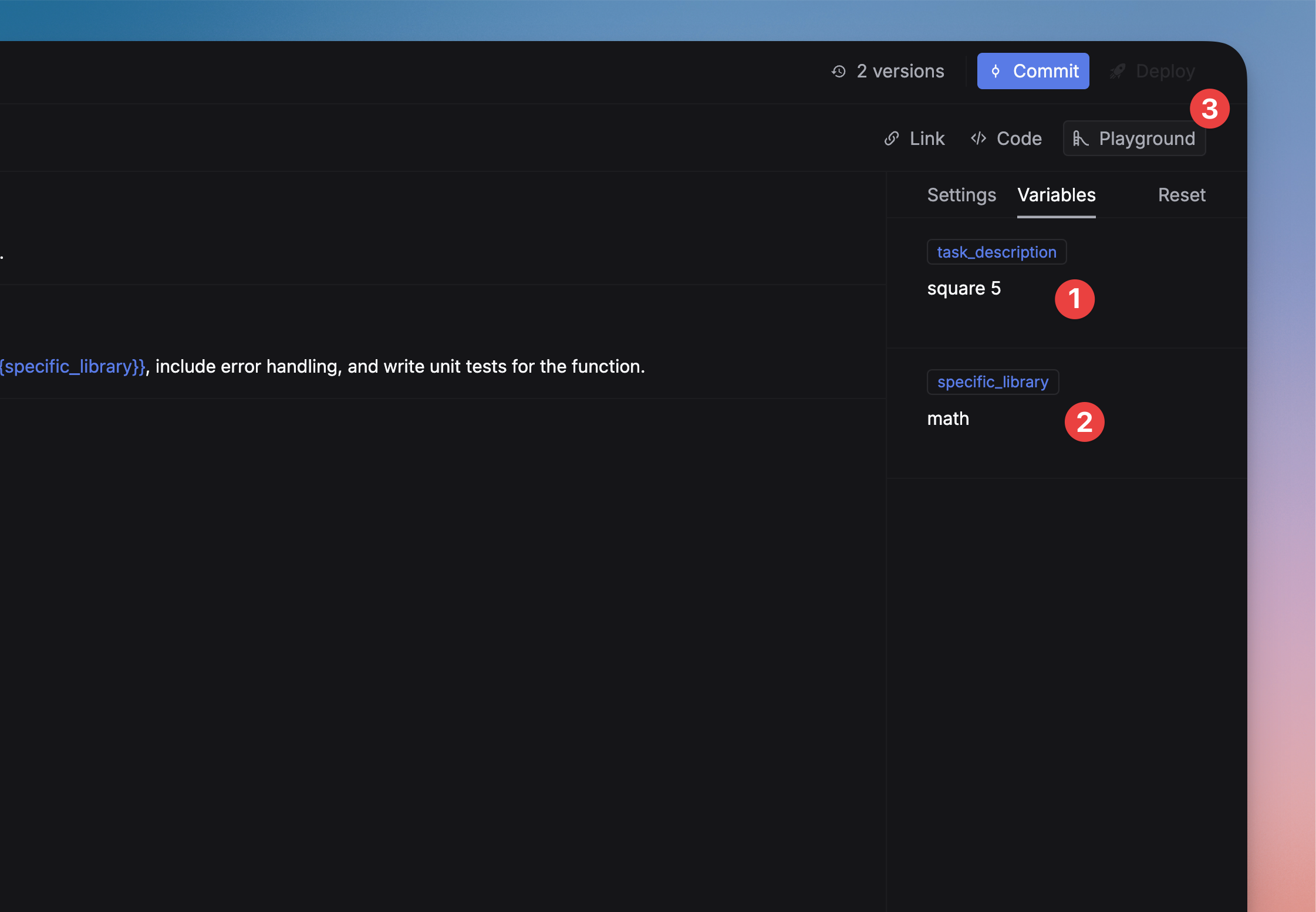
Enter the prompt’s variable values, then select Playground in the top bar. This is useful when you want to test an uncommitted change or compare a prompt against another model before updating the prompt library.
From production logs
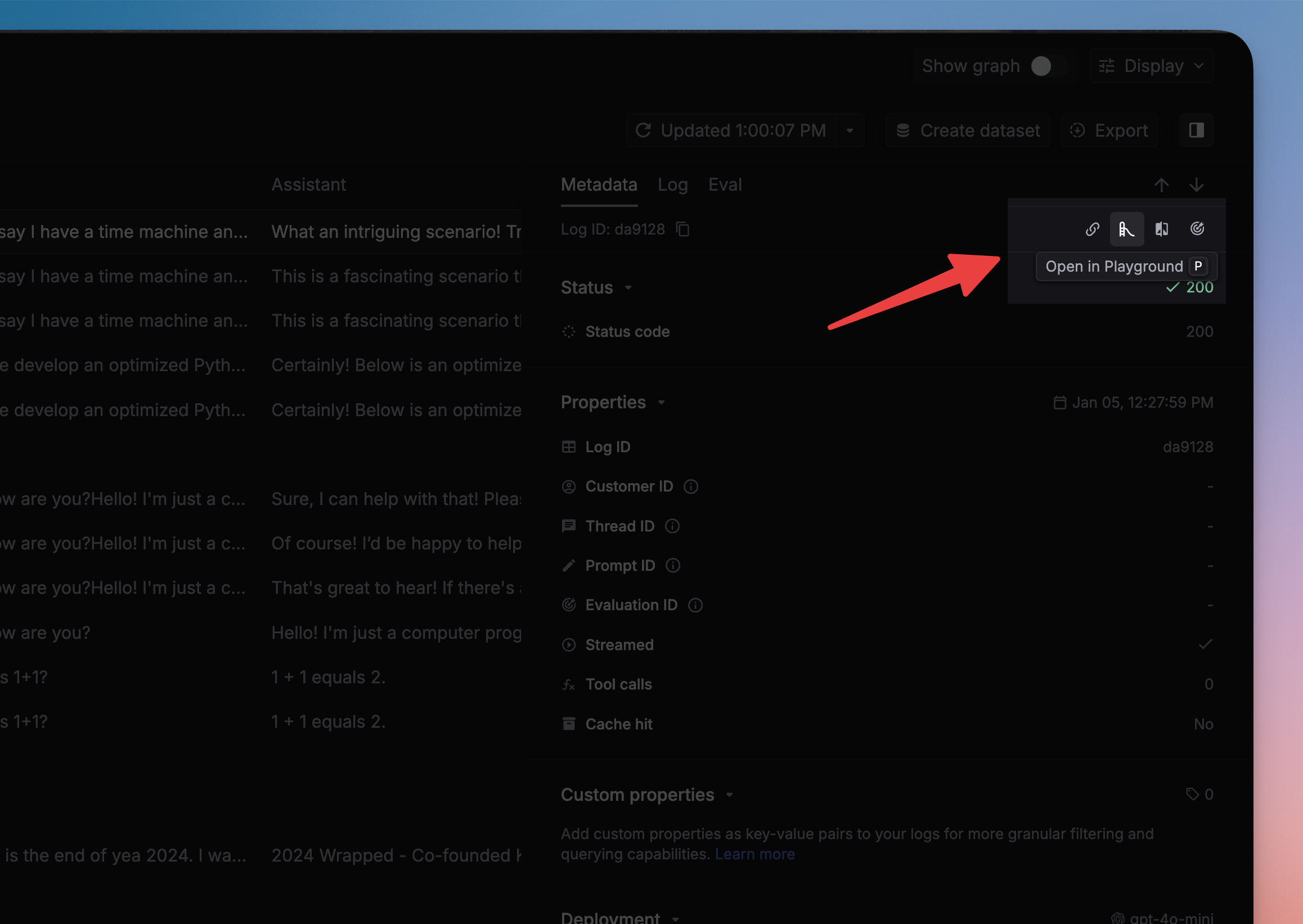
Select Open in Playground on a log entry to reproduce its recorded input in an editable workspace. Remove customer identifiers, secrets, and sensitive prompt content before sharing or saving the reproduction.
Build the conversation
The New workspace represents the request as ordered message blocks:
- System defines the behavior, constraints, and response style that apply to the run.
- User contains the input you want the model to answer.
- Assistant can supply prior assistant turns or an expected continuation.
Use the role control below the messages to add another User or Assistant turn. Keep the same conversation across compared models so the model or configuration is the only variable you change.
When testing safety or policy behavior, include the governing system context as well as the triggering user message. A user message by itself does not reproduce the full interaction.
Configure the run
Use the right panel before selecting Run:
Change one variable at a time when you need an attributable comparison. For example, keep the prompt and parameters fixed while comparing two models, or keep the model fixed while comparing two parameter sets.
Compare models side by side
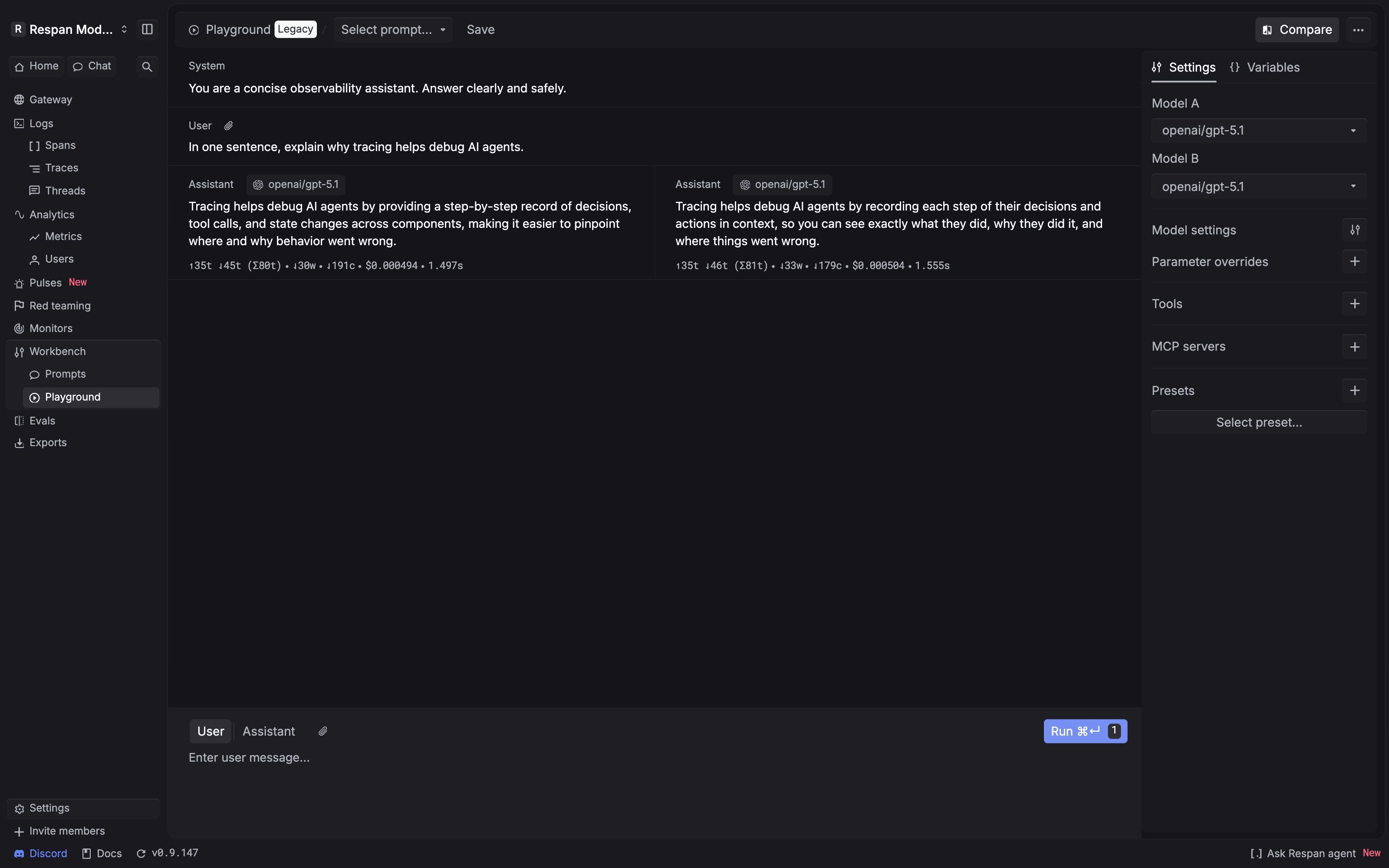
Enable Compare
Select Compare in the header. The workspace adds Model A and Model B configurations and aligns their outputs in separate columns.
Save the workspace
Select Save in the header when you want to preserve the current Playground configuration. If you entered from a managed prompt, return to the prompt editor and commit the tested prompt change there so applications can reference the saved version.
Use the Legacy workflow
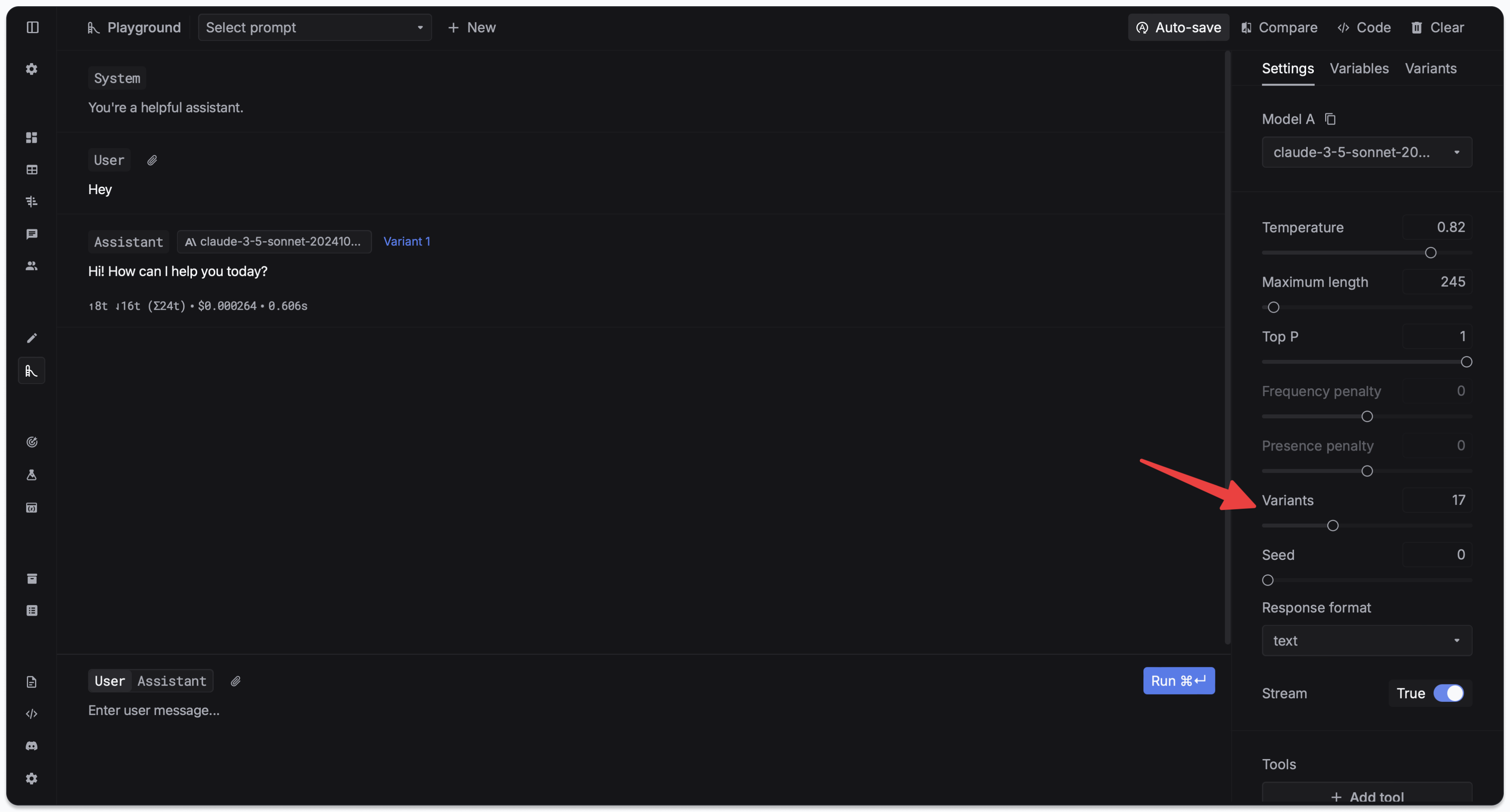
Legacy Playground uses a variant count and a Variants tab rather than the New workspace’s Model A and Model B columns. Set the number of variants, run the prompt, and compare the generated responses in that tab.