

Load balancing
Load balancing decides where each request goes before it’s sent. Use it to spread traffic across several keys for one provider, for example to stay under each key’s rate limit, or to split traffic between models.
Balance across your provider keys
Each provider key you add is a deployment. When a provider has more than one active deployment, Respan picks one for each request, weighted by its Load balance weight.
Open the provider
Go to Gateway › API keys, click Bring your own key, and click the provider, for example OpenAI. See Provider keys for adding the first key.
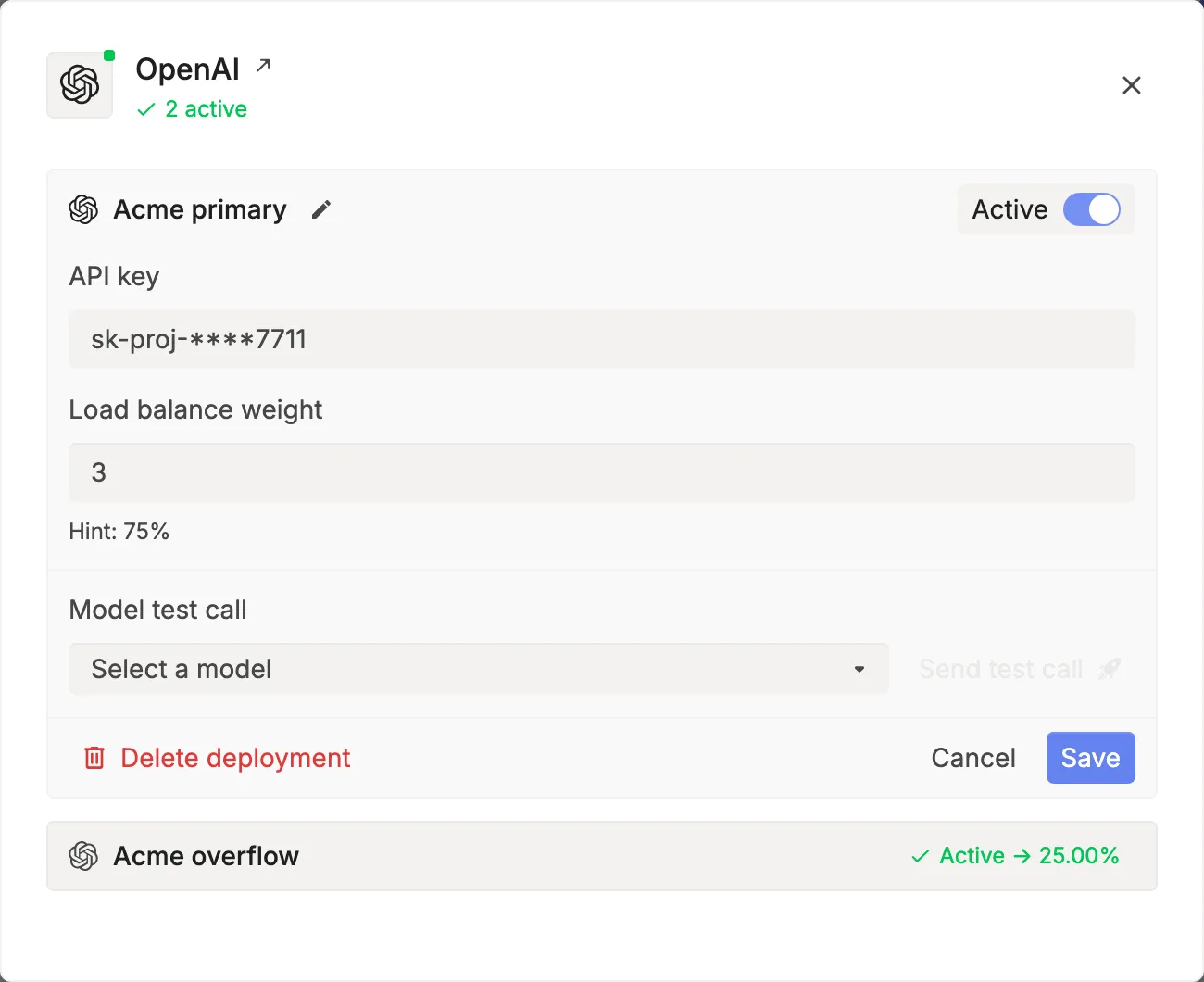
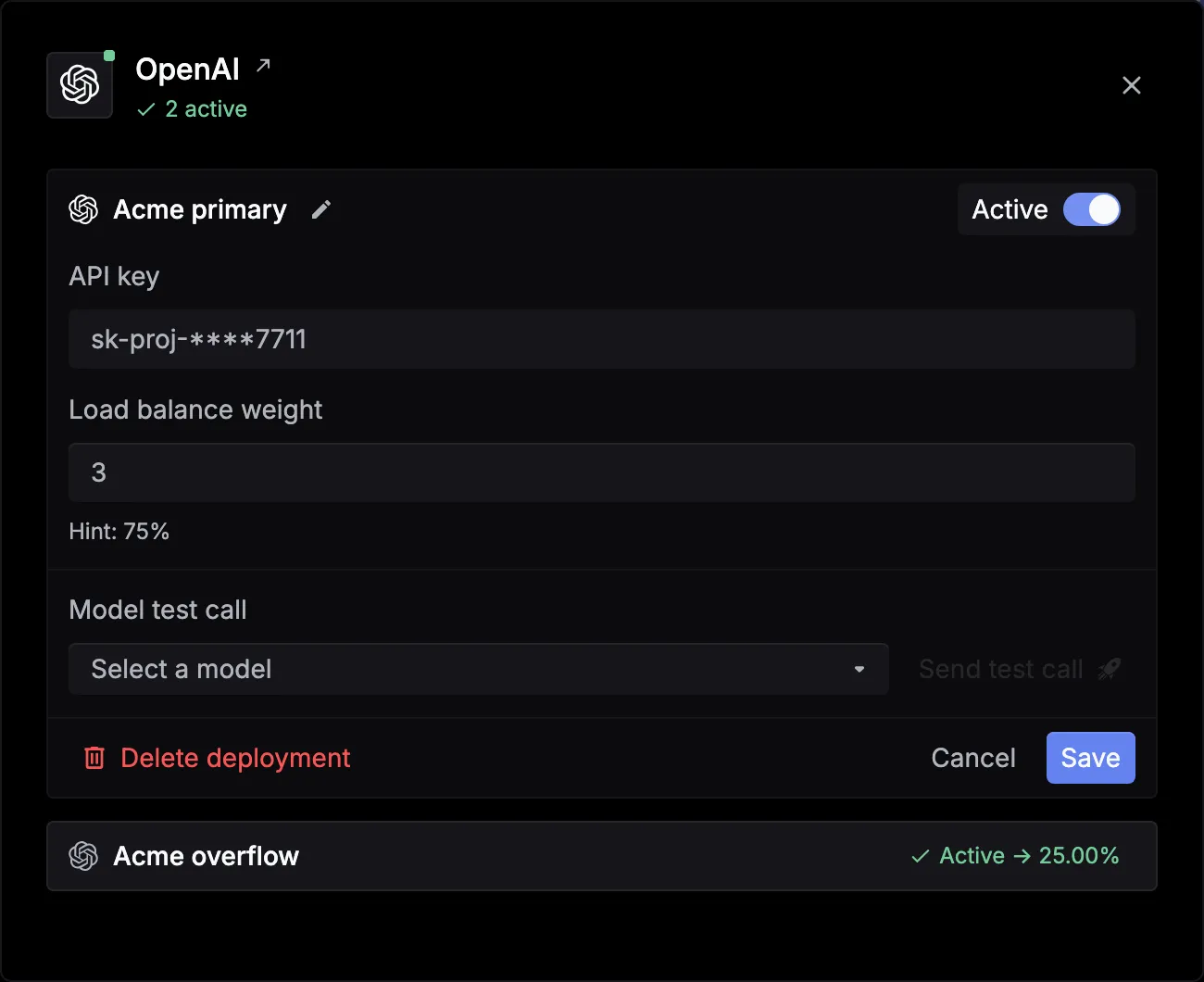
A deployment’s share is its weight divided by the total weight of the provider’s active deployments. Turn off Active, or set the weight to 0, to stop sending it traffic.
For Azure OpenAI, Vertex AI, and Bedrock deployments, Advanced options has Available models and Exclude models, so a deployment only serves the models it has.
Balance across models
Send load_balance_models to split requests between models. Respan picks one model per request by weight and uses it in place of model. Each item needs model and weight.
OpenAI (Python)
cURL
An item can also carry credentials for that model only, such as an Azure deployment’s api_key, api_base, and api_version. The picked model then follows your retry and fallback settings, and its log shows which model served the request.
If your organization already has a saved load balancing group, send load_balance_group: {"group_id": "YOUR_GROUP_ID"} instead. It takes precedence over load_balance_models.