

Datasets for model comparison
Use this setup when you want to evaluate a model itself, or compare models against each other. Respan sends each row’s input straight to the model you configure, generates a fresh output, then scores it. Here the input is the request itself (the messages or payload), not template variables.
This walkthrough uses the shared “world capitals” dataset from the Datasets overview. Six rows, each an input question and its expected_output capital.
What each row needs


Create the dataset
Click New Dataset, give it a name, and you land on an empty dataset with two ways to add rows: Insert by sampling (pull from your production traffic) or Insert from CSV (upload curated cases). Because the input here is a self-contained request, both paths are simple.
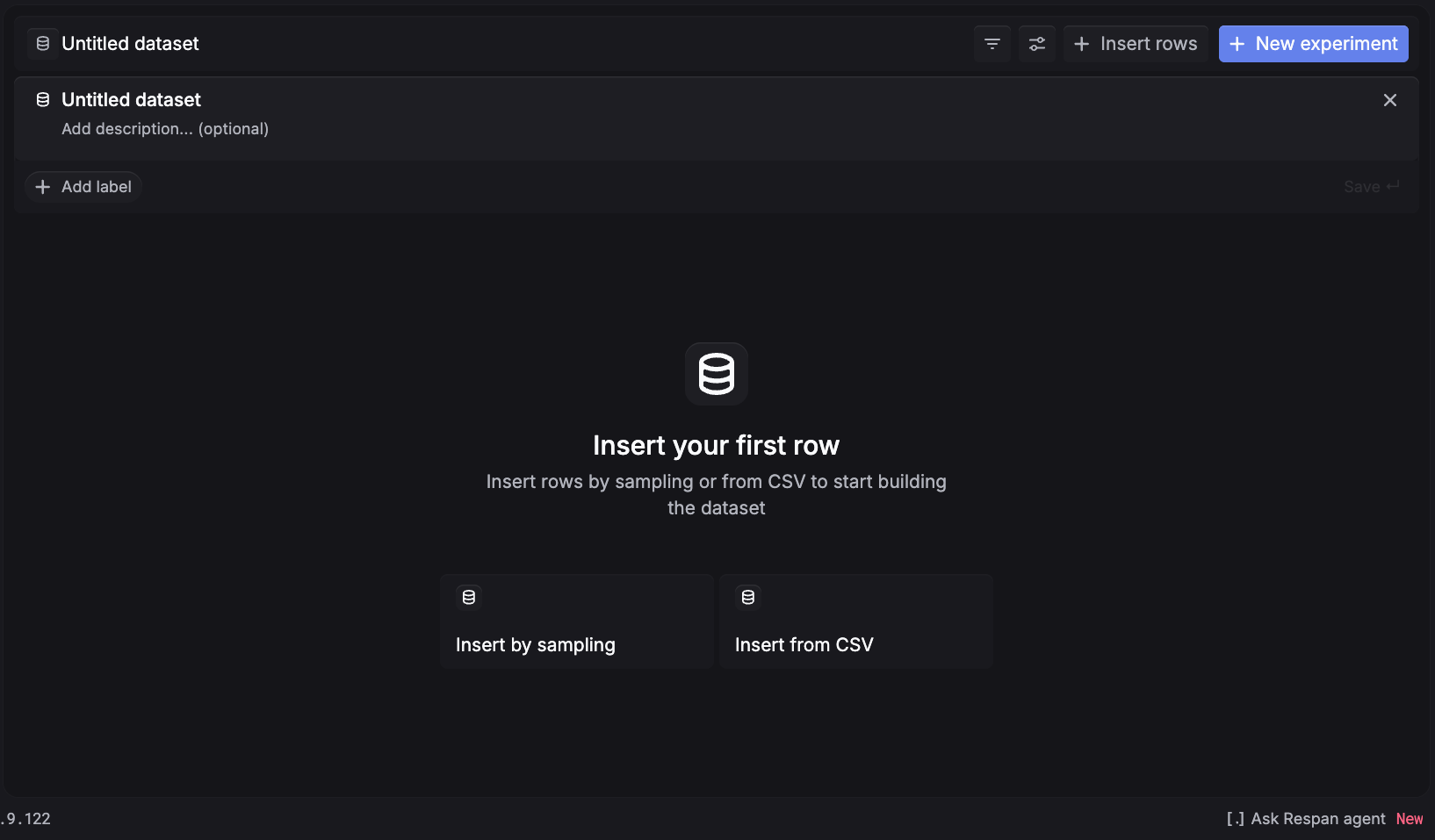
Insert by sampling
Insert from CSV
Any normal LLM-call span already has the shape a model dataset needs: the request becomes the row’s input. So you can sample your traced model calls directly, with no prompt template required.
Set the time range
Pick the window the requests ran in. The range defaults to a narrow recent window (the last 15 minutes), so widen it if Estimated rows reads 0.
Filter to the requests you want to test
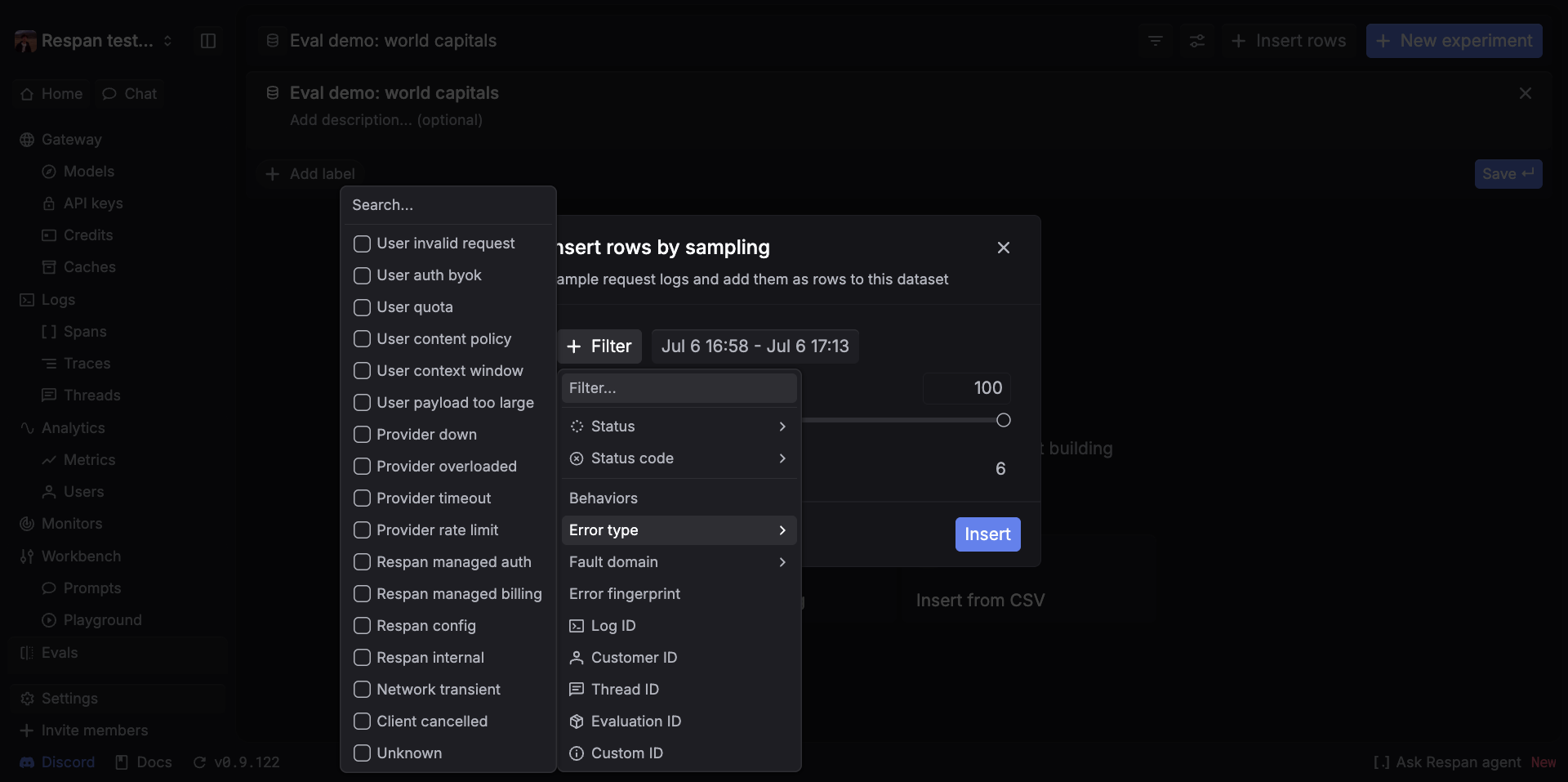
Click + Filter and set Status to a success value so you skip errored calls. Then narrow to the traffic you care about: use the Filter… search to find a field such as Model, Customer ID, Thread ID, or a Custom ID / metadata value. To evaluate one model’s real inputs, filter by that Model.
With the rows in, run the dataset through an experiment with Task type = Model, where you pick the model to test and can add a second model to compare head-to-head on the same rows.
Related setups
- Datasets for prompt optimization. Generate from a saved prompt template.
- Datasets for production data. Score answers you already have, with no generation.
- Back to the Datasets overview.