

Evaluators
Graders and evaluators
Respan splits scoring into two layers. Getting the difference clear is the key to building anything here.
- A grader is a single scoring unit. It answers one question about an output, for example “is this answer correct?” or “is this valid JSON?” or “how helpful is this reply, 1 to 5?”. A grader can be an LLM judge, a Python function, or a human reviewer.
- An evaluator is the workflow you assemble on the Evaluators page. It runs one or more graders, optionally routes between them with conditions, combines their scores, and produces one final score per output.
A simple evaluator is just one grader. A more involved one chains several graders with logic, for example “grade quality with an LLM, and if the score is low, send it to a human.”
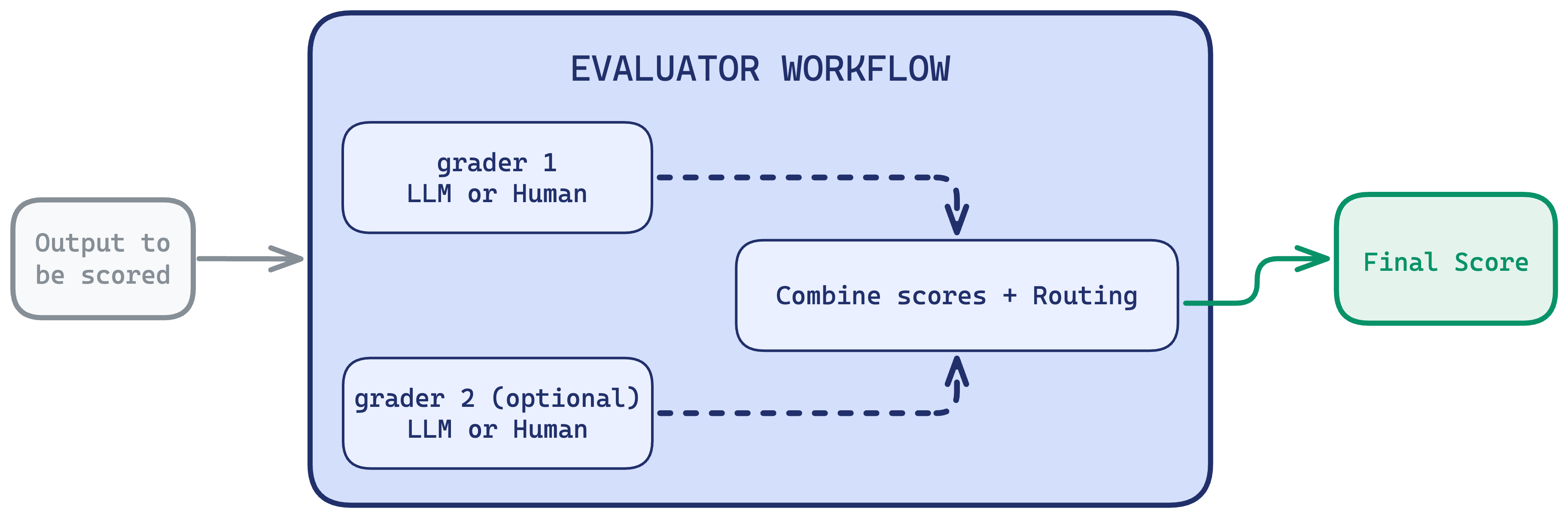
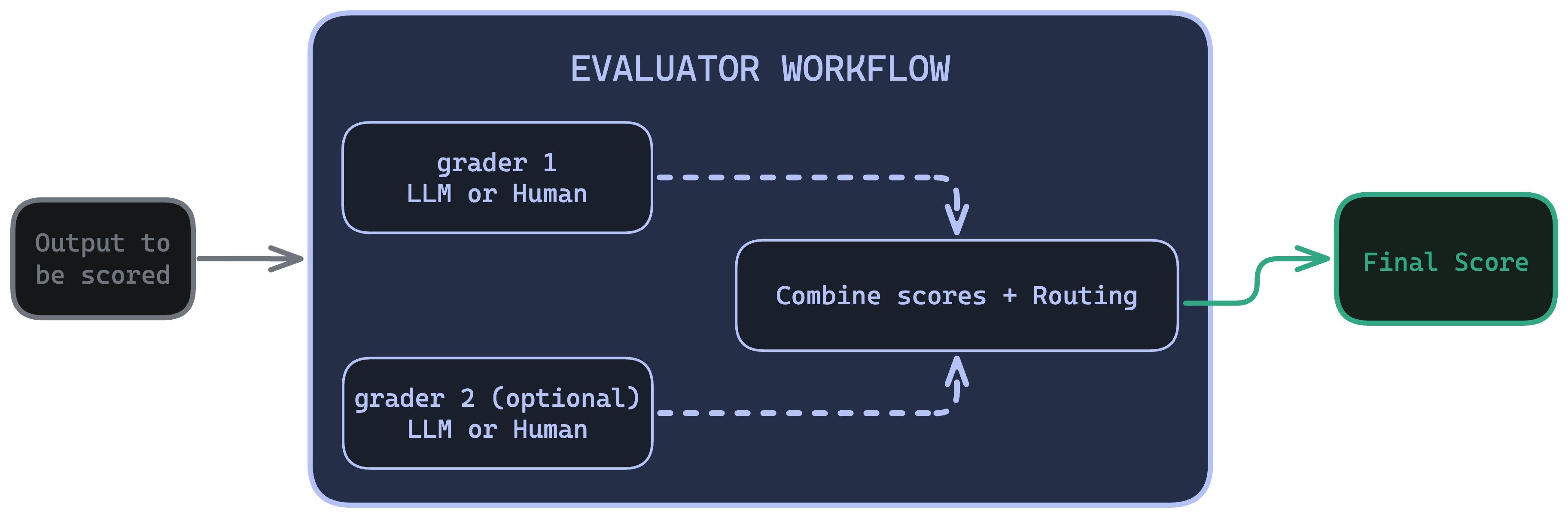
An evaluator produces exactly one score per output. You trigger evaluators from experiments (offline) or online evals (live traffic).
What you can build
Evaluators cover a wide range of scoring needs, each walked through step by step:
- A reference check. One LLM grader compares each output to a known answer. See Building your first LLM eval.
- A deterministic check. One code grader validates format, length, or structure with no LLM cost. See Deterministic code checks.
- A combined score. Two or more graders combined into one weighted-average score. See Weighted-average scoring.
- Conditional human review. A condition that routes only the failing outputs to a person. See Route failures to human review.
Graders
A grader defines what to measure and how to score it. Create one in the Graders section, then configure these fields:
- Grader name: what this grader measures (for example “Helpfulness”, “Valid JSON”).
- Description (optional): shown to human reviewers, so write it clearly.
- Output data type: Number, Boolean, Categorical, or Comment.
- Score range: min and max for numeric graders (for example 1 to 5).
- Passing score: the threshold that counts as a pass (for example 3).
A single grader can hold an LLM definition, code, and a human config at once. During a run, Respan uses whichever one matches how the grader is invoked.
LLM grader
Code grader
Human grader
An LLM judges the output against a definition you write. The definition must include {{output}} and can reference other variables (see Where grader inputs come from).
Click the pencil icon to set the judge model and temperature. Keep temperature at 0 for stable scoring.
Use openai/gpt-5.1 (or another current model) for LLM graders and give the judge enough room to answer, for example max_tokens of 200. Very small token limits can cause a judge to return an empty response.
Test run the grader against a sample input to confirm it scores the way you expect before committing.
Where grader inputs come from
An LLM grader references variables like {{output}}; a code grader reads the same values from eval_inputs. Where those values come from depends on whether the evaluator runs offline or online. This mapping is what connects evaluators to your datasets and your gateway traffic.
{{expected_output}} needs a golden answer, which production traffic rarely has. Reference-based graders (like correctness) belong in offline experiments; graders that judge an output on its own (like helpfulness or format) work both offline and online.
Blocks
You assemble the evaluator workflow by dragging blocks onto the canvas and connecting them.
How evaluators run
An evaluator is the same workflow whether you run it offline or online. What changes is where the outputs come from.
- Offline, in experiments. Respan runs every row of a dataset through a prompt or model, then runs your evaluator over each output and aggregates the scores. Use this to compare prompt versions or models before shipping.
- Online, with online evals. Respan runs your evaluator on live production spans as they arrive, sampled by rules you set. Use this to catch regressions in real time.
Ready to build one? Walk through it in Building your first LLM eval.