

Respan caching
This page covers Respan’s response caching — storing and reusing exact request/response pairs. For provider-level prompt caching (Anthropic), see Prompt caching.
Caches save and reuse exact LLM requests. Enable caches to reduce LLM costs and improve response times.
- Reduce latency: Serve stored responses instantly, eliminating repeated API calls.
- Save costs: Minimize expenses by reusing cached responses.
Turn on caches by setting cache_enabled to true. We will cache the whole conversation, including the system message, user message and the response.
OpenAI Python SDK
OpenAI TypeScript SDK
Standard API
Cache parameters
Enable or disable caches.
Time-to-live (TTL) for the cache in seconds.
Cache behavior options.
View caches
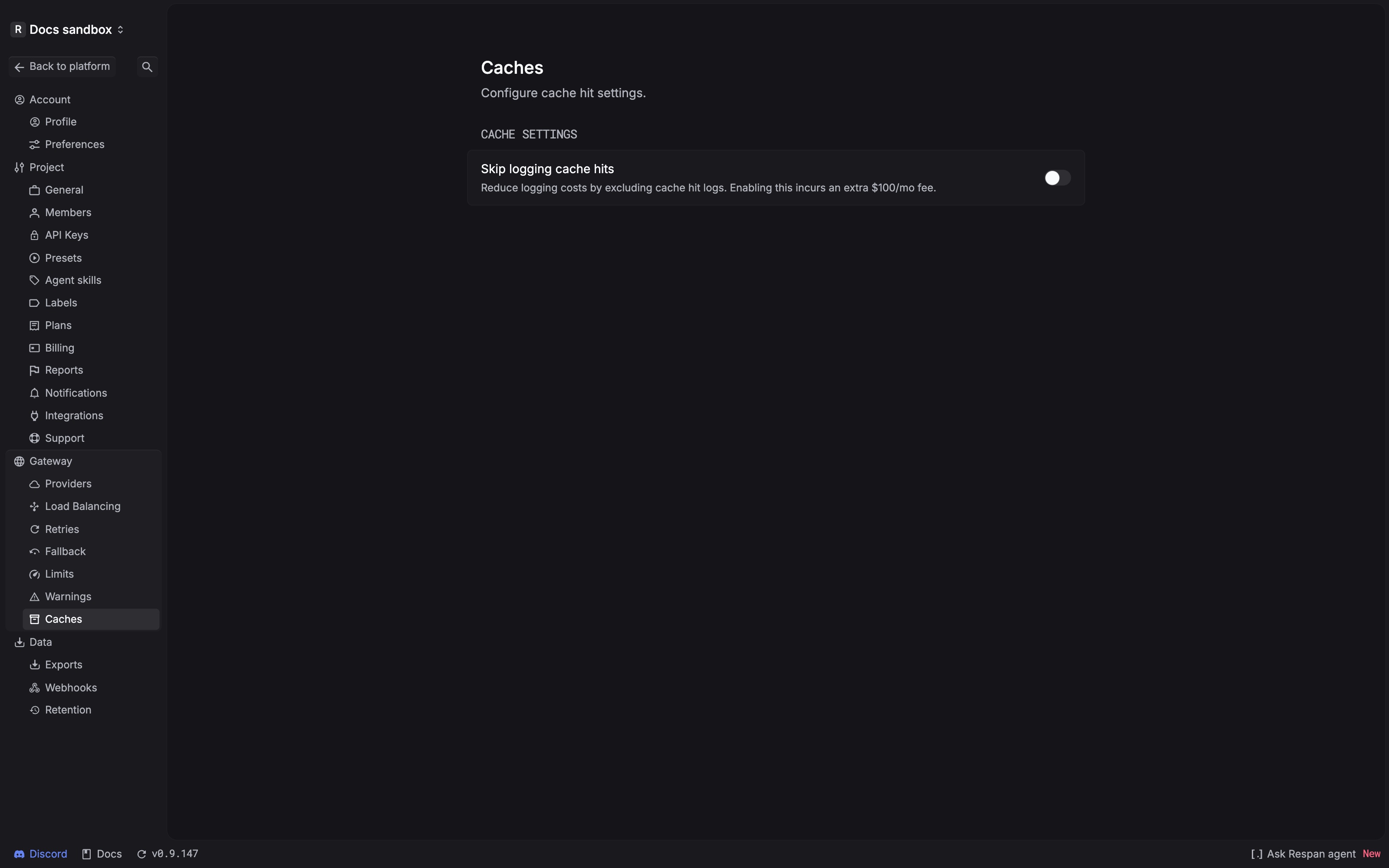
Open Caches in the platform to configure response caching. To inspect cache usage, use the Logs page: cached responses use the respan/cache model tag, and logs can be filtered by the Cache hit field.
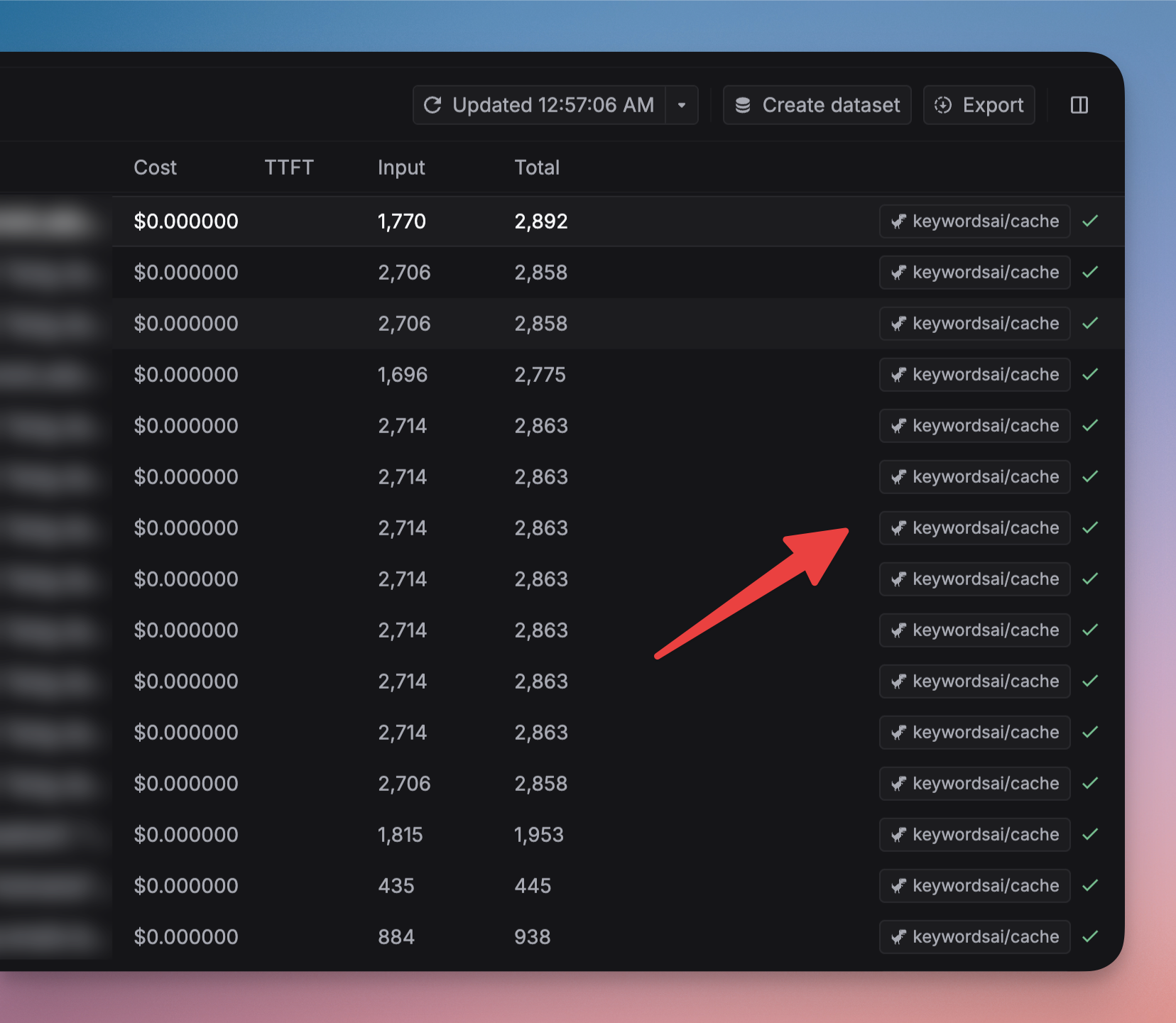
Omit logs when cache hit
Set cache_options.omit_log to true when you do not want a new LLM log created for a cache hit.
Omitting hit logs reduces observability. Metrics, debugging workflows, and audit expectations that depend on one log per request may no longer reflect cached traffic in the same way.
Understand cache identity and expiry
Response caching matches the request information used to create the entry. A changed message or cache option can produce a different entry. Use:
cache_ttlto control how long the cached response remains eligible for reuse.cache_by_customerwhen identical requests from differentcustomer_identifiervalues must not share an entry.is_cached_by_modelwhen switching the requested model should produce a separate entry.
Choose a TTL that matches how long a response can remain valid for your application. Do not cache data that must always be recomputed or content whose storage would violate your privacy requirements.
Troubleshooting
A repeated request misses the cache
- Confirm that
cache_enabledistrueon both requests. - Compare the full messages and relevant cache options; even a small request change can prevent a hit.
- Confirm the entry has not passed its
cache_ttl. - If
cache_by_customeroris_cached_by_modelis enabled, confirm the customer identifier or model is unchanged.
A response comes from an unexpected model
Enable is_cached_by_model when the model must be part of cache identity. Without it, the same prompt can reuse a response created for another requested model.
No cache-hit log appears
Check whether cache_options.omit_log is enabled before assuming that the cache missed.
The captured Caches page shows the initial setup state. It does not establish UI controls or guarantees for manual invalidation, deletion, entry inspection, or cache statistics, so those operations are not documented here.