

Quickstart
This runs respan-gateway on your machine with no config file. Every provider key in your environment becomes a provider, and the model name in each request decides where it goes.
Install the binary
Download the build for your platform from GitHub Releases and put it on your PATH. Set VERSION to the release you want.
macOS (Apple silicon)
macOS (Intel)
Linux (x86_64)
Linux (arm64)
Windows
From source
Check it:
Add your provider keys
Export a key for each provider you want to use. The gateway also reads them from a .env file in the current directory or a parent.
To reach 1000+ models with one key, export your Respan API key as RESPAN_API_KEY instead. Calls then use your Respan credits or the provider keys you added to Respan.
Start the gateway
It prints the providers it found, the endpoints it serves and a request to try:
Leave it running. With no client keys it answers only on your machine.
Call any model from any SDK
Point your SDK’s base URL at the gateway and name any model. The gateway translates the request to that model’s provider.
OpenAI SDK → Claude
Anthropic SDK → GPT
Google GenAI SDK → Claude
curl
api_key can be any value until you set client keys. To send a model to a specific provider, prefix it: openai/gpt-5.5.
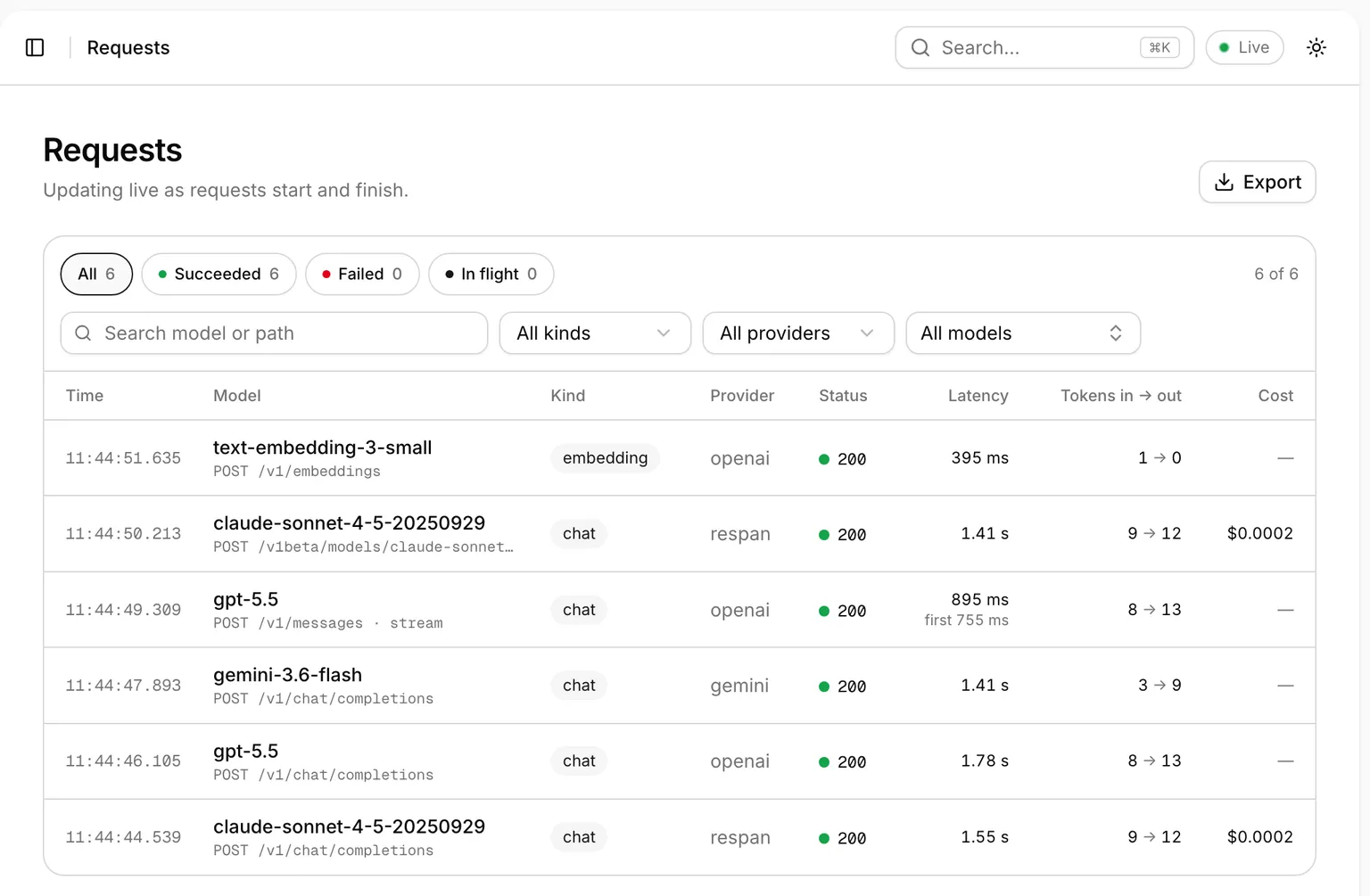
Save a config file
To turn on plugins such as routing, MCP tools or Respan tracing, write a gateway.toml:
It writes a commented starter from the keys in your environment. Edit it, check it, and start the gateway again:
See Configure plugins for every option.