Experiments V2 (Beta)

Run repeatable evaluations over a dataset using Prompt, Completion, or Custom workflows.
  1. Sign up — Create an account at platform.respan.ai
  2. Create an API key — Generate one on the API keys page
  3. Add credits or a provider key — Add credits on the Credits page or connect your own provider key on the Integrations page

Add the Docs MCP to your AI coding tool to get help building with Respan. No API key needed.

1{
2 "mcpServers": {
3 "respan-docs": {
4 "url": "https://docs.respan.ai/mcp"
5 }
6 }
7}

Experiments lets you run repeatable evaluations over a dataset and inspect outputs, evaluator scores, and run status. Choose a workflow type based on your use case.


Prompt workflow

Render a saved prompt template with dataset variables, then run LLM calls automatically.

1

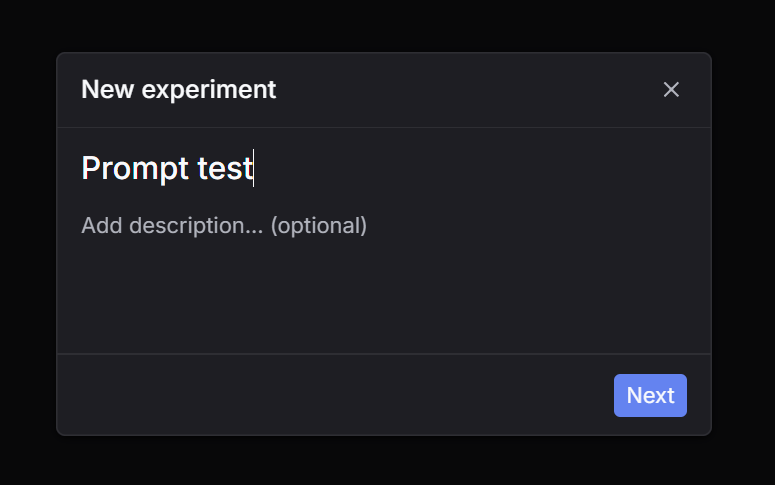
Click New experiment

Go to Experiments and click New experiment.

New experiment
2

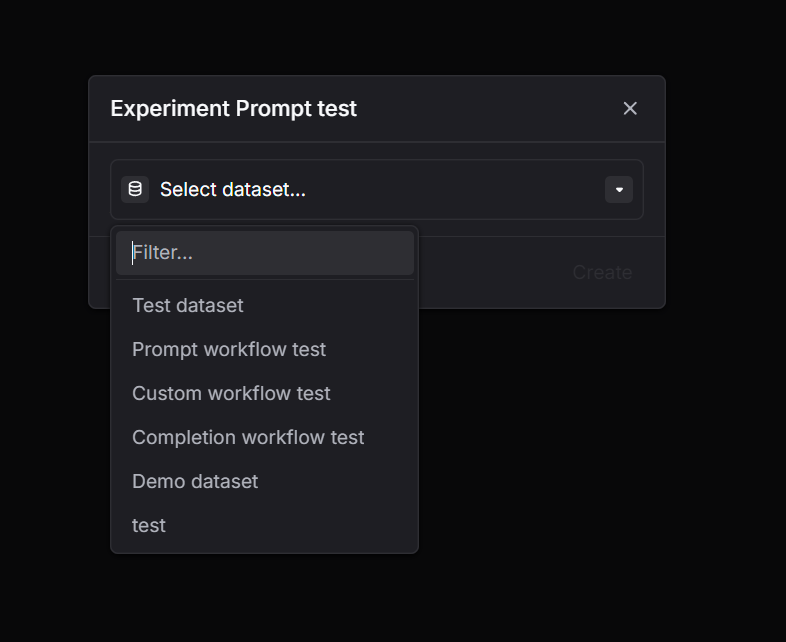
Select a dataset

Choose the dataset you want to run on.

Select dataset
3

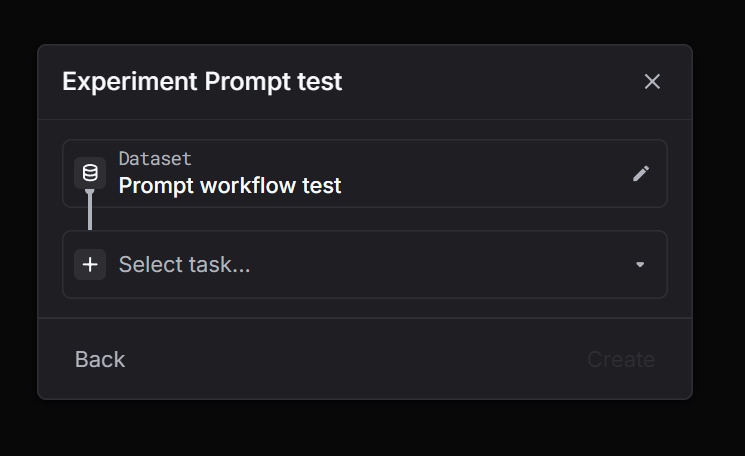
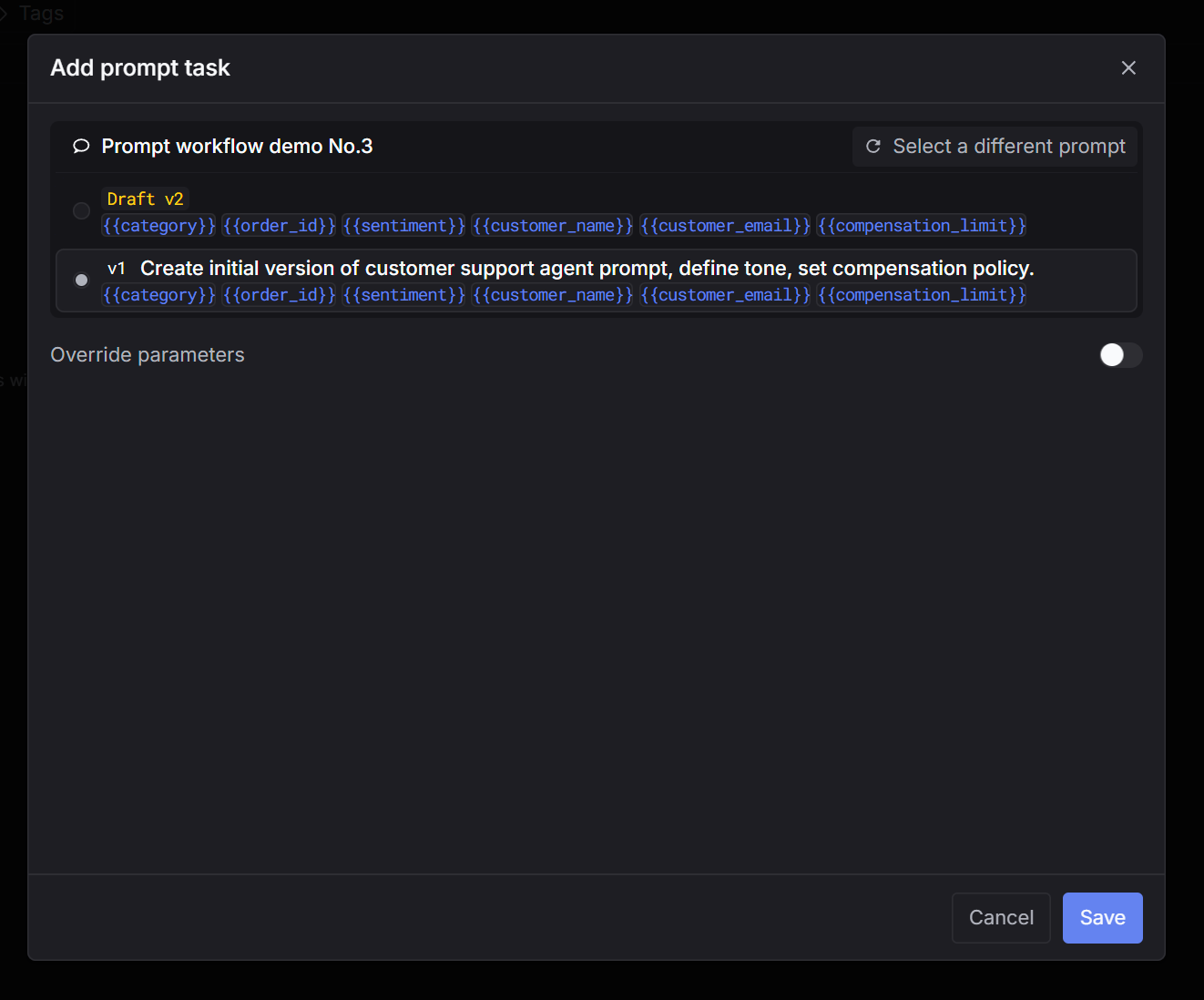
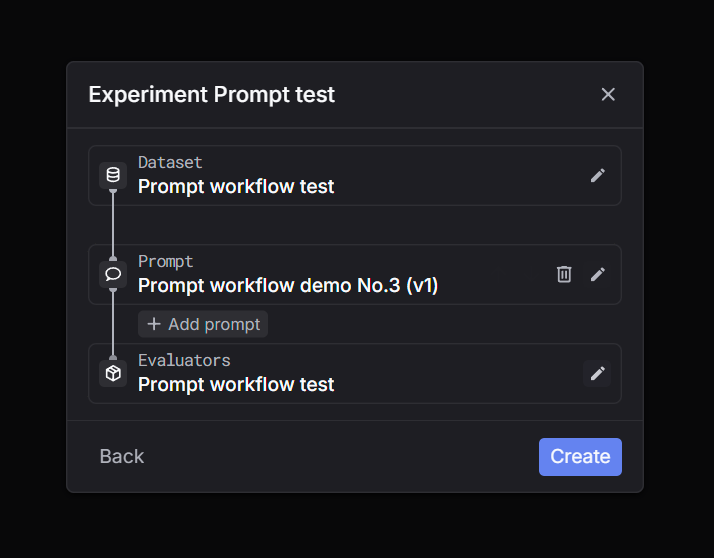
Select task = Prompt

Pick Prompt as the task type, then choose the prompt and version.

Select taskSelect prompt
4

Select evaluators and create

Select evaluators to score outputs, then click Create. Inspect outputs and scores once the run finishes.

Select evaluatorsExperiment output

Completion workflow

Run direct LLM completions on dataset messages automatically — no prompt templates needed.

1

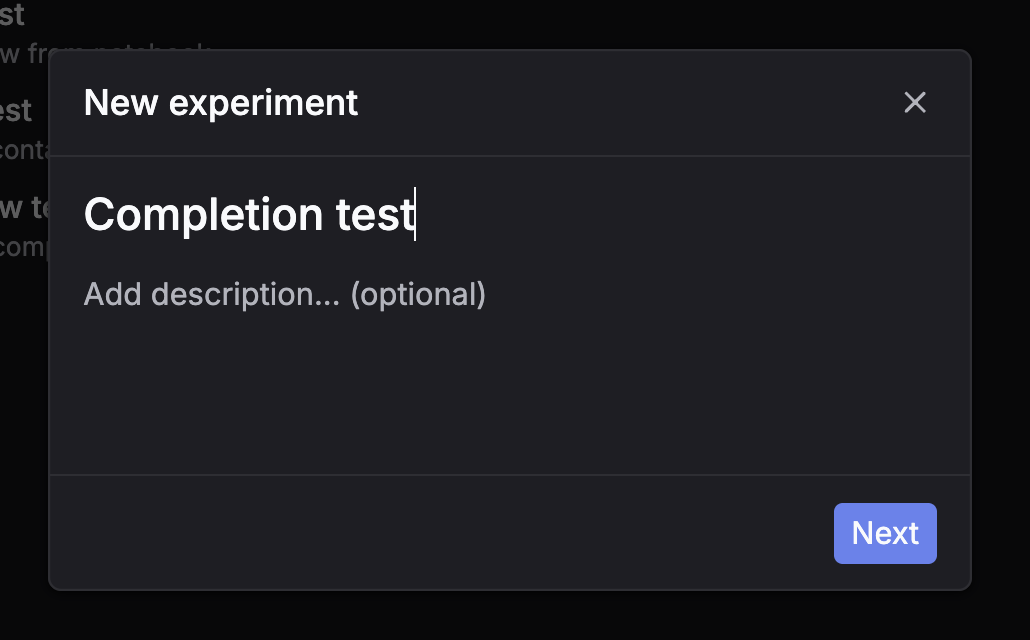
Click New experiment

Go to Experiments and click New experiment.

New experiment
2

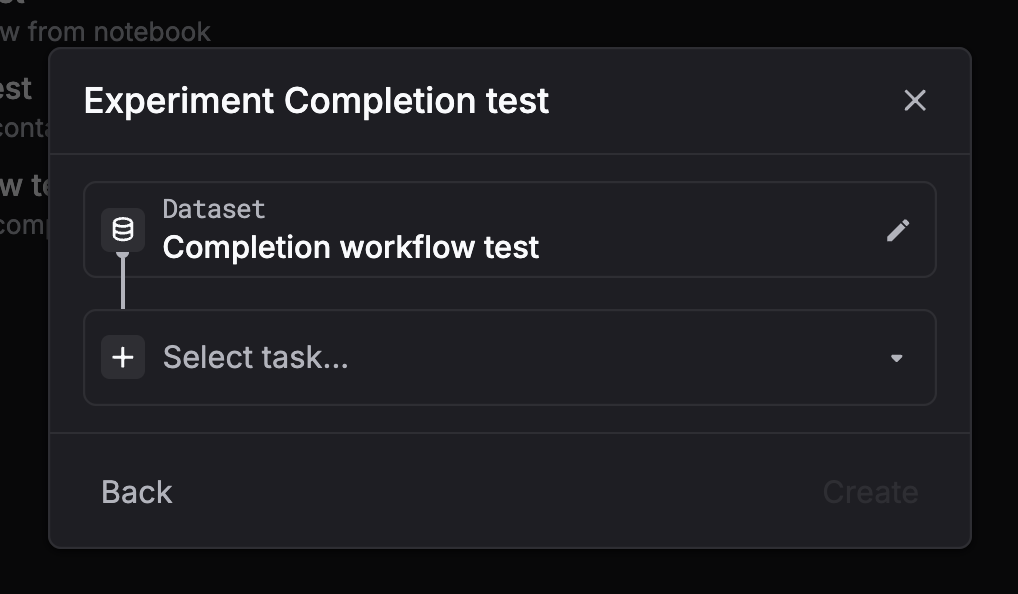
Select a dataset

Choose the dataset you want to run on.

Select dataset
3

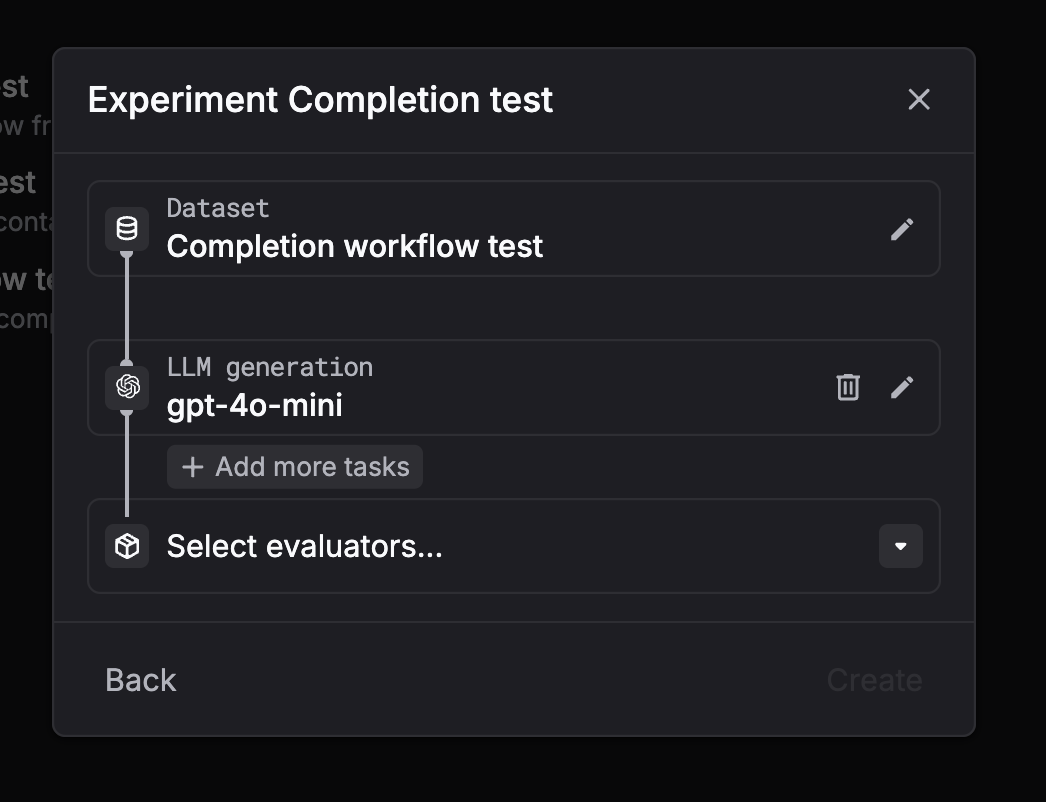
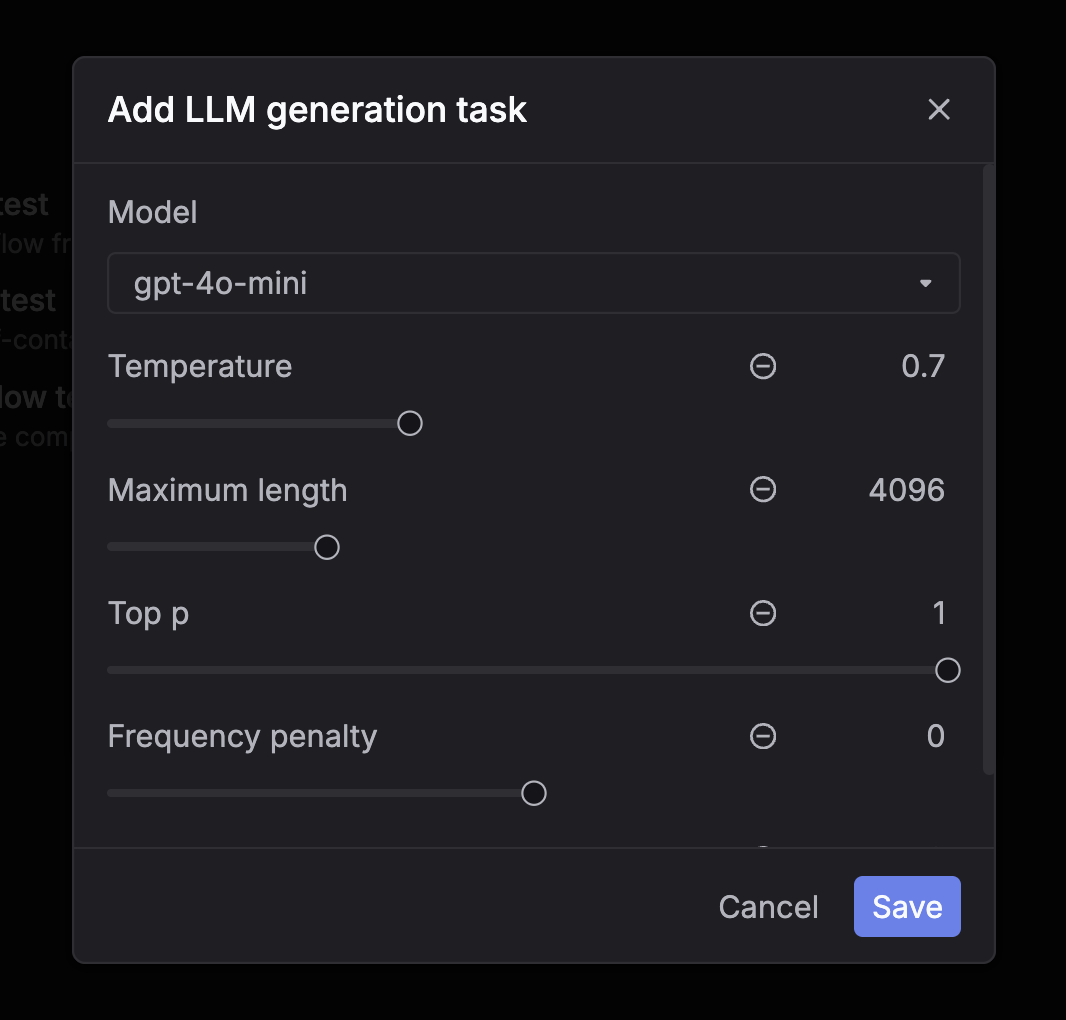
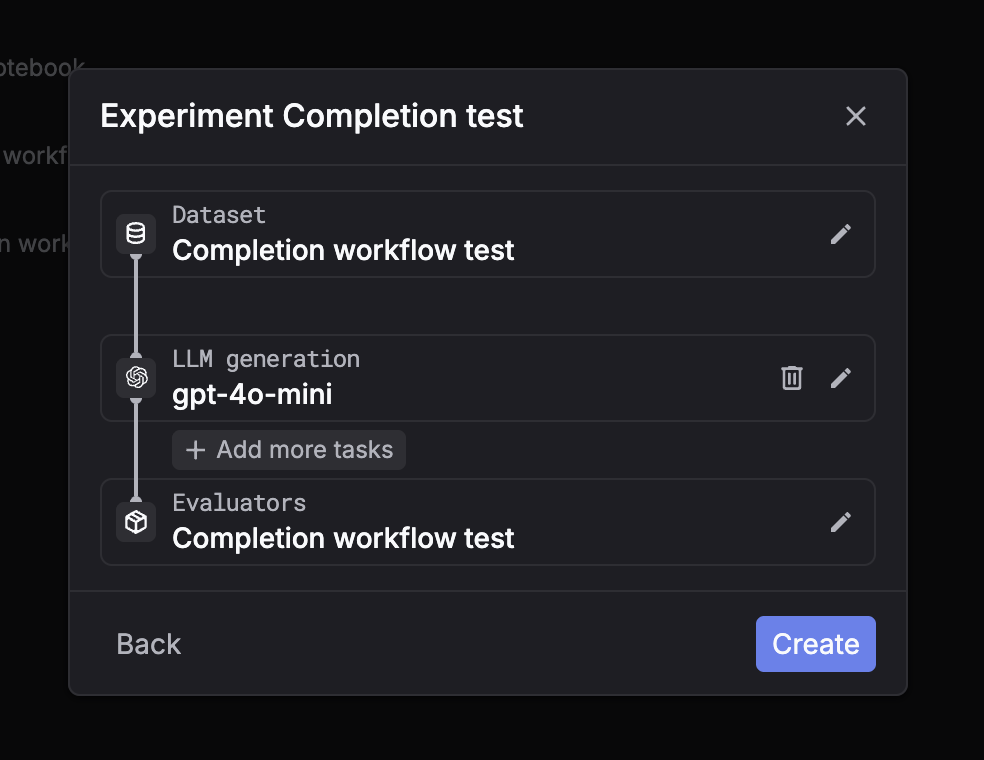
Select task = LLM generation

Pick LLM generation (chat completion), then configure the model and parameters (temperature, max tokens).

Select taskConfigure model
4

Select evaluators and create

Select evaluators, then click Create. Inspect outputs and scores once the run finishes.

Select evaluatorsExperiment output

Custom workflow

Fetch inputs, run your own code/model, then submit outputs back for automatic evaluation.

1

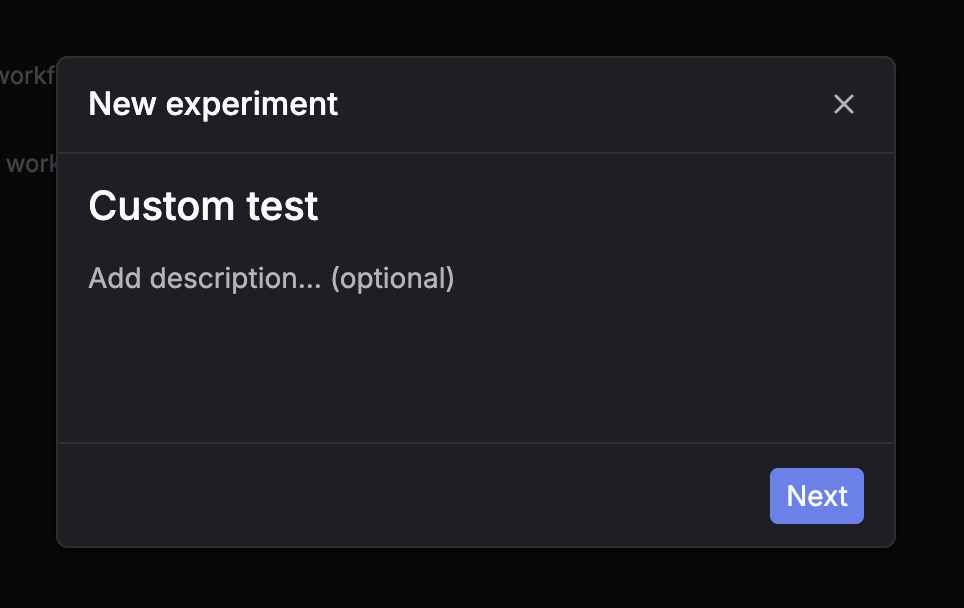
Click New experiment

Go to Experiments and click New experiment.

New experiment
2

Select a dataset

Choose the dataset you want to run on.

Select dataset
3

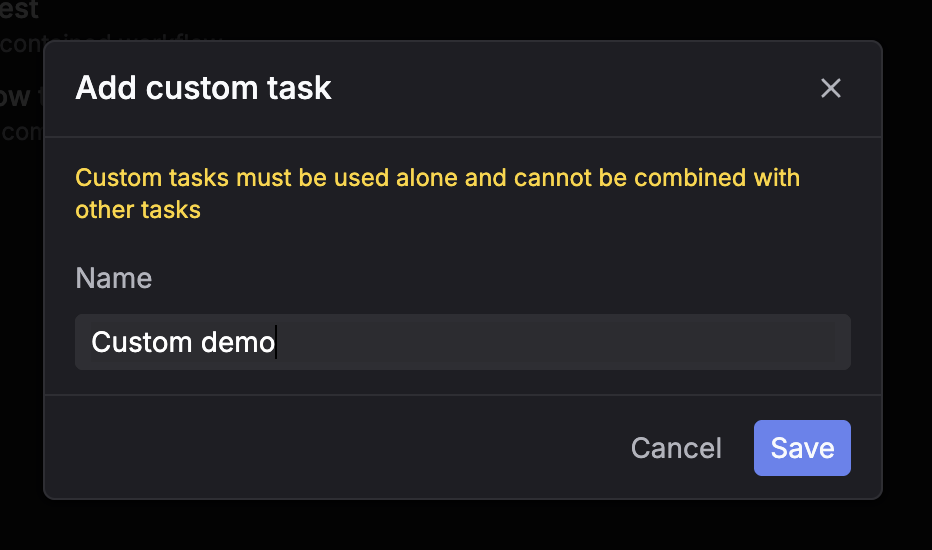
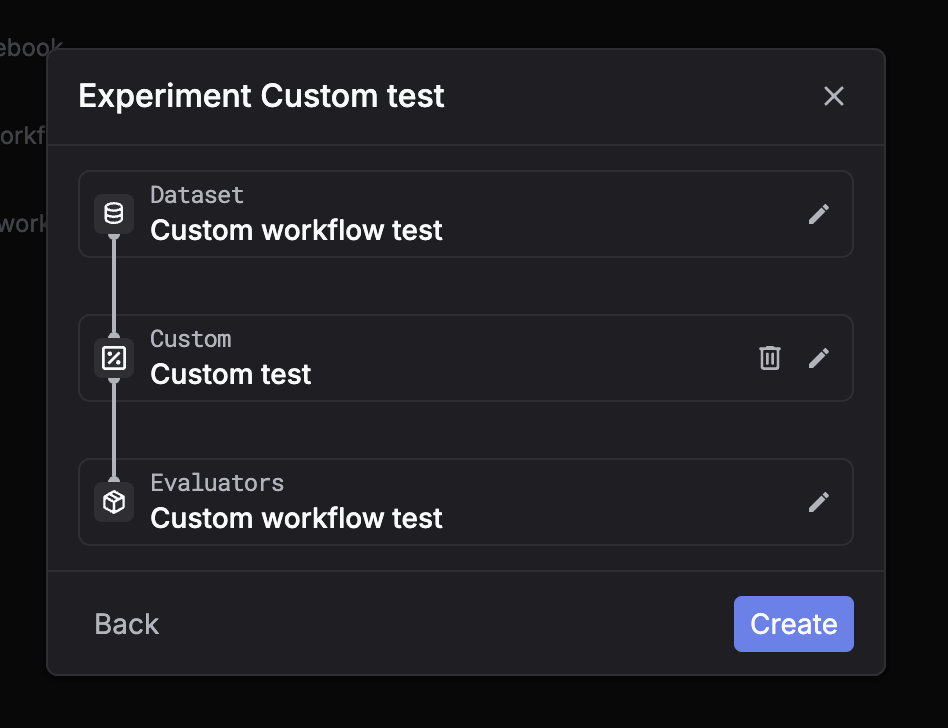
Select task = Custom

Pick Custom as the task type, select evaluators, then click Create.

Custom taskSelect evaluators
4

Submit outputs via API

The system creates placeholder rows. Use the API to submit outputs — evaluators run automatically.

The UI is used to monitor progress and review results. Outputs are submitted via API.


Troubleshooting

The experiment may still be processing — wait 5–10 seconds and retry. Also check that your dataset is not empty.

Confirm the evaluator slug exists and is accessible. Evaluators run asynchronously — poll the log detail endpoint after submission.

Use the detail endpoint to retrieve the full span tree and untruncated fields.