This is Day 5 of Respan Launch Week.
AI costs can spiral fast. One misconfigured agent loop, one unexpected traffic spike, and your monthly bill jumps by thousands. Limits gives you control over that.
What are Limits?
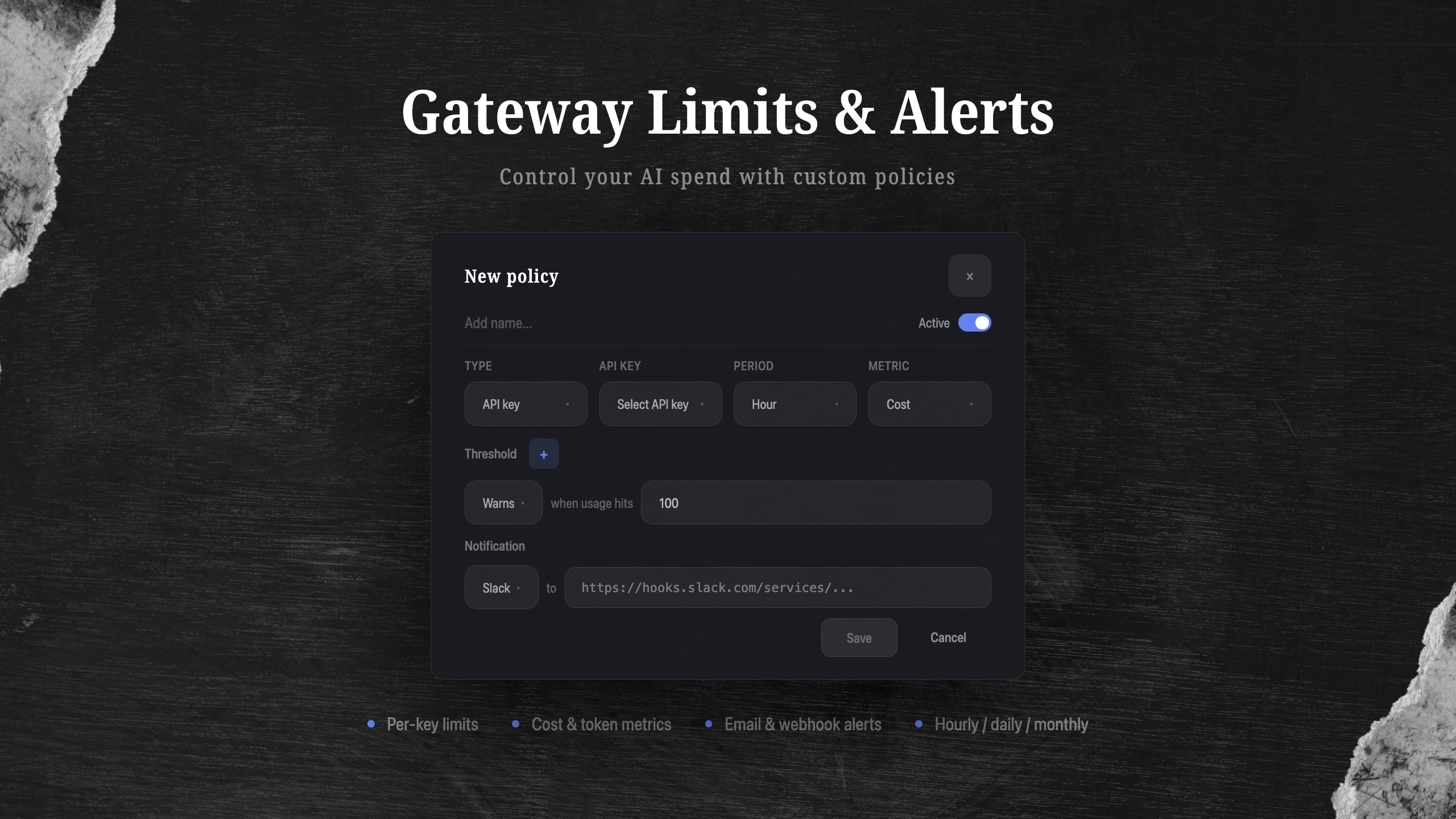
Limits are policies you attach to API keys in the Respan gateway. Each policy defines a metric, a time period, a threshold, and what happens when that threshold is crossed.
You can set policies on:
- Cost - cap spending in dollars per hour, day, or month
- Requests - limit the number of API calls
- Tokens - cap total input/output tokens consumed
Warn or block
Each threshold has two modes:
Warns - when usage hits the threshold, you get a notification but requests keep flowing. Use this for soft budgets where you want visibility without interrupting production.
Blocks - when usage hits the threshold, the gateway rejects further requests with a 429 status. Use this for hard spending caps where you need to guarantee a ceiling.
You can stack both on the same policy. For example, warn at $50/hour and block at $100/hour.
Notifications
Every policy can send alerts when a threshold is crossed, so you can investigate before costs get out of hand. Two channels are supported:
- Slack - paste a webhook URL and get alerts directly in your team's channel
- Email - add team members who should be notified
No additional configuration needed. Just pick your channel and you're set.
How to set it up
- Go to Settings > API Keys in the Respan dashboard
- Click on an API key and select Add Policy
- Choose your metric (cost, requests, or tokens)
- Set the time period (hour, day, or month)
- Add thresholds for warn and/or block
- Optionally add notifications via Slack or email
- Save and the policy takes effect immediately
All requests routed through that API key are now tracked against your limits in real time.
Why this matters
Without limits, a single runaway agent can burn through your entire monthly budget in hours. We've seen it happen. Limits gives you the same kind of spending controls that cloud providers offer for compute, but purpose-built for LLM usage.
Combined with Monitors from Day 1, you now have full cost observability and enforcement across your AI stack.
That wraps up Respan Launch Week! Here's everything we shipped:
- Day 1: Monitors + automation
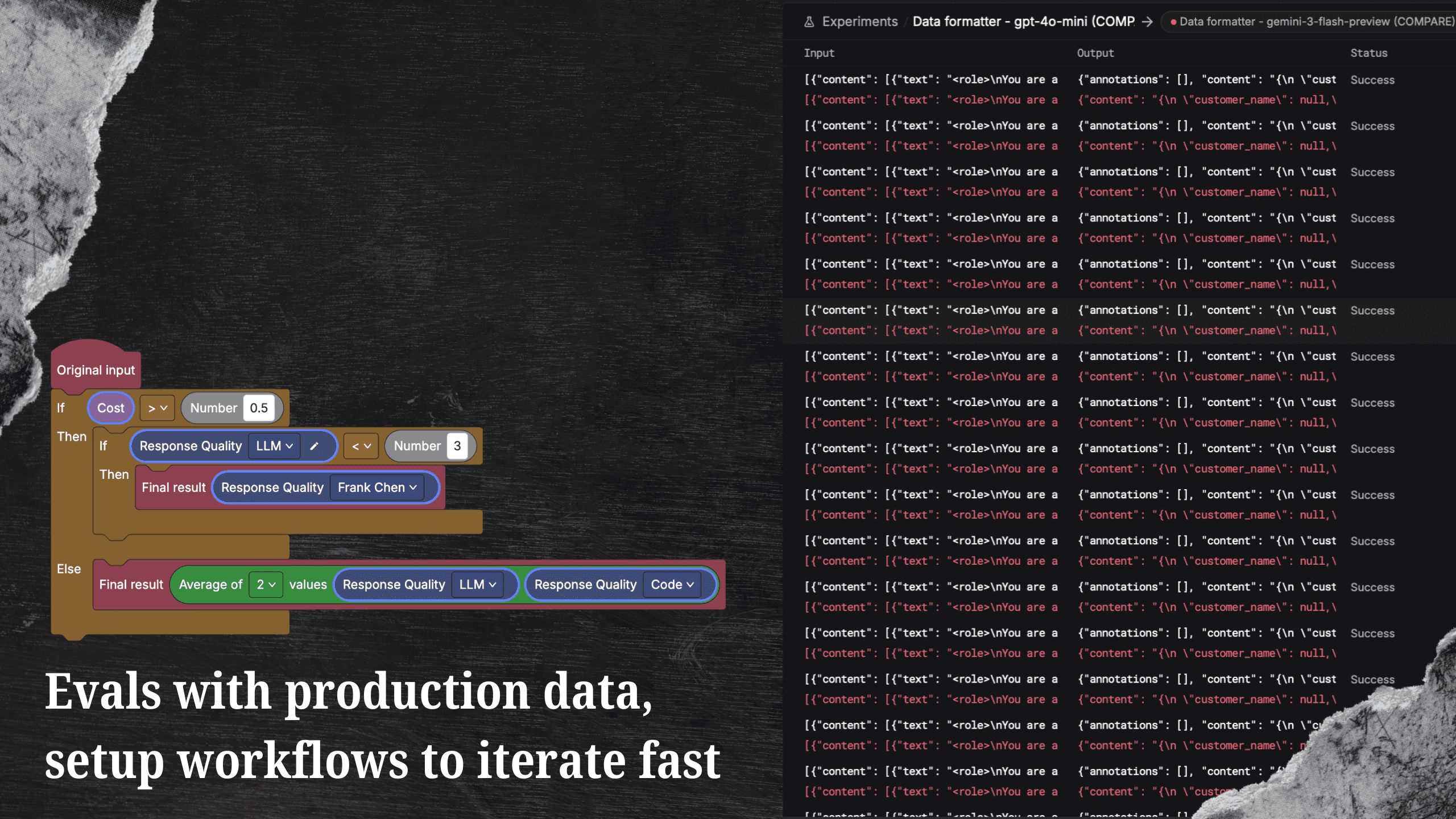
- Day 2: Evals 2.0
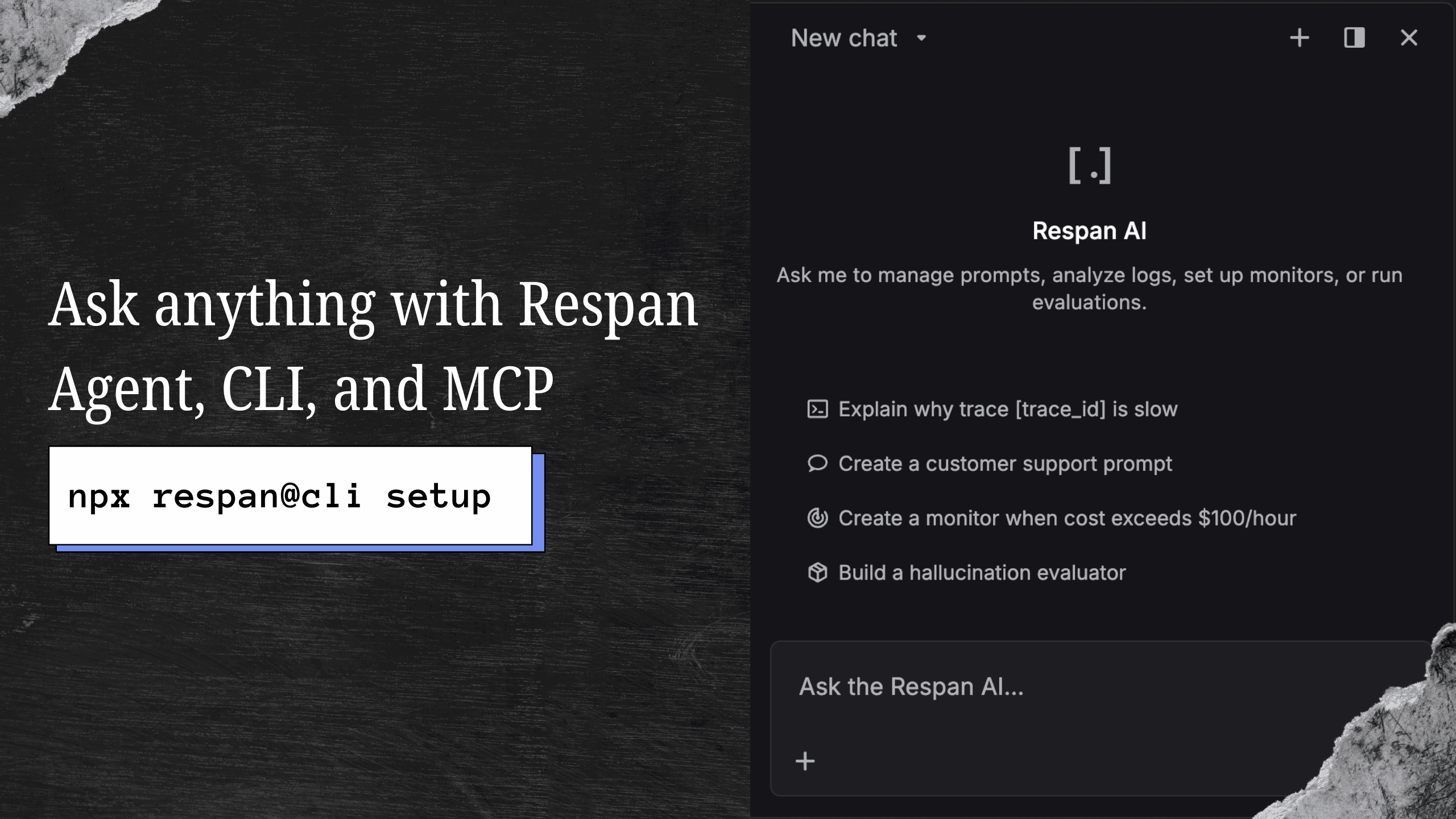
- Day 3: Agent, CLI + MCP
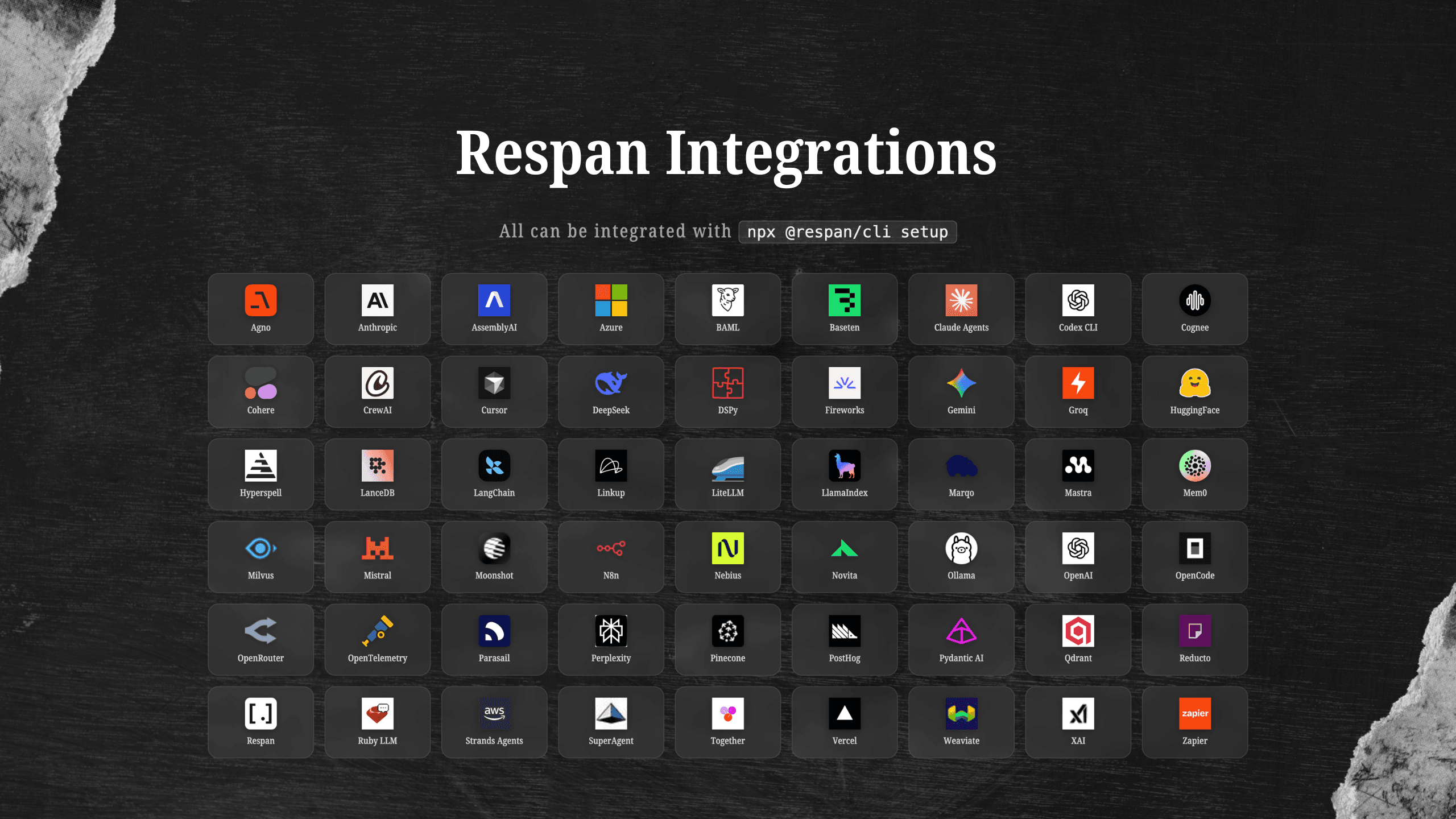
- Day 4: 50+ Integrations
- Day 5: Limits (this post)
To stay updated, follow us on X or join our Discord community.