Advanced

Span types, custom properties, customer tracking, threads, tokens, feedback, export, and more.

Span types

Every span has a log_type that determines how Respan processes it.

TypeDescriptionInputOutput
chatChat completion (default)Messages arrayAssistant message
textText completionPrompt stringCompletion string
embeddingEmbedding generationText or arrayEmbedding vectors
transcriptionSpeech-to-textAudio metadataTranscribed text
speechText-to-speechText inputAudio output
workflowTop-level orchestrationAny structureAny structure
taskSub-operationAny structureAny structure
agentAgent spanAny structureAny structure
toolTool executionTool inputTool output
guardrailSafety checkInput checkedPass/fail
handoffAgent handoffSource agentTarget agent

All types use universal input and output fields. For chat-type spans, prompt_messages and completion_message are also extracted for backward compatibility.


Custom properties

customer_identifier

string (max 254 characters, auto-truncated) — Track per-user metrics, budgets, and rate limits. View analytics at Users.

1# Gateway
2extra_body={"customer_identifier": "user_123"}
3
4# With name and email
5extra_body={
6 "customer_params": {
7 "customer_identifier": "user_123",
8 "name": "Alice",
9 "email": "alice@example.com"
10 }
11}
12
13# Tracing SDK
14with propagate_attributes(customer_identifier="user_123"):
15 ...

metadata

Key-value pairs for filtering and analytics. All values are coerced to strings.

1extra_body={
2 "metadata": {"feature": "chatbot", "version": "2.1", "env": "prod"}
3}

custom_identifier

An indexed string for fast querying. Use for your own internal IDs.

1extra_body={"custom_identifier": "req_abc123"}

thread_identifier

Group related spans into a conversation. All spans sharing the same thread ID appear together in the Threads view.

1extra_body={"thread_identifier": "conv_abc123"}

Environments

Separate test and production data using different API keys. Create a test key and a production key in API Keys.

You can also set the environment field explicitly:

1extra_body={"environment": "staging"}

Token & cost tracking

Respan auto-calculates tokens and cost for gateway requests. For manual logging:

FieldDescription
prompt_tokensInput tokens
completion_tokensOutput tokens
reasoning_tokensReasoning tokens (o3, gpt-5)
prompt_cache_hit_tokensCached tokens read
prompt_cache_creation_tokensCached tokens created
costTotal cost in USD
latencyDuration in seconds
time_to_first_tokenTTFT for streaming
tokens_per_secondGeneration throughput

Override pricing for custom/fine-tuned models:

1payload = {
2 "prompt_unit_price": 2.50, # per 1M prompt tokens
3 "completion_unit_price": 10.00, # per 1M completion tokens
4}

Feedback & annotations

User feedback

1payload = {"positive_feedback": True} # or False

Notes

Attach free-text annotations to any span via the UI or API.

Evaluation scores

Evaluators automatically attach scores. Filter and sort by scores:

$?sort_by=-scores__evaluator-uuid

See Evaluators for setup.


Save span as prompt

Turn any span into a reusable prompt template with one click in the Logs view.
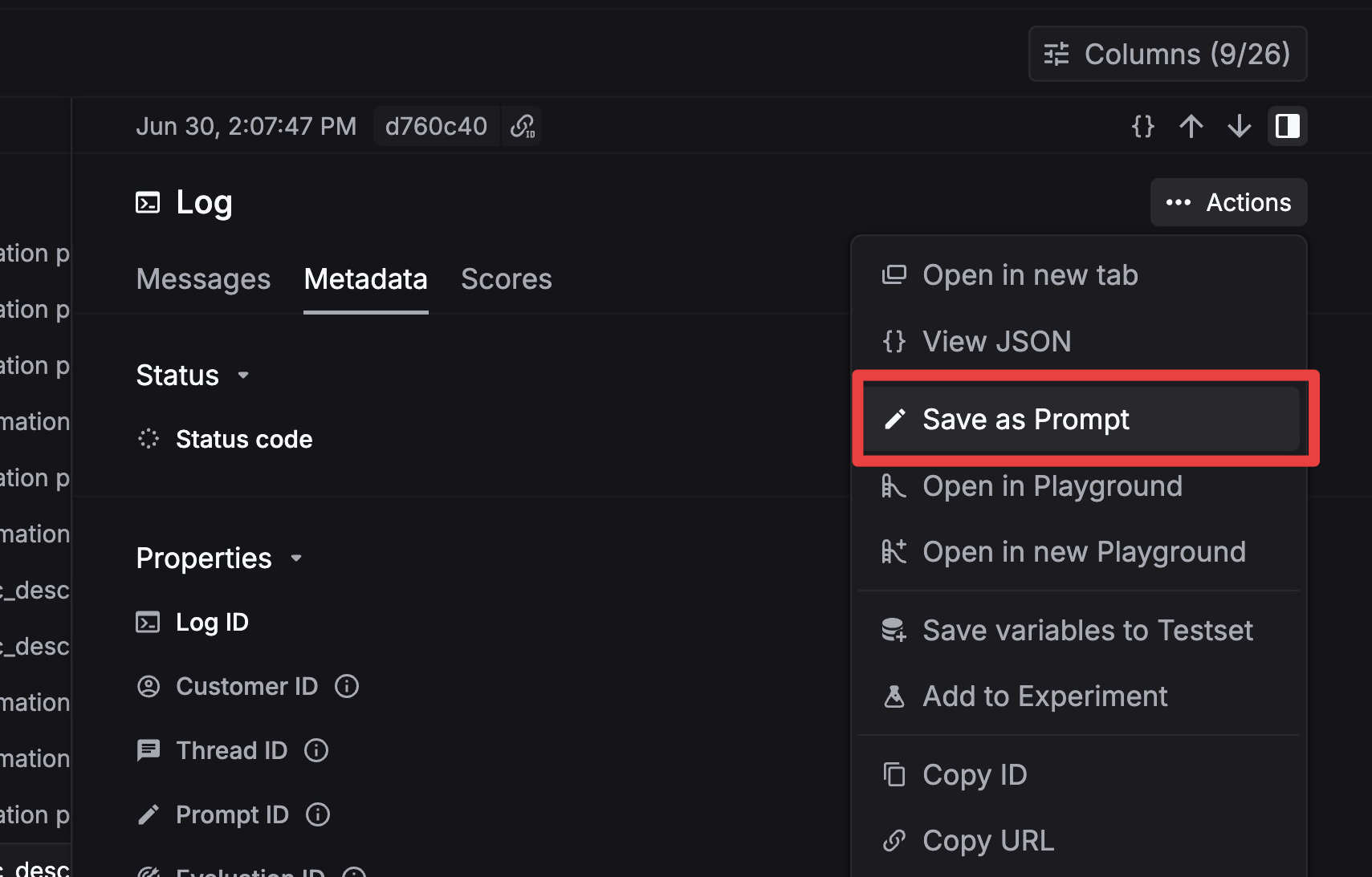
Save log as prompt

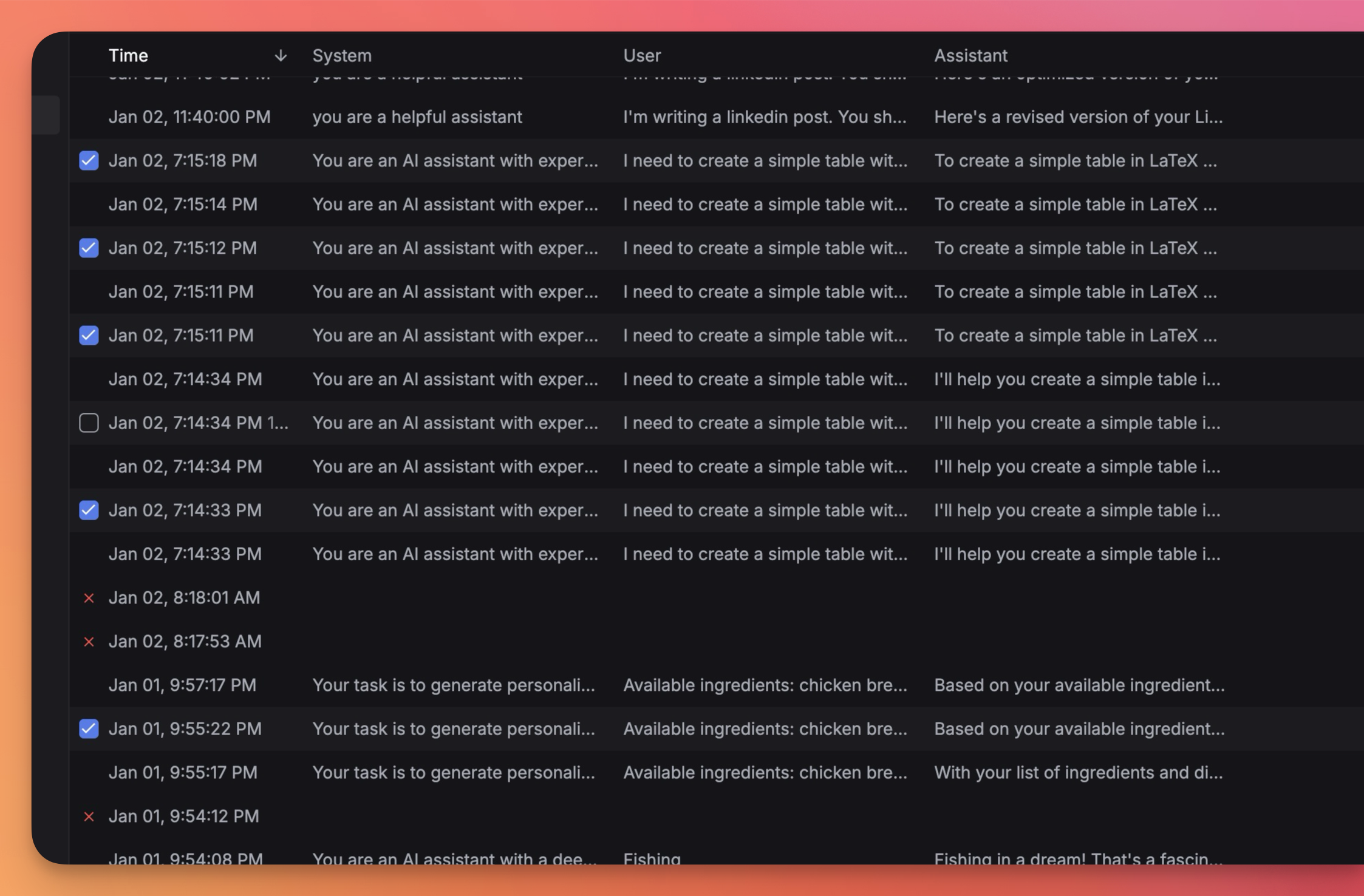
Export spans

Export spans in CSV or JSON from the Logs view.

  1. Select spans via checkboxes or filters
  2. Choose format (CSV / JSON)
  3. Optionally set a sampling percentage

Pinning

Pin important spans to exempt them from retention TTL deletion:

1payload = {"is_pinned": True}

Privacy

Content blurring is applied automatically based on your plan’s retention limits. The blurred field indicates whether a span’s content is hidden.


Logging controls

FieldTypeDescription
disable_logbooleanOmit input/output from log (metrics still recorded)
request_breakdownbooleanAdd detailed metrics to response body

For the complete field list, see Span Attributes.