

Set up Respan
Set up Respan
- Sign up — Create an account at platform.respan.ai
- Create an API key — Generate one on the API keys page
- Add credits or a provider key — Add credits on the Credits page or connect your own provider key on the Integrations page
This integration is for the Respan gateway.
Overview
RubyLLM provides a unified Ruby interface for GPT, Claude, Gemini, and more. Since Respan is OpenAI-compatible, you can route all RubyLLM requests through the Respan gateway by pointing the OpenAI base URL to Respan.Quickstart
Step 1: Get a Respan API key
Create an API key in the Respan dashboard.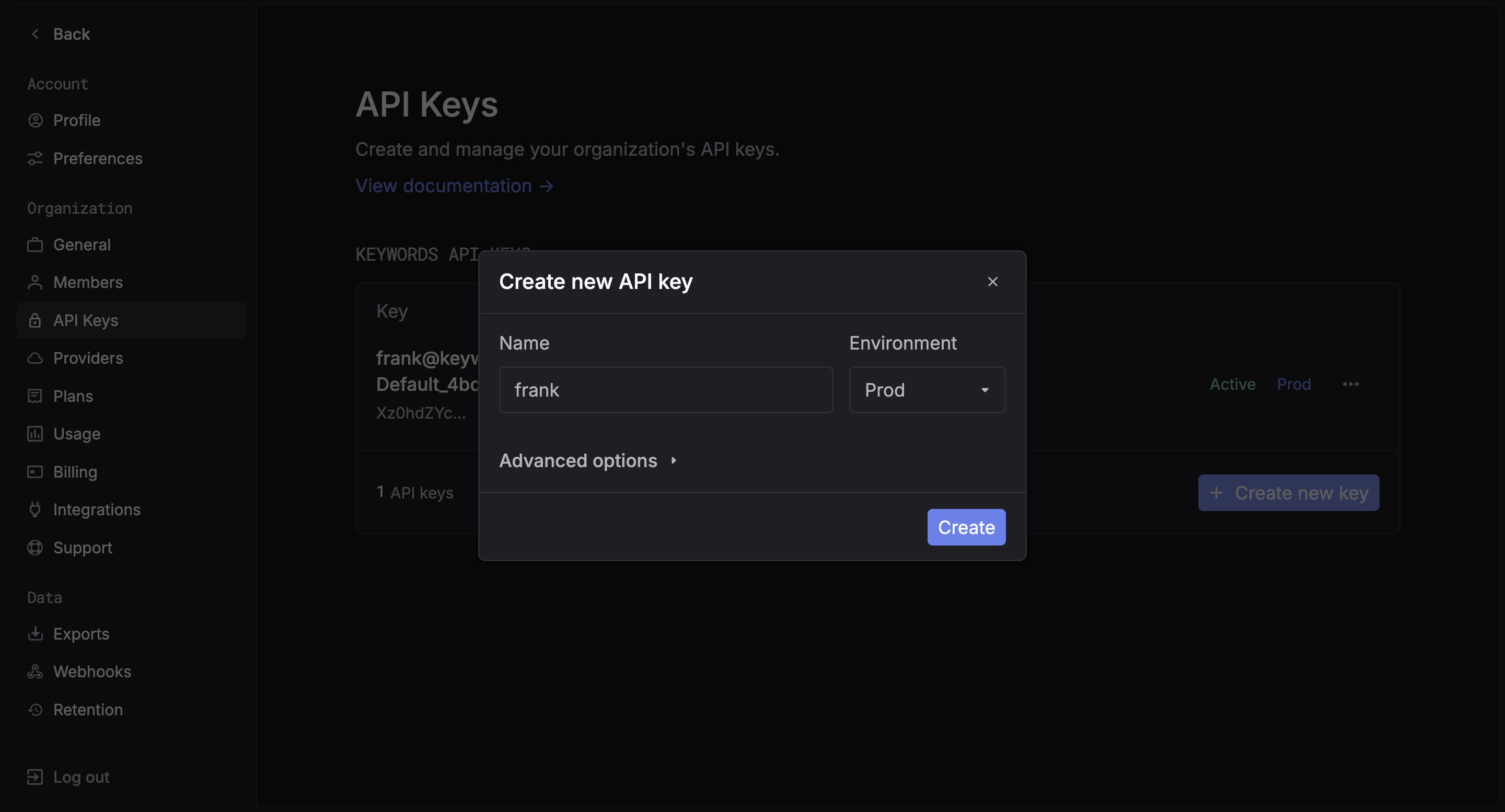
Step 2: Install RubyLLM
Step 3: Configure RubyLLM with Respan
Step 4: Make your first request
Switch models
Since Respan supports 250+ models from all major providers, you can switch models by changing the model name. For OpenAI models, it works out of the box. For non-OpenAI models (Claude, Gemini, etc.), addprovider: :openai and assume_model_exists: true to route them through the Respan gateway:
For non-OpenAI models,
provider: :openai doesn’t mean the model is from OpenAI — it tells RubyLLM to use the OpenAI API protocol to send the request. Without it, RubyLLM would try to call the provider (e.g. Anthropic) directly, bypassing Respan. assume_model_exists: true skips RubyLLM’s local model registry check.See the full model list for all available models.Streaming
Multi-tenancy with contexts
Use RubyLLM contexts to isolate per-tenant configuration:Rails integration
RubyLLM works with Rails viaacts_as_chat. Set your Respan config in an initializer:
acts_as_chat as normal — all LLM calls will be routed through Respan.
View your analytics
Access your Respan dashboard to see detailed analytics