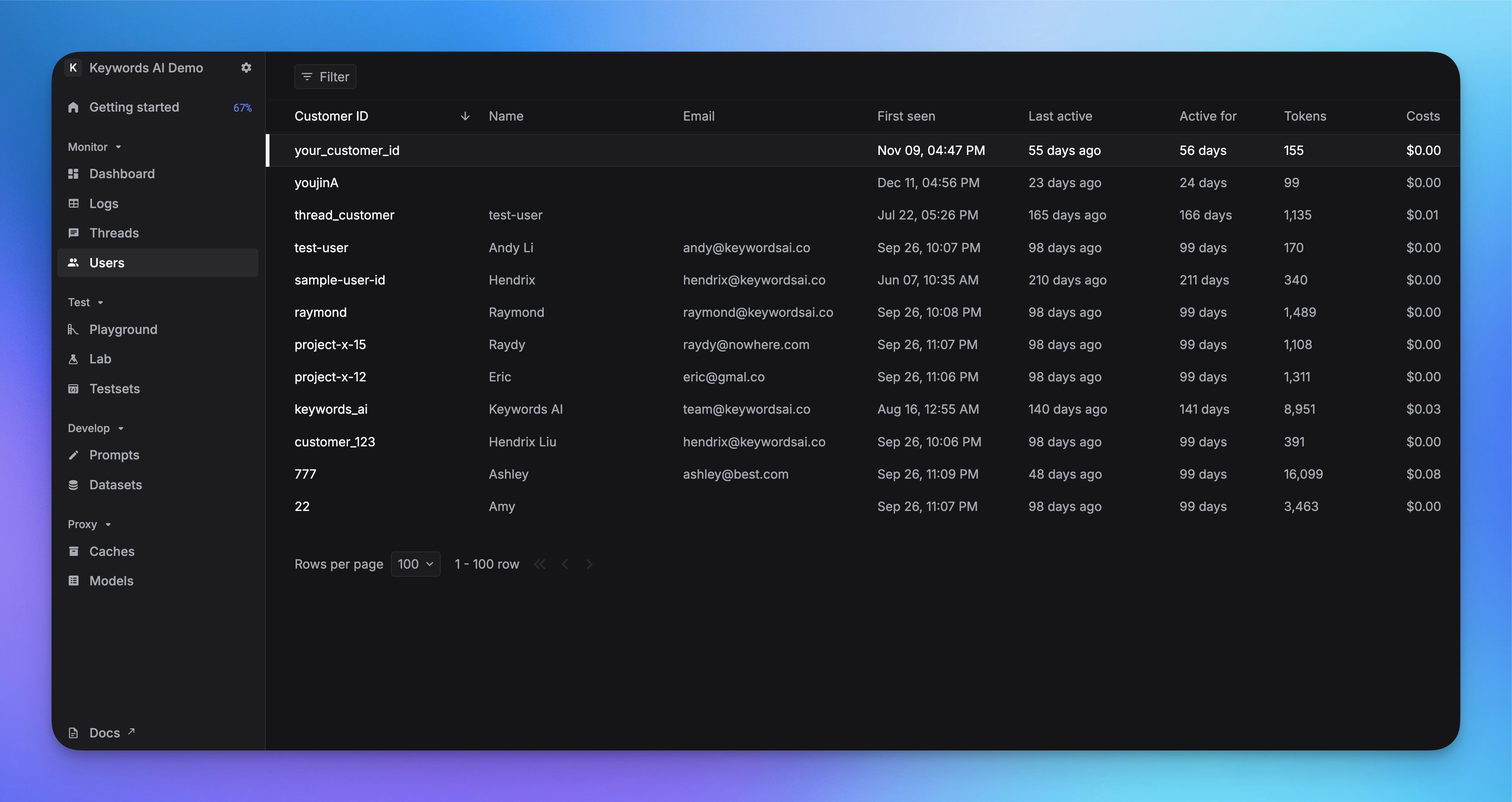
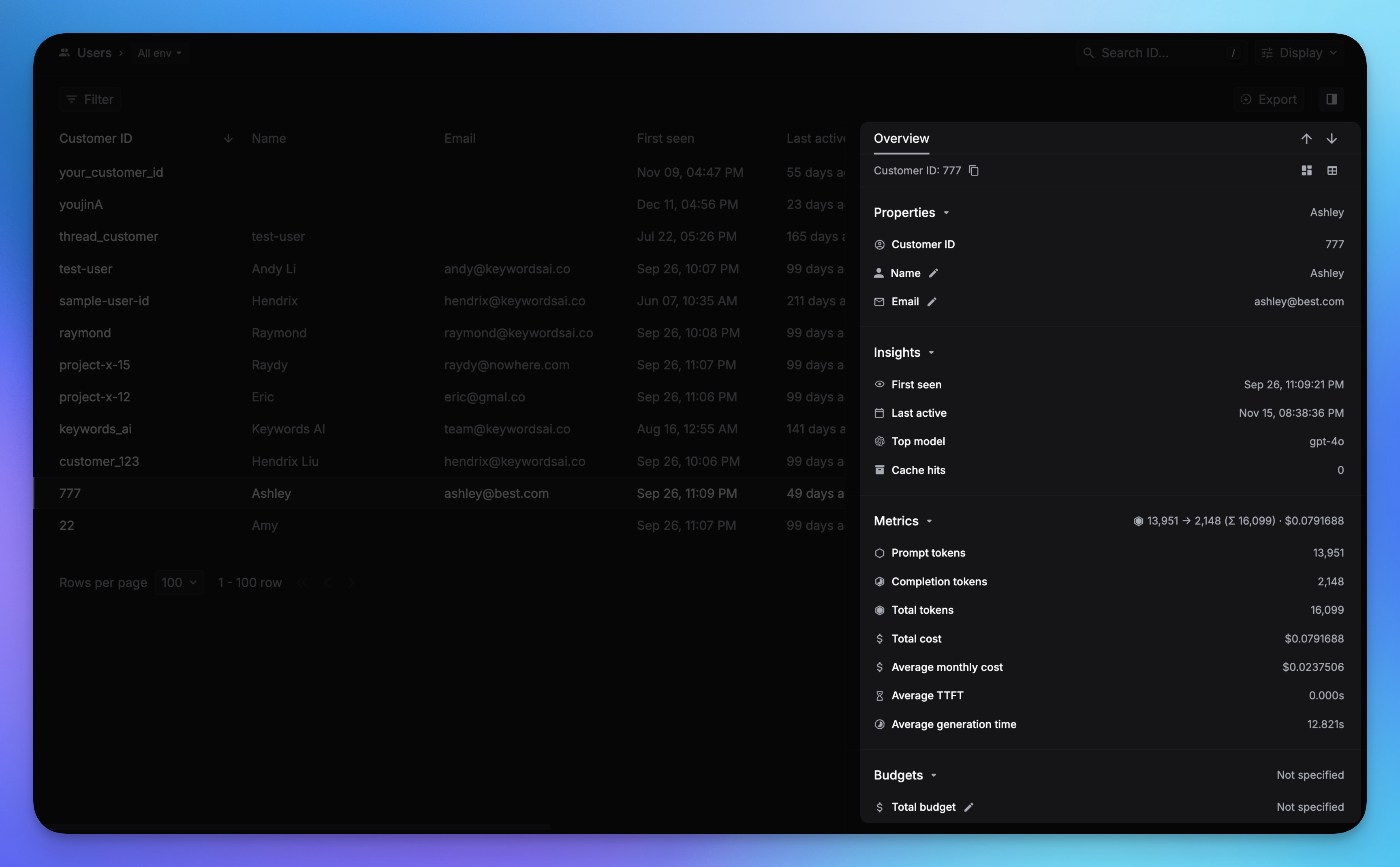
Respan’s Users page lets you track per-user LLM usage, set budgets, and apply rate limits. Pass a customer_identifier with your logs or traces to enable user analytics.
Enable user analytics Pass customer_params to associate logs and traces with a user.
import requests url = "https://api.respan.ai/api/request-logs/" payload = { "model" : "gpt-4o-mini" , "input" : [{ "role" : "user" , "content" : "Hi" }], "output" : { "role" : "assistant" , "content" : "Hello!" }, "customer_params" : { "customer_identifier" : "customer_1" , "name" : "Hendrix Liu" , "email" : "hendrix@respan.ai" } } headers = { "Authorization" : "Bearer YOUR_RESPAN_API_KEY" , "Content-Type" : "application/json" } response = requests.post(url, headers = headers, json = payload)
See Log fields & parameters for all available fields. Respan tracing SDK
OpenAI Agents SDK
Vercel AI SDK
from respan_tracing.decorators import workflow from respan_tracing.contexts.span import respan_span_attributes @workflow ( name = "my_workflow" ) def my_workflow (): with respan_span_attributes( respan_params = { "customer_params" : { "customer_identifier" : "customer_1" , "name" : "Hendrix Liu" , "email" : "hendrix@respan.ai" } } ): # your code here pass
See Tracing parameters for all available fields. For framework setup, see Integration frameworks . from openai import OpenAI client = OpenAI( base_url = "https://api.respan.ai/api/" , api_key = "YOUR_RESPAN_API_KEY" , ) response = client.chat.completions.create( model = "gpt-4o-mini" , messages = [{ "role" : "user" , "content" : "Tell me a story" }], extra_body = { "customer_params" : { "customer_identifier" : "customer_1" , "name" : "Hendrix Liu" , "email" : "hendrix@respan.ai" } } )
See AI gateway for full setup. After you pass customer_identifier, user data appears in 3 places:
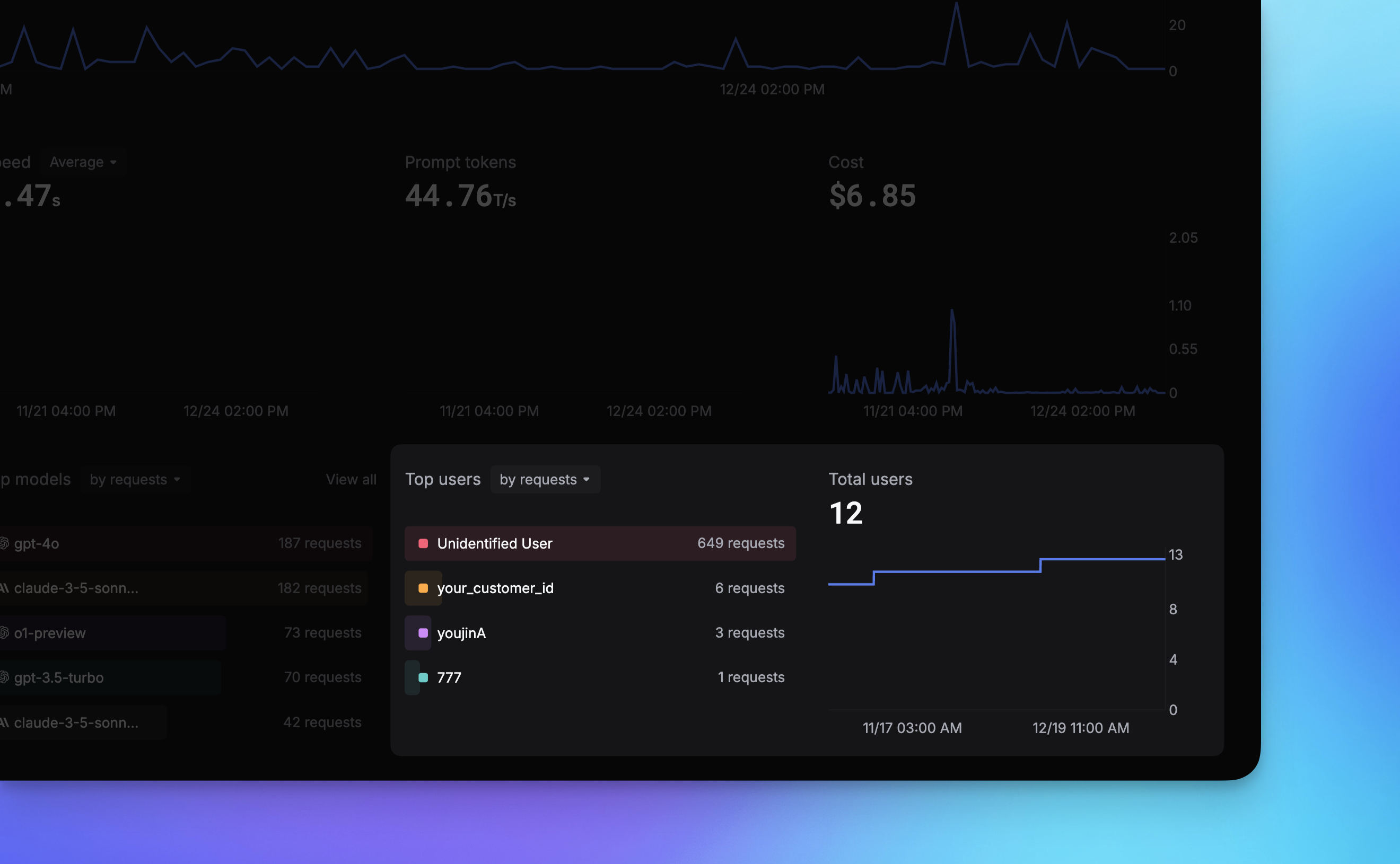
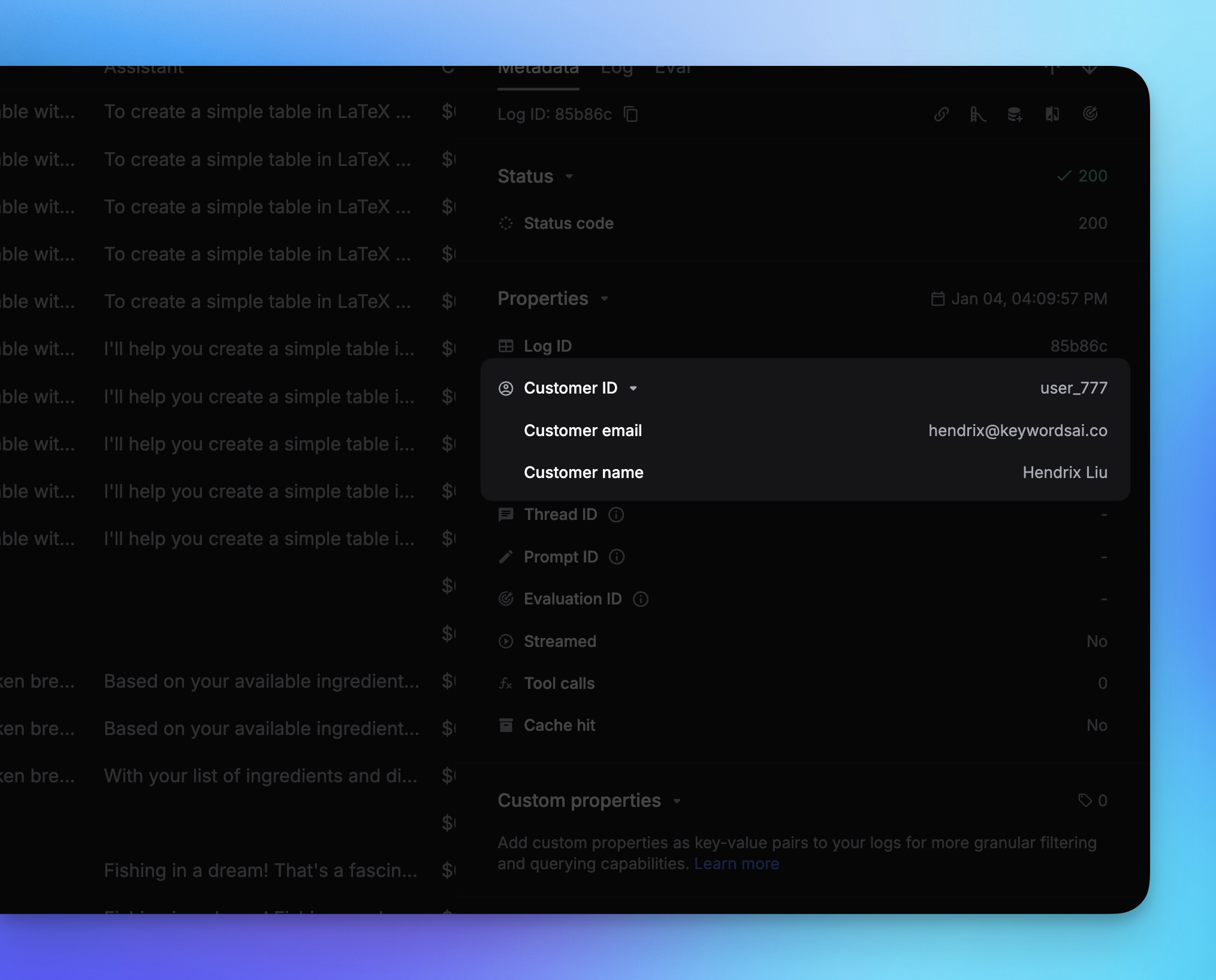
1. Users page — per-user detail and LLM usage.2. Dashboard — top users, daily active users, cost by user.3. Logs page — filter logs by user identifier.You can also create users via the User Creation endpoint without sending a log.
Rate limits This feature is only available for AI gateway users.
Set a per-user rate limit (requests per minute) to prevent abuse. Pass rate_limit inside customer_params:
response = client.chat.completions.create( model = "gpt-4o-mini" , messages = [{ "role" : "user" , "content" : "Hello" }], extra_body = { "customer_params" : { "customer_identifier" : "customer_1" , "rate_limit" : 100 # requests per minute } } )
Budgets Set spending limits per user by passing budget parameters inside customer_params:
response = client.chat.completions.create( model = "gpt-4o-mini" , messages = [{ "role" : "user" , "content" : "Hello" }], extra_body = { "customer_params" : { "customer_identifier" : "customer_1" , "budget_duration" : "monthly" , "period_budget" : 1000 , "total_budget" : 10000 } } )
Budget parameters Parameter Type Description budget_durationstring yearly, monthly, weekly, or dailyperiod_budgetfloat Budget limit for the current period (USD) total_budgetfloat Lifetime budget limit (USD) period_startstring Custom period start (YYYY-MM-DD). Defaults to today. period_endstring Custom period end (YYYY-MM-DD). Auto-calculated from budget_duration if omitted. markup_percentagefloat Markup percentage applied to usage reports for this user
You can use period_start and period_end instead of budget_duration for custom budget periods.
You can also set budgets via the User Update endpoint or the User Creation endpoint .