Nebius AI
Set up Respan
- Sign up — Create an account at platform.respan.ai
- Create an API key — Generate one on the API keys page
- Add credits or a provider key — Add credits on the Credits page or connect your own provider key on the Integrations page
Use AI
Add the Docs MCP to your AI coding tool to get help building with Respan. No API key needed.
Nebius AI models compatibility
✅ Supported Frameworks
❌ Unsupported Frameworks
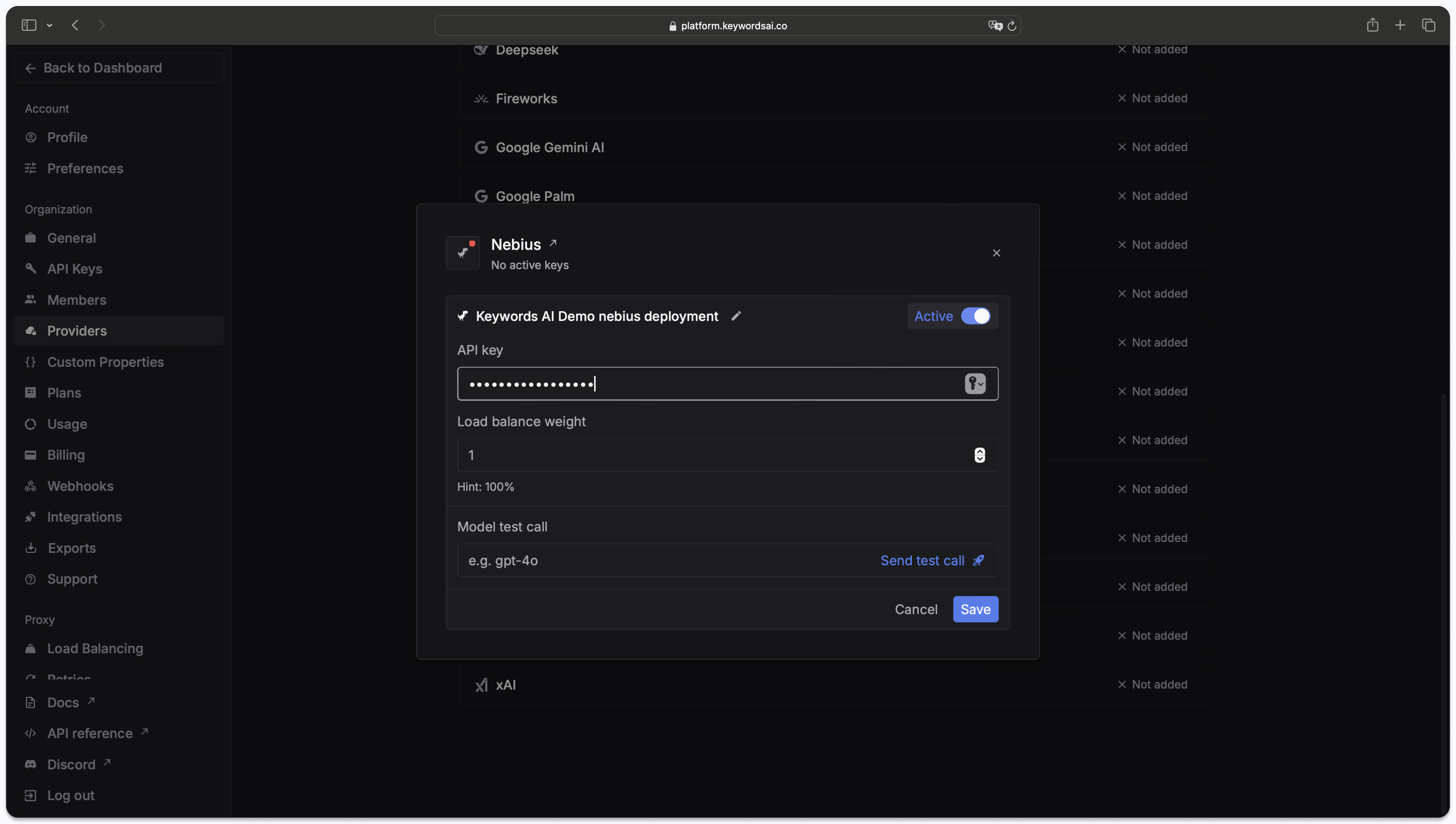
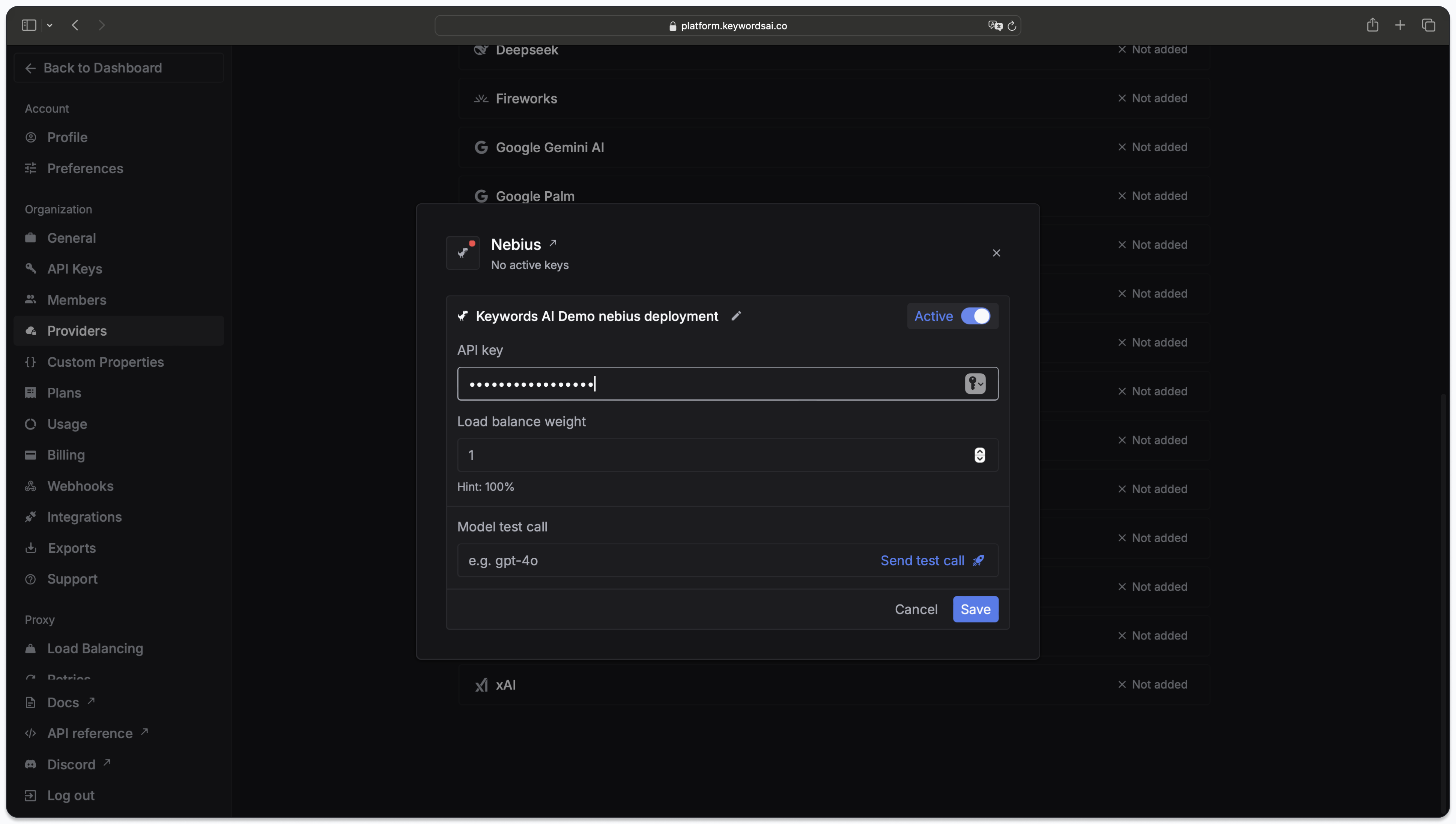
To use Respan LLM proxy, you need to add your own credentials to call models from each provider. Here’s how you can add your Nebius AI credentials on Respan platform.
Add Nebius AI API keys
There are 2 ways to add your Nebius AI credentials to your requests:
Via UI
Go to the Providers page
The Providers page allows you to add your own credentials for each provider. Currently, over 20+ providers are supported.

Call Nebius AI models
You can now call Nebius AI models on Respan platform.
Go to Models page and select Nebius AI from the provider dropdown.
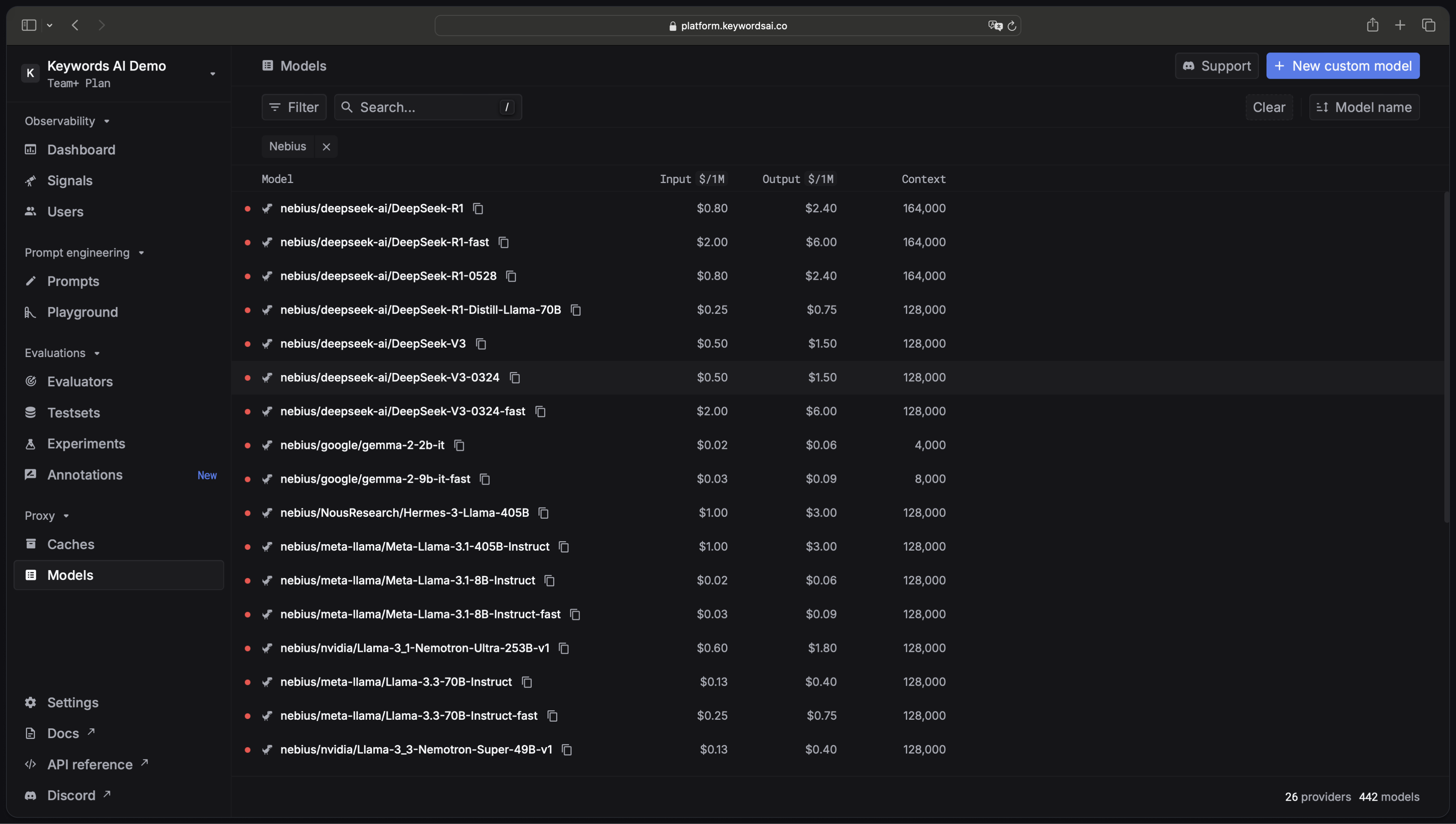
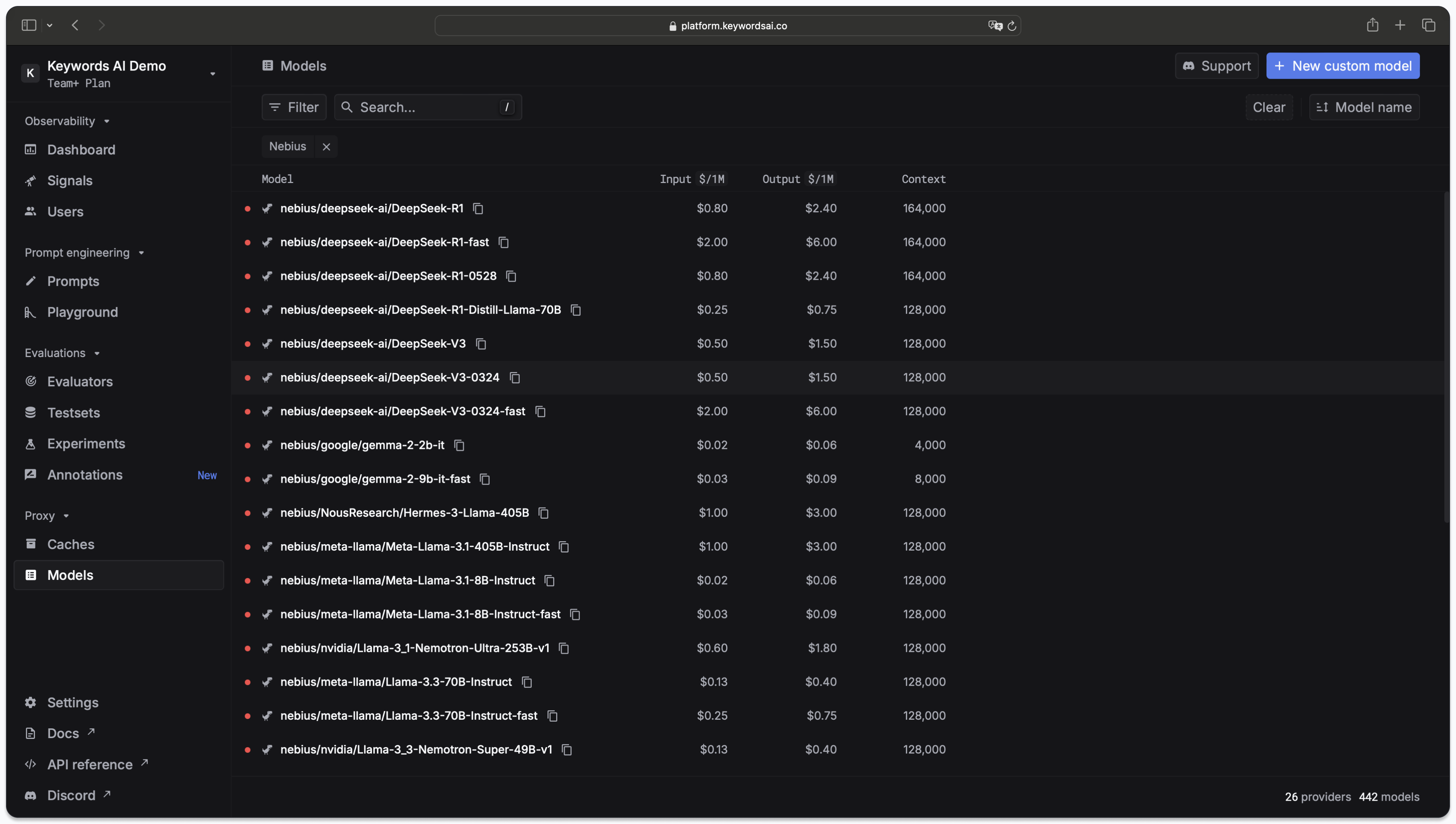
Then add the correct Nebius AI model ID in the Model field.
Example
Check out LLM proxy to know more about how to use the models.

