

Create from existing logs
Sample production logs into a dataset by applying filters, time ranges, and sampling percentages.- Via UI
- Via API
Go to Datasets and click Create
Navigate to Datasets and click Create dataset. Choose From logs (sampling).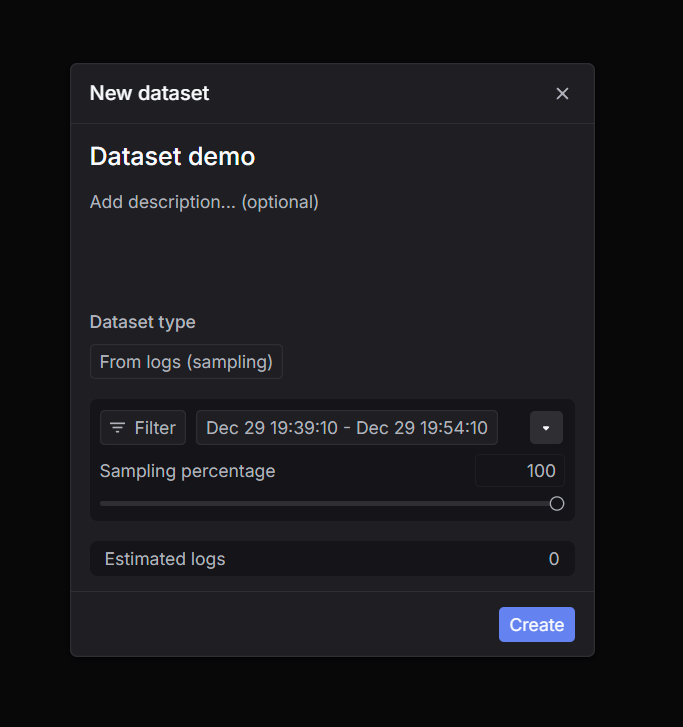
Set filters, time range, and sampling percentage
Configure filters (e.g. 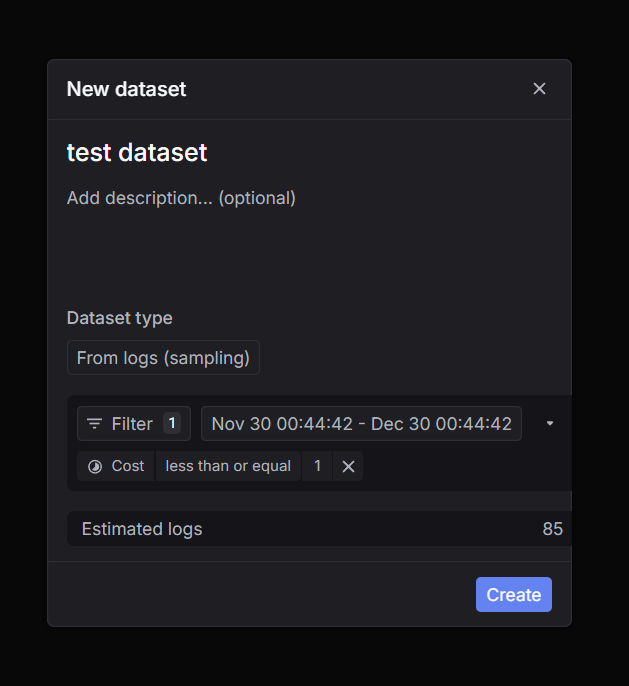
status_code = 200, specific model, metadata), time range, and sampling percentage.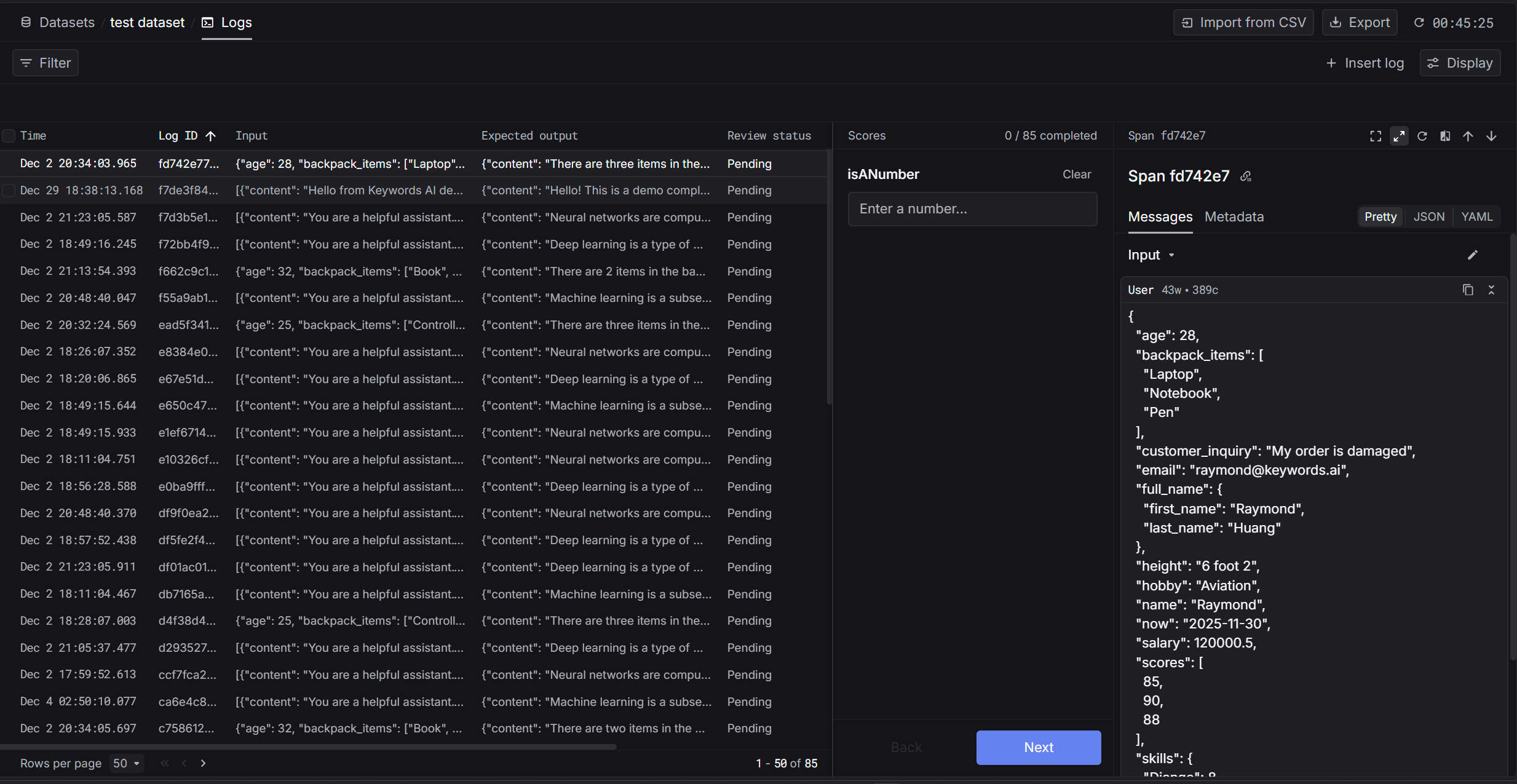
Create manually
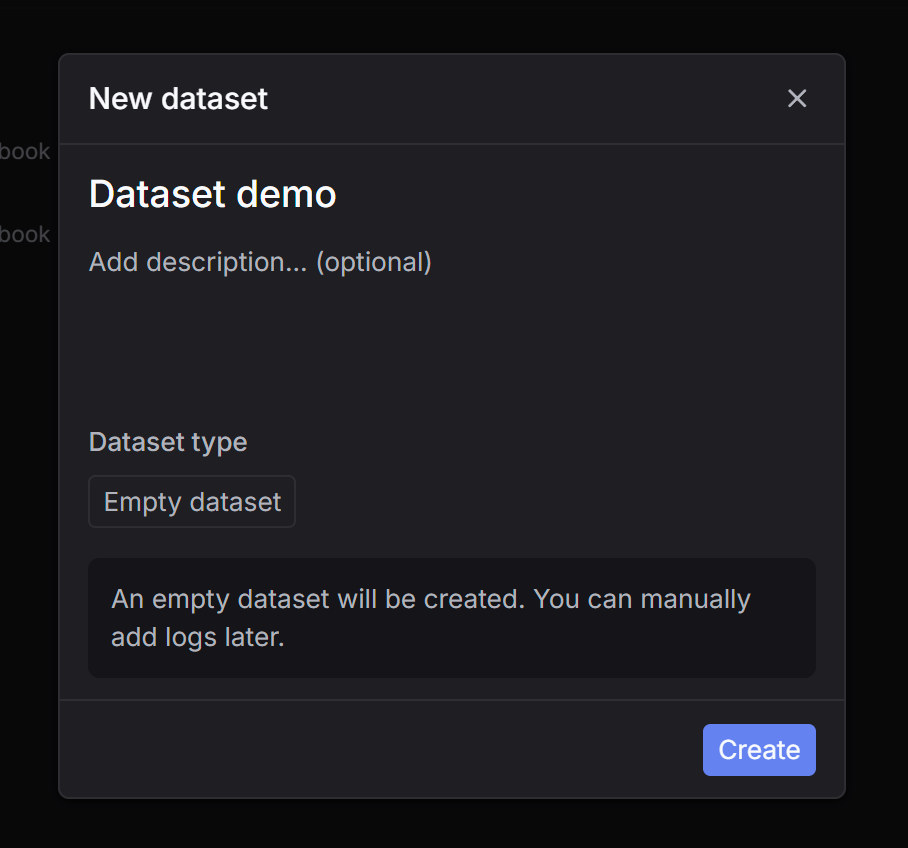
Create an empty dataset and add logs by hand — via JSON, CSV, or API.- Via UI
- Via API
Add logs
Click Insert new log and provide JSON with input and output, or click Import from CSV to upload a batch.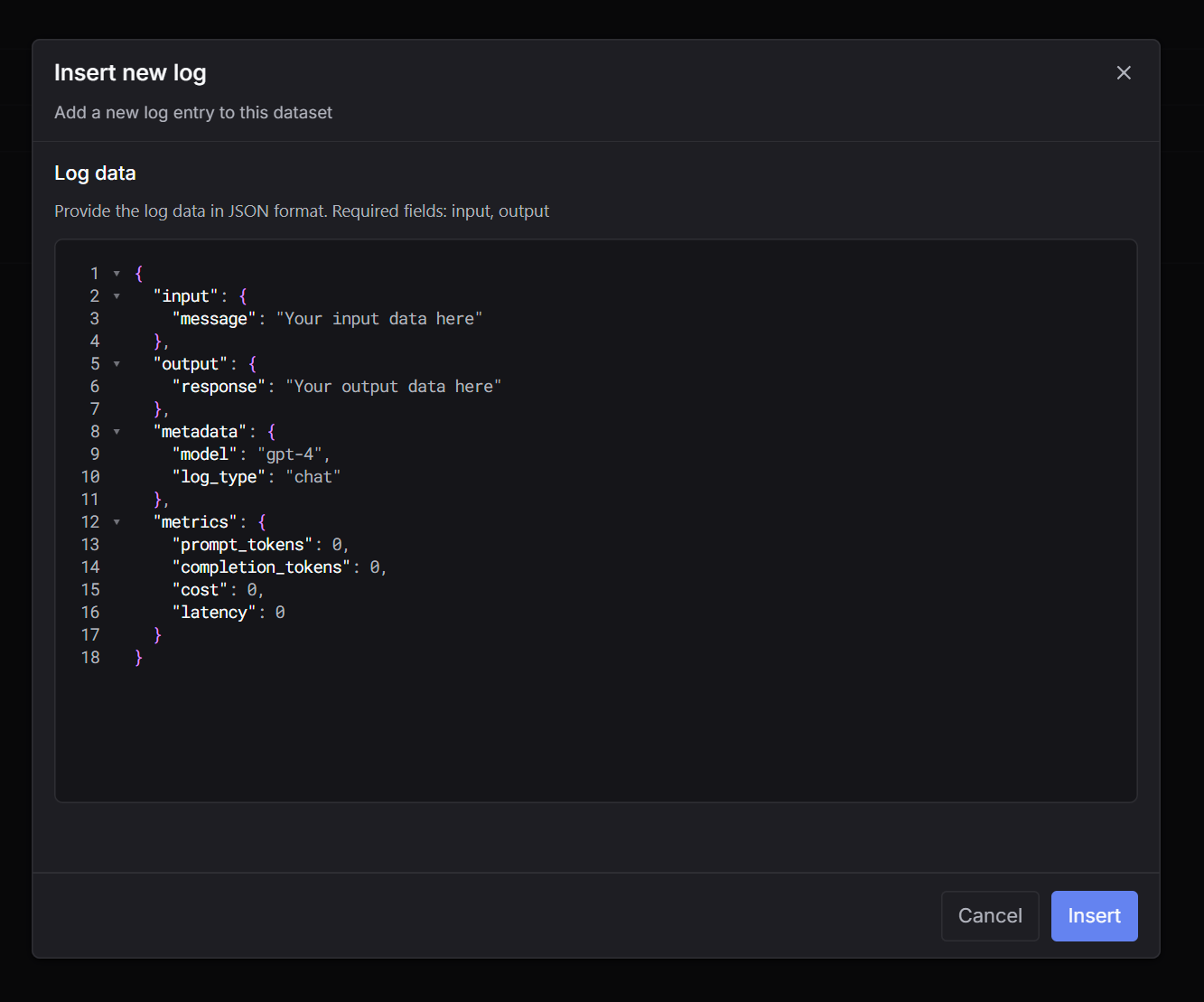 CSV template (Google Drive)