LiteLLM

Use LiteLLM with Respan for gateway access and logging.
  1. Sign up — Create an account at platform.respan.ai
  2. Create an API key — Generate one on the API keys page
  3. Add credits or a provider key — Add credits on the Credits page or connect your own provider key on the Integrations page

Add the Docs MCP to your AI coding tool to get help building with Respan. No API key needed.

1{
2 "mcpServers": {
3 "respan-docs": {
4 "url": "https://docs.respan.ai/mcp"
5 }
6 }
7}
This integration supports the Respan gateway and callback logging.

What is LiteLLM?

LiteLLM provides a unified Python interface for calling 100+ LLM providers using the OpenAI format. With Respan, you can either:

  • Gateway — route requests through Respan for observability, fallbacks, and load balancing
  • Logging — keep calling providers directly and export logs to Respan via a callback

Quickstart

Install packages

$pip install litellm respan-exporter-litellm

Gateway mode

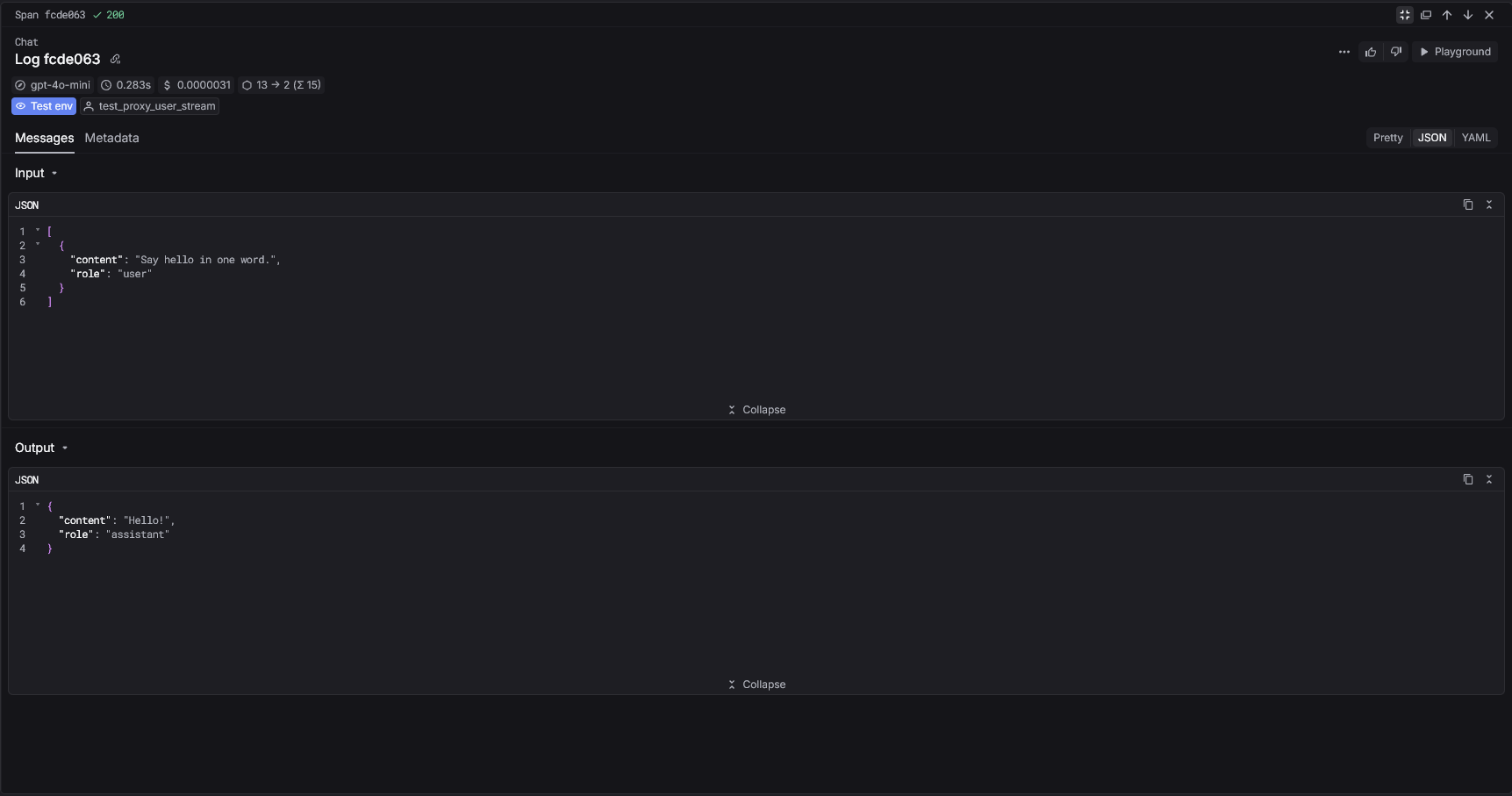
Route LiteLLM requests through the Respan gateway. This gives you full access to Respan features like fallbacks, load balancing, and prompt management.
1import litellm
2
3response = litellm.completion(
4 api_key="YOUR_RESPAN_API_KEY",
5 api_base="https://api.respan.ai/api",
6 model="gpt-4o-mini",
7 messages=[{"role": "user", "content": "Hello!"}],
8)
9print(response.choices[0].message.content)
LiteLLM gateway logging in Respan

Logging mode

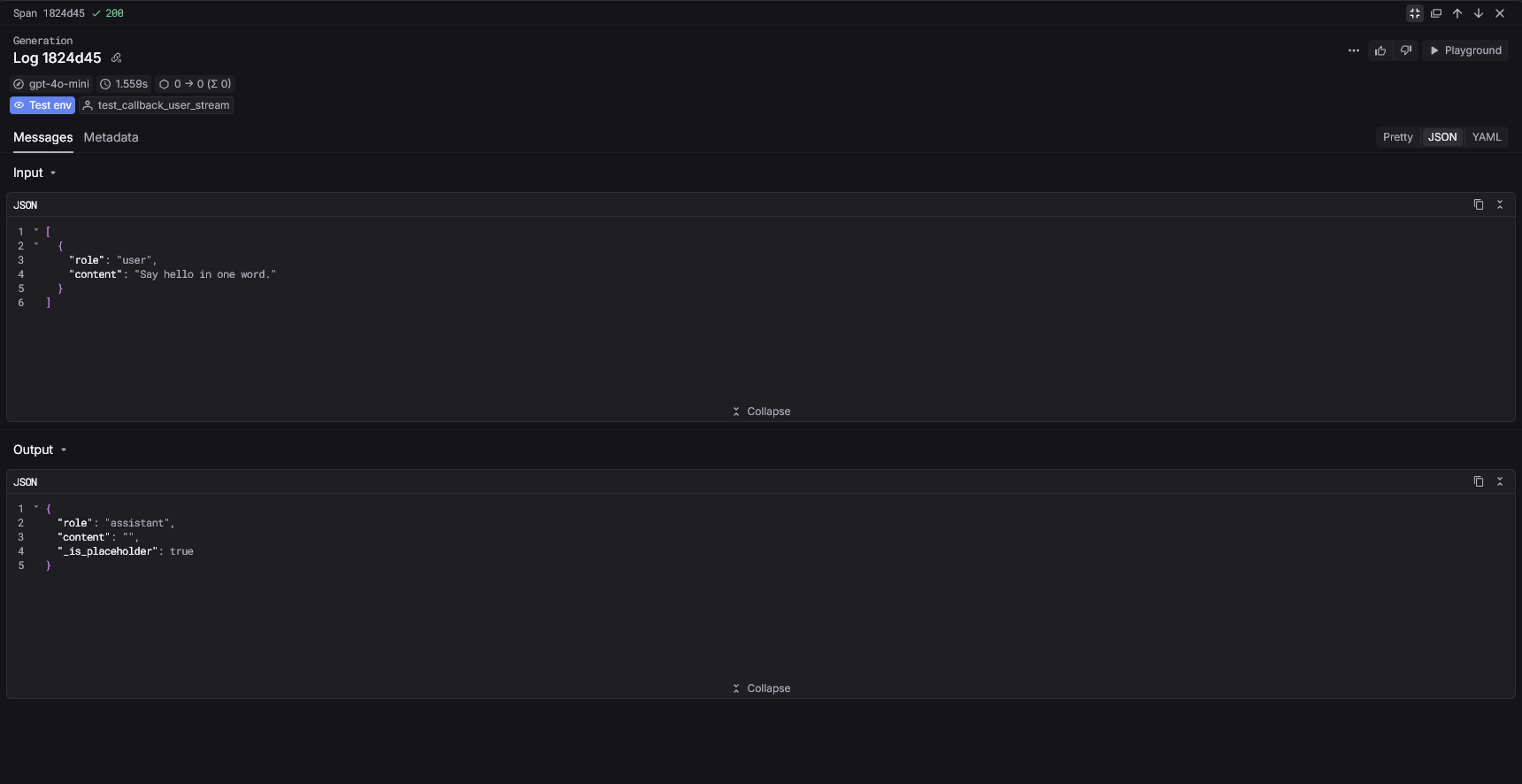
Register the Respan callback to log all completions automatically. Requests go directly to providers — only the logs are sent to Respan.
1import litellm
2from respan_exporter_litellm import RespanLiteLLMCallback
3
4litellm.callbacks = [RespanLiteLLMCallback()]
5
6response = litellm.completion(
7 model="gpt-4o-mini",
8 messages=[{"role": "user", "content": "Hello!"}],
9)
10print(response.choices[0].message.content)
LiteLLM callback logging in Respan

Supported parameters

Gateway mode (extra_body)

Pass Respan parameters using extra_body when routing through the gateway.

1response = litellm.completion(
2 api_key="YOUR_RESPAN_API_KEY",
3 api_base="https://api.respan.ai/api",
4 model="gpt-4o-mini",
5 messages=[{"role": "user", "content": "Hello!"}],
6 extra_body={
7 "customer_identifier": "user-123",
8 "metadata": {"session_id": "abc123"},
9 "thread_identifier": "conversation_456",
10 },
11)

Logging mode (metadata)

Pass Respan parameters inside metadata.respan_params.

1response = litellm.completion(
2 model="gpt-4o-mini",
3 messages=[{"role": "user", "content": "Hello!"}],
4 metadata={
5 "respan_params": {
6 "workflow_name": "simple_logging",
7 "span_name": "single_log",
8 "customer_identifier": "user-123",
9 }
10 },
11)

Configuration

ParameterTypeDefaultDescription
api_keystrRESPAN_API_KEY env varRespan API key.
base_urlstr | NoneNoneAPI base URL.

See the LiteLLM Exporter SDK reference for the full API.

Async usage

The callback supports async completions automatically:

1import litellm
2from respan_exporter_litellm import RespanLiteLLMCallback
3
4litellm.callbacks = [RespanLiteLLMCallback()]
5
6response = await litellm.acompletion(
7 model="gpt-4o-mini",
8 messages=[{"role": "user", "content": "Tell me a joke"}],
9)

Multiple providers

LiteLLM’s unified interface means all providers are logged with the same callback:

1import litellm
2from respan_exporter_litellm import RespanLiteLLMCallback
3
4litellm.callbacks = [RespanLiteLLMCallback()]
5
6# OpenAI
7litellm.completion(model="gpt-4o-mini", messages=[...])
8
9# Anthropic
10litellm.completion(model="claude-sonnet-4-5-20250929", messages=[...])
11
12# Together
13litellm.completion(model="together_ai/meta-llama/Llama-3-70b", messages=[...])

Next Steps