OpenRouter
Set up Respan
- Sign up — Create an account at platform.respan.ai
- Create an API key — Generate one on the API keys page
- Add credits or a provider key — Add credits on the Credits page or connect your own provider key on the Integrations page
Use AI
Add the Docs MCP to your AI coding tool to get help building with Respan. No API key needed.
Use Respan Gateway to call OpenRouter models while keeping unified observability (logs, cost, latency, and reliability metrics) in Respan — and optionally charge usage to your own OpenRouter credits.
Prerequisites
- A Respan API key
- An OpenRouter API key (BYOK credits)
Supported SDKs / integrations
✅ Supported Frameworks
❌ Unsupported Frameworks
Configuration
There are 2 ways to add your OpenRouter credentials to your requests:
Via UI (Global)
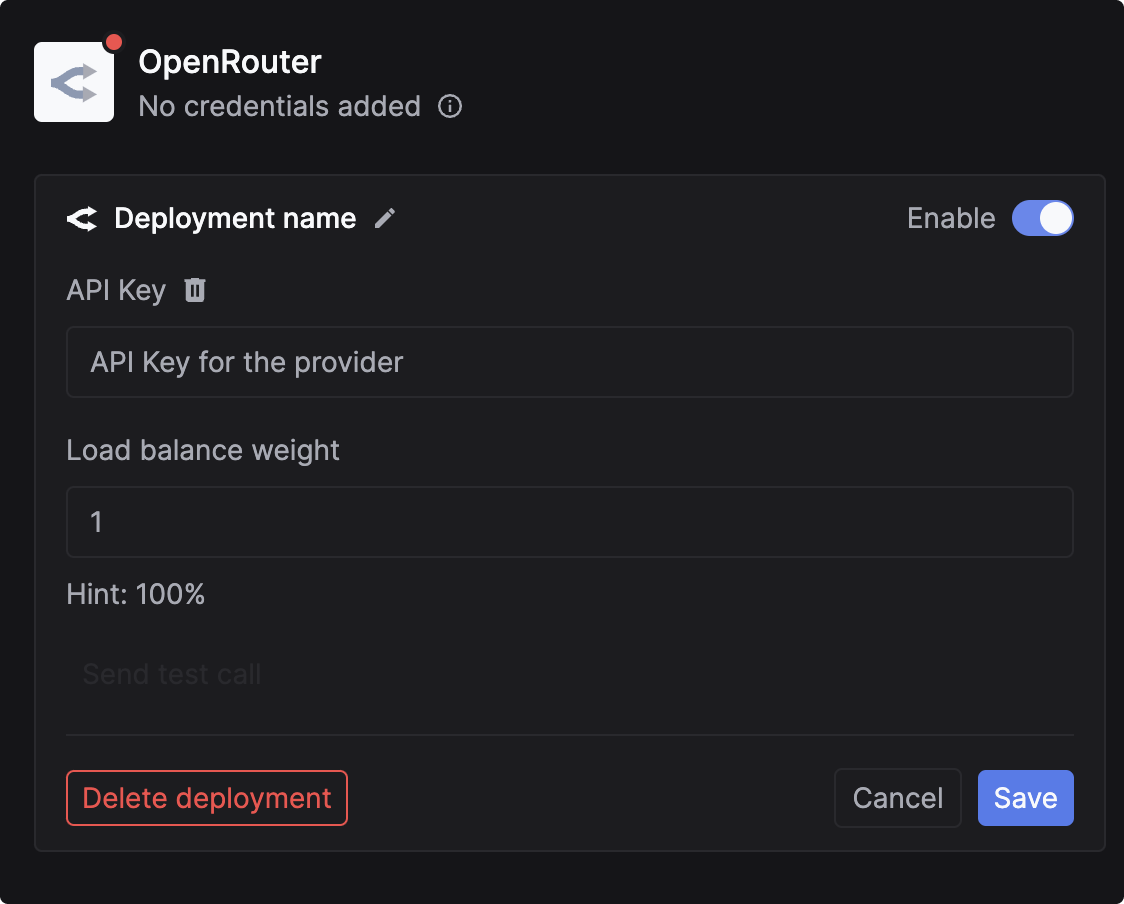
Navigate to Providers
Go to the Providers page. This page allows you to manage credentials for over 20+ supported providers.

Via code (Per-Request)
You can pass credentials dynamically in the request body. This is useful if you need to use your users’ own API keys (BYOK credits).
Add the customer_credentials parameter to your Gateway request:
Log OpenRouter requests
If you are not using the Gateway to proxy requests, you can still log your OpenRouter requests to Respan asynchronously. This allows you to track cost, latency, and performance metrics for external calls.

