Set up Respan
Set up Respan
- Sign up — Create an account at platform.respan.ai
- Create an API key — Generate one on the API keys page
- Add credits or a provider key — Add credits on the Credits page or connect your own provider key on the Integrations page
Use AI
Use AI
Add the Docs MCP to your AI coding tool to get help building with Respan. No API key needed.
Create your PostHog account
Go to PostHog and create an account. Go to your PostHog project settings and get your PostHog API key and host.
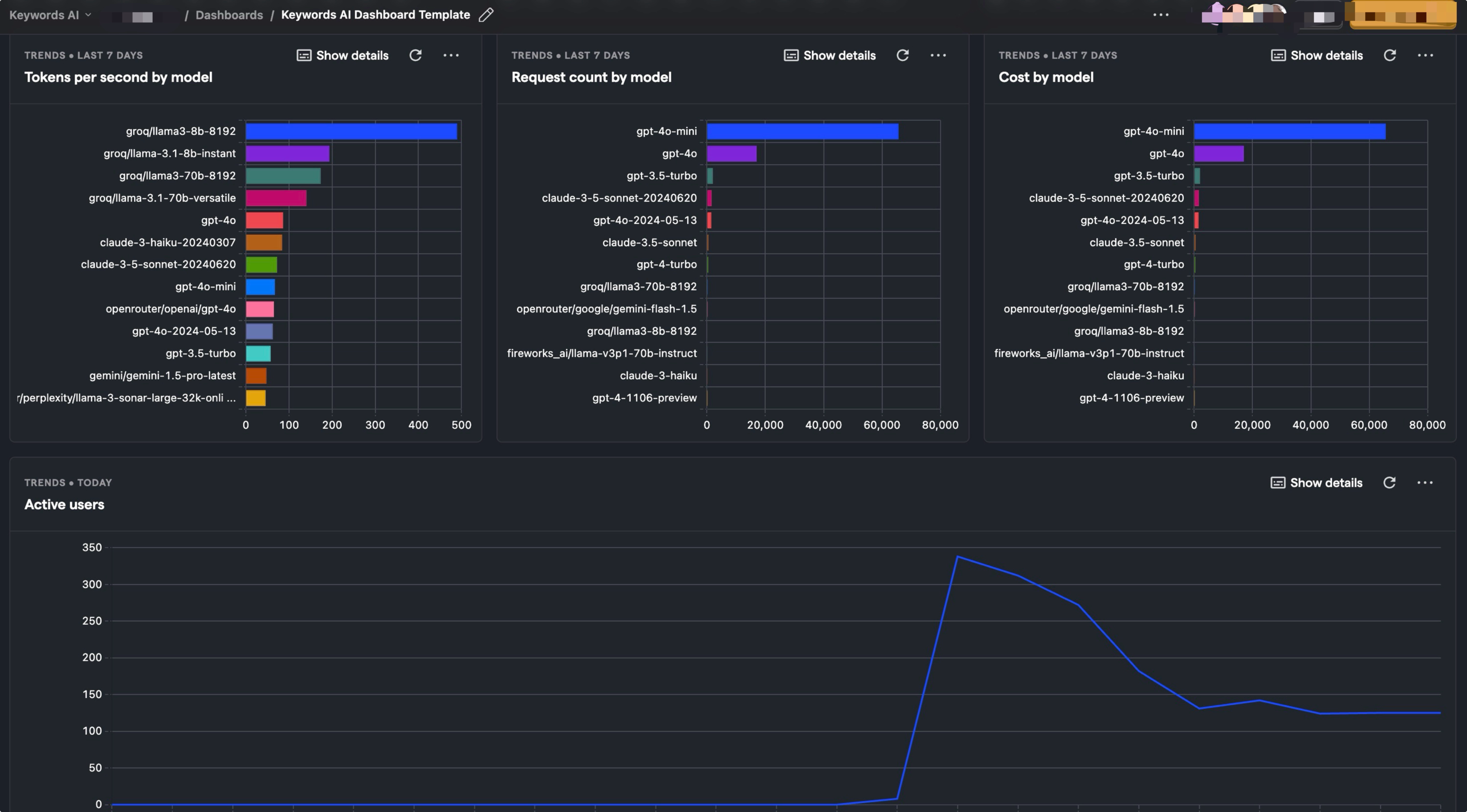
Use Respan template to create a dashboard
You can use the official Respan template in PostHog to create a dashboard to monitor your LLM performance.