Set up Respan
Set up Respan
- Sign up — Create an account at platform.respan.ai
- Create an API key — Generate one on the API keys page
- Add credits or a provider key — Add credits on the Credits page or connect your own provider key on the Integrations page
What is span logging?
- Send a
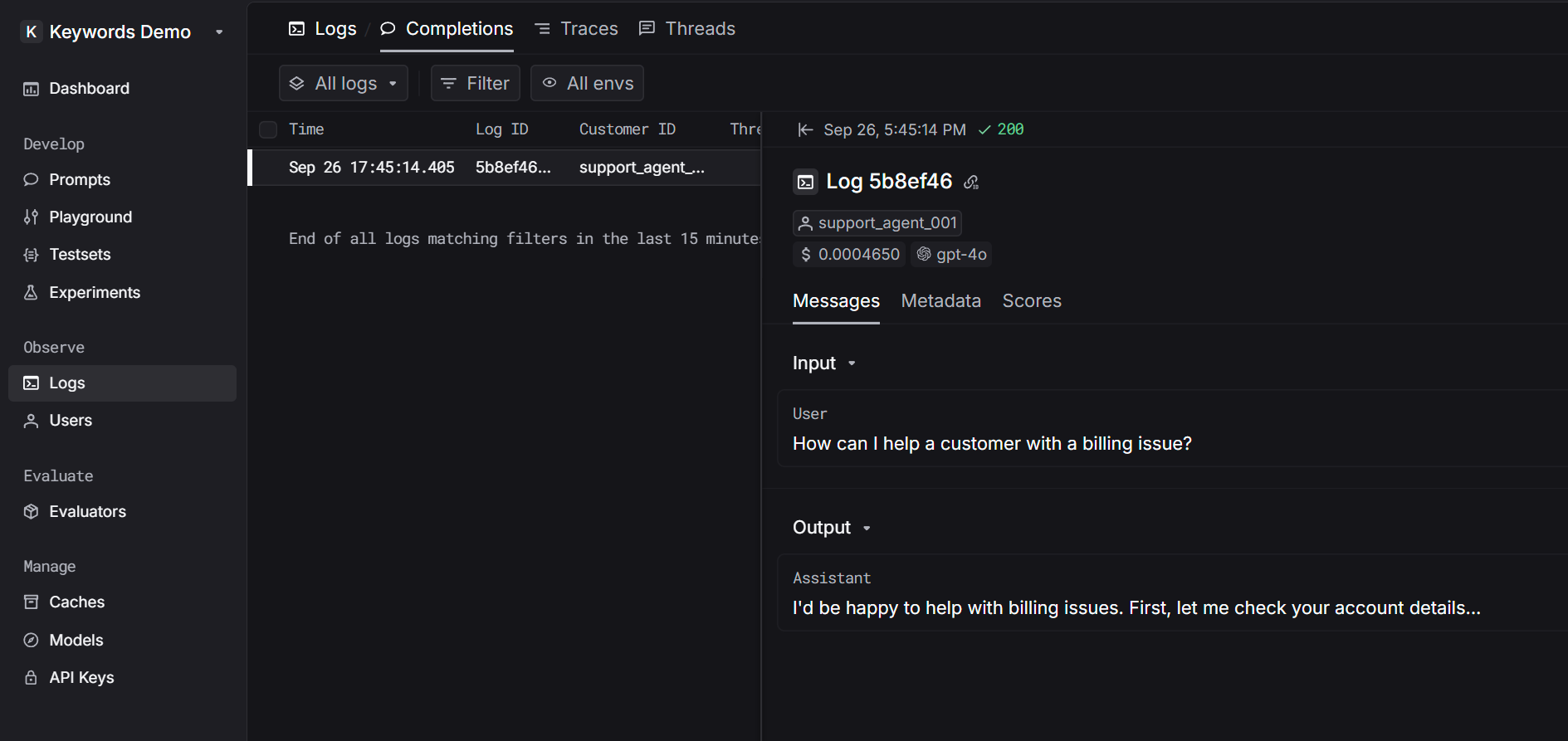
POSTrequest to log your AI conversations - See them appear instantly on your Respan platform

Use span logging API
1. Get your Respan API key
After you create an account on Respan, you can get your API key from the API keys page.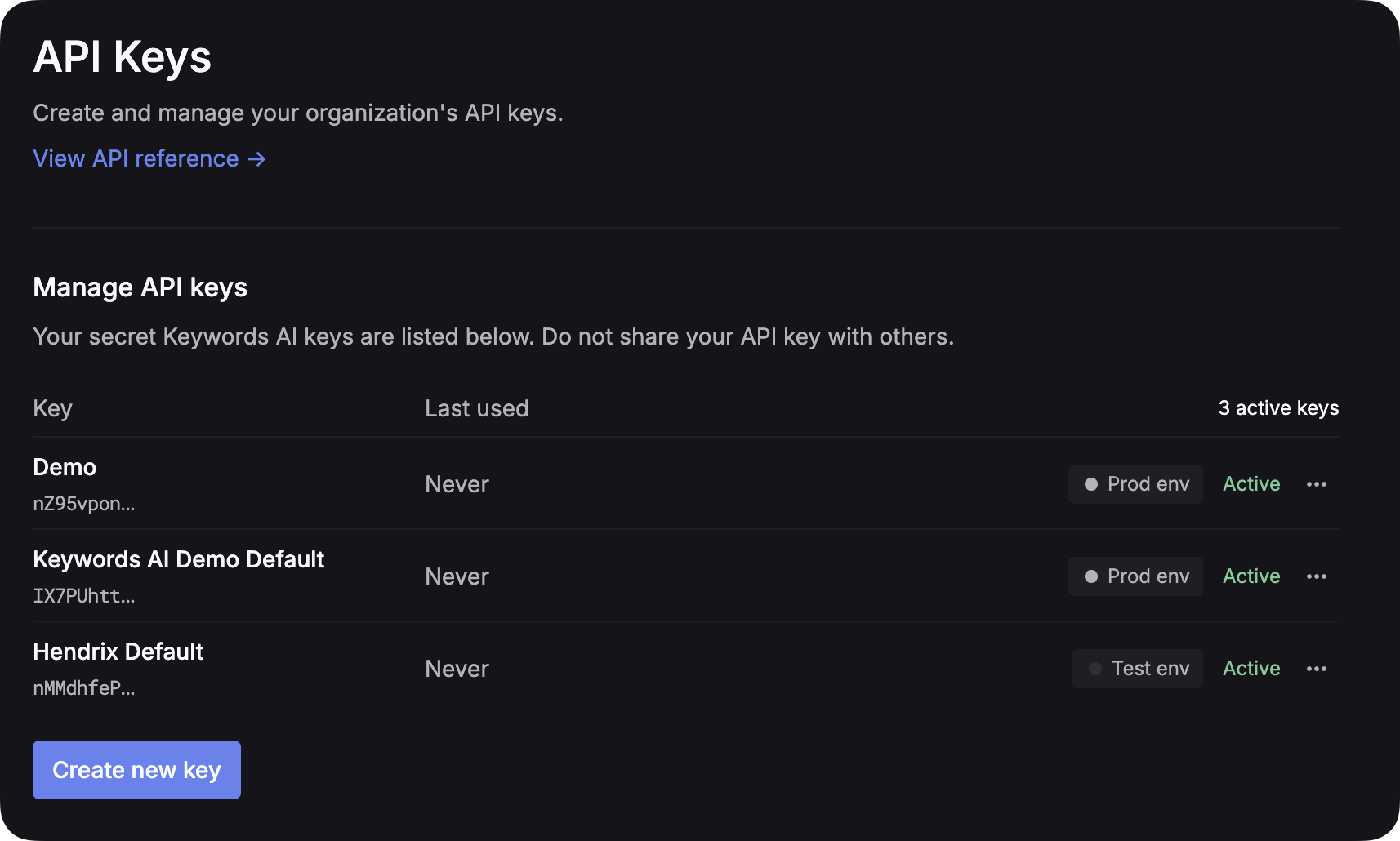
2. Integrate Async Span Logging into your codebase
3. Check your spans on the platform
After you integrate the async span logging into your codebase and send the request successfully, you can check your spans on the Spans page.